Blog Break 2–Busy is as Busy Does
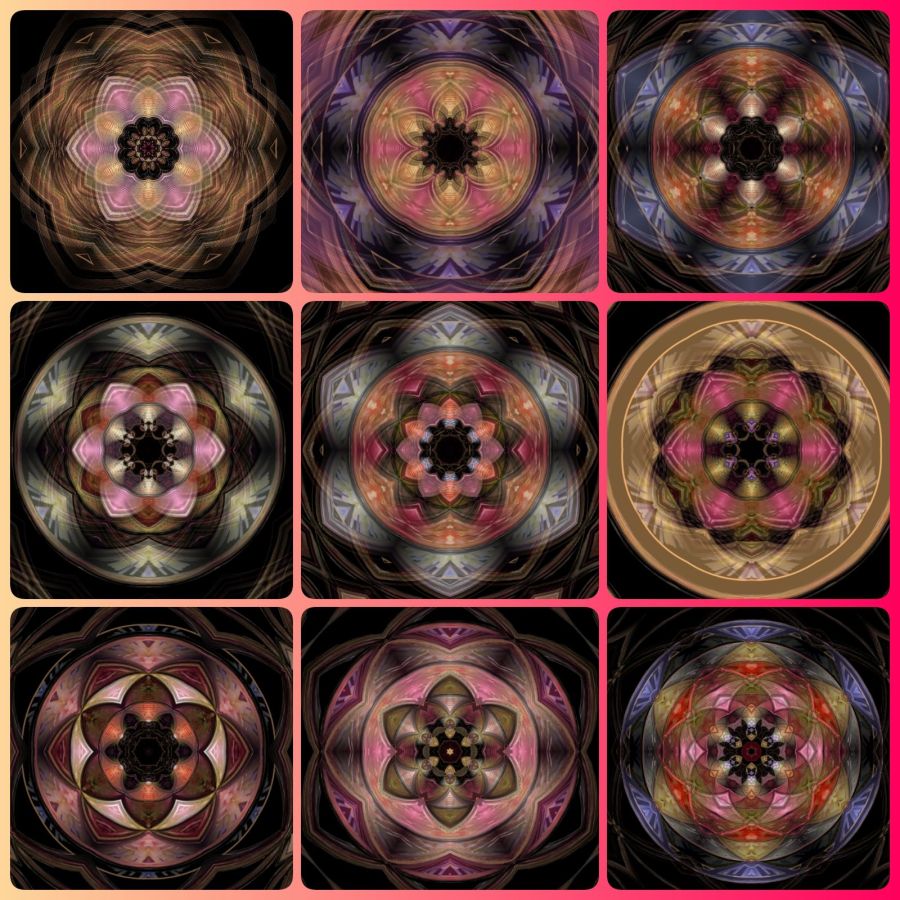
Because of many days of not staying on top of things, I got into some very old dust on the back of a shelf desperately needing organizing. I got lots of steps and busy stuff done to prepare for a busy day tomorrow, but I need more sleep for real preparation. That means, another day of taking a break from trying to write any meaningful words, but I can almost always find some pretty images to share.
These images are called digital squared circles because they are created with software (digitally designed in the Mirror Lab app for Android) and you can clearly see the circle in the middle of the square. I learned about these from a Flickr group I’ve now inherited and need to add more of my own images to. But it’s fun to see what others add—when they follow the rules. (That is, when they actually add squared circles and not just add whatever in haste to get their stuff out to multiple groups.)
And with that, I say goodnight and sweet dreams. I hope my busyness will pay off with some good sleep to revive my creative words. 😴
Share this post on:

I Break for Creativity
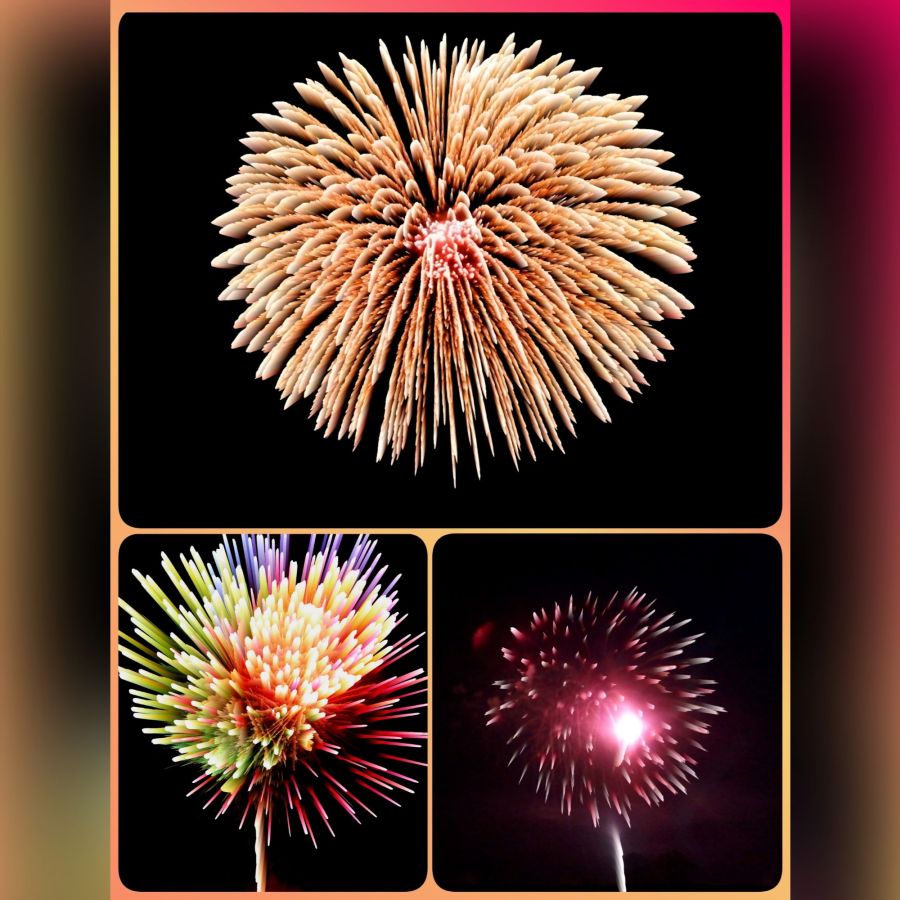
I’m running late on some things today while I rest from sciatica pain, so in my photo memories, these actual fireworks I captured were desperately needing creative editing. The pink one is the most obvious that it’s a real picture because it only needed a little creativity, but I really have fun with the alchemy filter in the Mirror Lab app for Android.
Here’s one before image…

You can see where I got rid of the smoke and added some saturation for better colors. Those simple edits, plus an AI request to clean up the smoke behind the big fireworks were done with the Photo Studio Pro app. (Link goes to the free ad-supported app, but if you have Play Pass, this is one of the included pro apps.) After that I applied the alchemy filter.
One more mid process…

This one has been cropped and had contrast and saturation adjustments before putting it through the strong alchemy filter to really stretch out all those points of light.
Finally, when I got a few I liked (and it got too late to work on anymore of them, I grabbed my 3 favorites and put them in a collage using the Photo Studio Pro app.
And that’s my day and night for this post. I sure would love to see some responses from people trying any or all of these apps I share to tell me what you think and maybe show me some results. I do not use affiliate links to share these, so I’m not even certain what’s clicked on, but it’s important to me to think I’m being helpful to people. And because I have no Apple devices, I can only hope you can find some of these if that’s the system you prefer to work in.
Share this post on:

The Love Story that Created a Love Story

Truthfully, if it wasn’t for this couple’s love story, I may not have turned my life around and started really living for The Lord.
It started with a move from LA to Arizona. Then my sister and our mom moved there, and our mom got a switchboard job at the county courthouse. She met Steve, introduced him to Candie, and the rest is 43+ years of history.
But within that history is the wedding where I got to be the matron of honor because I’m the big sister. 😁 And then, a stubborn ultimatum about someone refusing to attend their special day unless I agreed to visit a church service turned into my ultimate turnaround moment.
It doesn’t matter that I didn’t want to be there. It doesn’t matter that I once walked by that very church with a huff, heard the music from inside, and stated, “You won’t catch me dead in a Pentecostal church!” And it doesn’t matter that my heart was not in it when I attended for all the wrong reasons. What matters is that God set all the details in place to make sure He could get me to a place where I would hear His voice.
Since that night, life has been filled with changes—both good and bad, but mostly good. It has had additions and losses, fill-ups and drainages, moves and stays, and bumps and bruises. There have been moments that challenged my faith, but there have been far more moments that strengthened it. And through all those changes, the Creator who pursued this resistant soul has never left me.
So when you think your little rejected invitation, or your prayers for someone’s soul, don’t really matter—they do. Even if you can’t find the perfect words to win someone, speak from your heart anyway. God may decide to use a couple that isn’t even serving Him yet as a tool to draw a daughter who desperately needs to meet her Heavenly Father simply because their event helps put all the pieces in place. And in return, just look at how God blessed their event to become a marriage and a family that serves Him and has lasted 43 years so far.
Happy Anniversary Steve and Candie. Thank you for falling in love. Thank you for getting married. Thank you for letting God use you both in my salvation story even when none of us knew what He was doing. May God’s holy presence fill your every moment and bless you abundantly in return for this major blessing in my life. In YahShua’s name, Amen! 🙏💕
2 Corinthians 4:15 NLT
[15] All of this is for your benefit. And as God’s grace reaches more and more people, there will be great thanksgiving, and God will receive more and more glory.

https://bible.com/bible/116/2co.4.15.NLT
Share this post on:

Blog Break: Fireworks Converted by AI

You’d think I actually did a play for 3 days with how tired those 3 posts left me. I have so many drafts I’m working on and excited to share, but it’s one of those nights where sleep seems to be calling more loudly.
So this is an image of beautiful fireworks at Patoka Lake in Indiana. But with night pictures, there’s almost always a little blur and a lot of photo noise. I took my beautiful photos through AI to clean them up and add even more beauty. I’ll let y’all know when I’ve completed the album, so you can see before and after shots.
Good night and sweet dreams. 😴💭
Share this post on:

🎵 Route 66—Part 2; My Personal Memoir of The Mother Road

by Crystal A Murray (CC BY-NC-SA 4.0)
This time, instead of pictures, I’ll tell you a little story about my first introduction to The Mother Road. (Warning: I think this post shows my ADHD mind a little, but it’s got some fun stuff in it. 😁)
I was 15 and was still living with my grandparents who decided to move from the island in California to the desert in Arizona. The trip included a stop at a restaurant called Pea Soup Andersen’s where I had some of the most amazing split pea soup I can ever recall tasting. I know the two truck stops we gassed up at were in Buttonwillow and Barstow, CA. Looking back at the map, Santa Nella (where the restaurant is located) is about two hours north of Buttonwillow and over four hours from Barstow, so it must have been quite the driving stretch to make that stop.
Hey, I was a teen who didn’t drive (and didn’t want to back then), and I was mostly paying attention to my kitty who was not very happy with traveling for the first time. But I remember the soup like it was yesterday, especially how they put croutons on top.
Anyway, we got to Kingman, Arizona late at night, and it was so dark! It was actually eerie, so I guess it wasn’t one of those nights where the moon lights up the desert like it’s midday.
But it was in adulthood that I learned about the road that served as the main drive through that town. My Uncle Bob (rip) was enamored with the history of it—and the song. (If you click the history link, it’s got a short but interesting post about Route 66 and its decertification followed by some comments that add even more history.) Anyway, it turns out that when Uncle Bob was a firefighter in California, he went to the jazz nightclub where Bobby Troup performed. He even had Bobby write a song for his wife at the time.
So Uncle Bob became one of the biggest fans of my singing and, because of that connection, sent a tape to Bobby Troup who listened and said it was good, but added that nothing compared to his Julie. (Bobby was married to Julie London who played Nurse Dixie McCall on Emergency! where he played Dr. Joe Early.) He sent signed pictures for my sister and me showing him and Julie. Sadly, over the years, those pictures seem to have disappeared—along with a picture of us as little girls with Kevin Tighe. (Kevin played firefighter-paramedic Roy DeSoto on Emergency! We actually stumbled across an episode being filmed once in Sun Valley, so we stopped to watch. He was super friendly with all the fans; and when my stepdad asked if he could take a picture of us with him, he asked a kid near him to hold his coffee and said, “Sure!” with a big smile on his face.)
But I digress. Here is the Bobby Troup version of Get Your Kicks on Route 66 (which was also the theme song of the show by the same name.) If you listen closely, you’ll hear him sing the name of Kingman right after Flagstaff and Winona, and just before Barstow.
If you live along Route 66 in Arizona, you’ll eventually come across the Route 66 Fun Run. It brings out some of the most amazing classic cars to show off as they traverse the scenic stretch from Seligman (yesterday’s post) to Topock, Arizona. Between witnessing that firsthand and sharing in Uncle Bob’s excitement, it was natural to become a bit of a fan myself.
There’s way more I could share—from my numerous stops at Lou Mitchell’s in Chicago to the giant McDonald’s that arches right over the highway on The Will Rogers Turnpike, to the Route 66 museum in Oklahoma City. I’ve included plenty of links, so bookmark this post to come back when you’ve got time for some virtual touring. I’ll try to follow this up on November 11th when Route 66 celebrates its centennial anniversary, though I think that party has already begun in some places!
I have to say, the resilience of the travelers and fans that keep the history alive with memories and celebrations is amazing. It brings to mind the Scripture about remembering the old paths.
Jeremiah 6:16ab BSB
[16] This is what the Lord says: “Stand at the crossroads and look. Ask for the ancient paths: ‘Where is the good way?’ Then walk in it, and you will find rest for your souls.

https://bible.com/bible/3034/jer.6.16.BSB
I will close with the factoid that the song above has been officially recorded well over 500 times. The original was in 1946 by the Nat King Cole Trio. The most recent was by John Mayer in 2006 for the movie Cars, and somewhere in-between, there was even a dark synth-pop electronic version by Depeche Mode. My Aunt Shirley (Uncle Bob’s wife) really liked that version.
Here are those three videos for your comparative listening pleasure.
Share this post on:

Get Your Kicks on Route 66

By Crystal A Murray (CC BY-NC-SA 4.0)
These photos are old (mostly 2010) and desperately needed editing, and my Photo Studio Pro just wouldn’t cooperate on the tablet, so it took me a lot longer on the small phone screen. That means, I’m going to quickly share a little photo tour with you, but I don’t have time for a lot of text tonight. This subject was planned because on June 27th, 1985, Route 66 was officially declassified as an American highway.
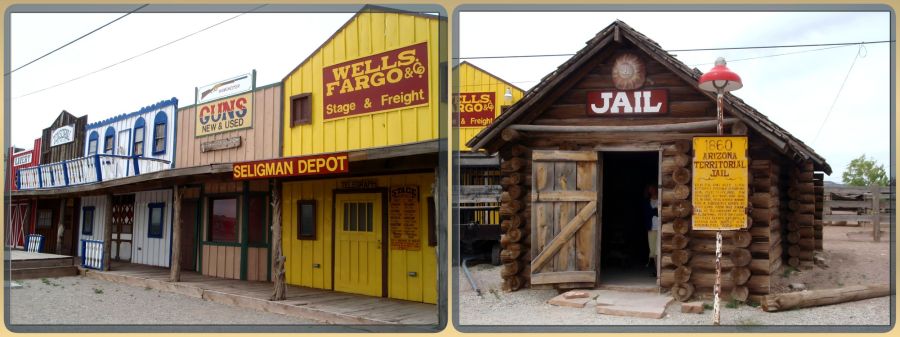
I wanted to talk about the resilience of The Mother Road and the song that has set records as to the variety of bands and singers who’ve recorded it, but I’ll do that on another post when I’ve had a chance to edit more pictures. In the meantime, enjoy this little photo album of pictures from Seligman and Oatman Arizona.
Next to the cafe, the “town” enhances the parking lot…
by Crystal A Murray (CC BY-NC-SA 4.0)
And the cars have been parking there for a really long time…

You’ll need to take your own car to visit the donkeys in Oatman. They are wild and will not always move because they know they own the town…

Share this post on:

Prompt Response: The Boogeyman Upstairs
by Crystal A Murray (CC BY-NC-SA 4.0)
What’s something you used to believe as a kid that seems ridiculous now?
For my Sabbath break this week, I’m just going to share a quick story in response to the Day One prompt.
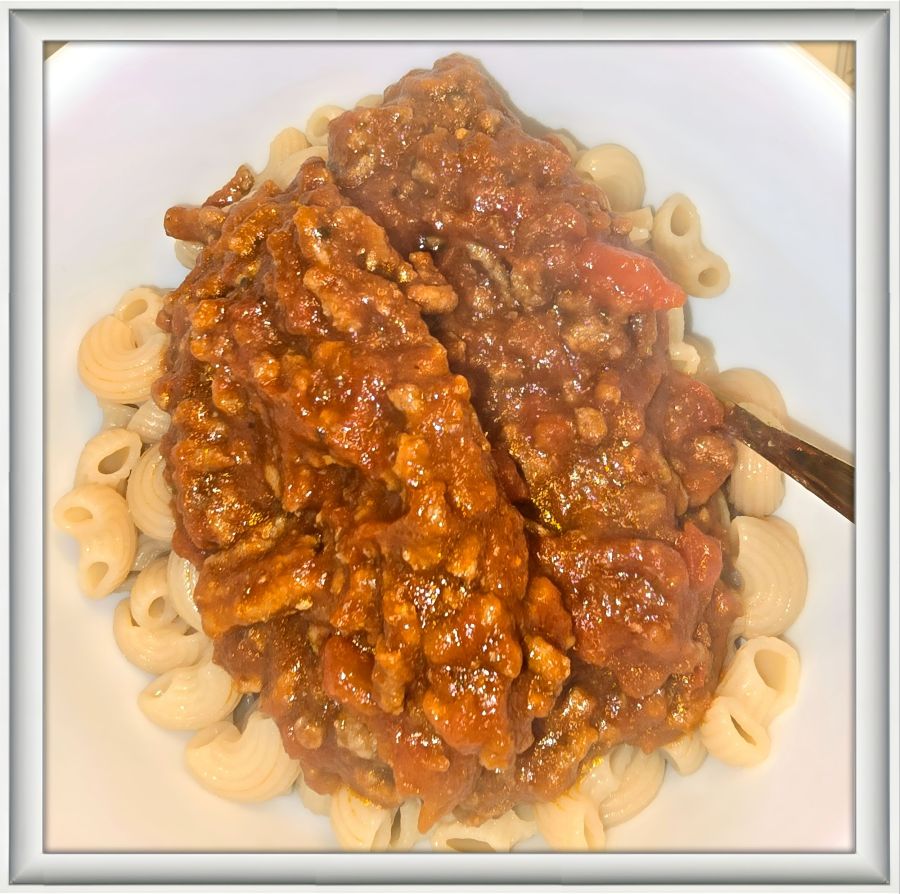
I remember being four or five years old and having a sitter. And she cooked my dinner. I can still see the one thing on the plate that I was completely uninterested in; stewed tomatoes. Why I didn’t like them back then I have no idea, because I love them now. Even from a can, they are yummy by themselves, over some cauliflower noodles, or mixed with hamburger meat for a beef and tomato skillet or big pot of cabbage stew.
But not liking stewed tomatoes isn’t my answer. It’s what the babysitter did to try and get me to eat them. She’d say the boogeyman was gonna get me, and then she’d wait for the tenants in the apartment upstairs to move around and say, “See, you can hear him. He’s getting ready to come down here and get you. You better eat those tomatoes!”
Now I know that it was just the sound of people walking around upstairs, but then… I ate the tomatoes!
Share this post on:

Blog Break: Sharing Some Pictures
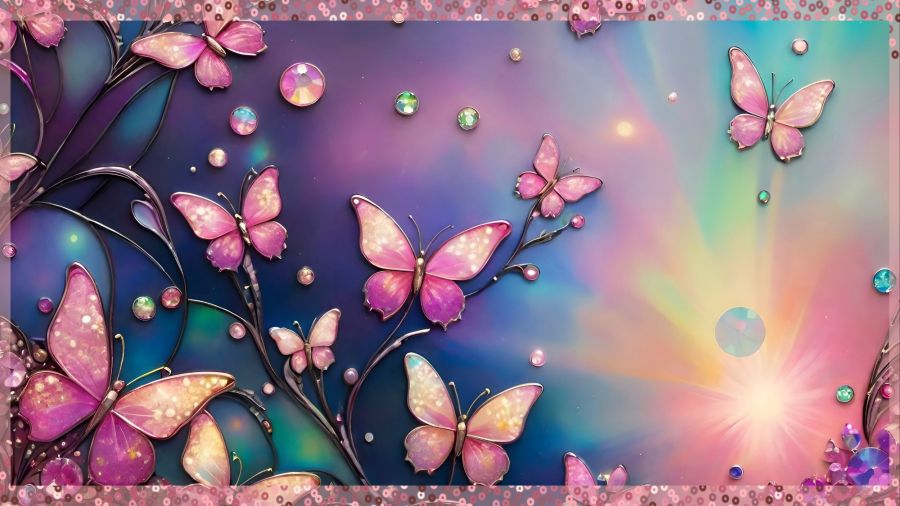
by Crystal A Murray (CC BY-NC-SA 4.0)
A very long day that ended with a visit to a medical provider for a UTI and antibiotics means I must simply share some nice photos and then go to sleep quickly. I’m thankful I got my first dose by a shot to start healing faster. And I’ll know tomorrow how much the muscle will hurt since they pack the medicine in that way (have not experienced this before), but the advice was to drink lots of water and move a lot. I spent time walking on the treadmill as soon as I got home, and it eased the pain tremendously already.
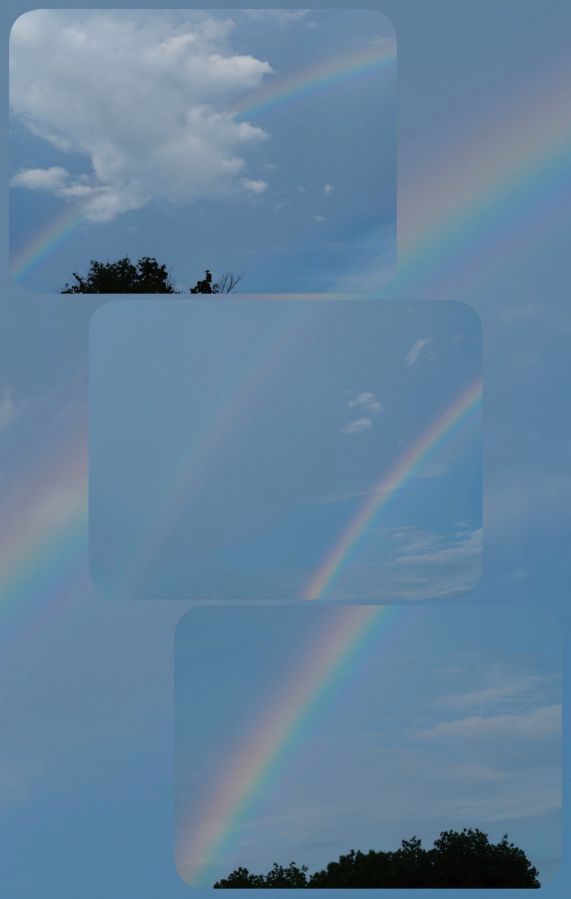
Now, enjoy some beautiful rainbow images I captured with my Olympus camera some years ago. I had 4 all together, so I made a collage of 3 with the 4th as a background.
Share this post on:

Great Smoky Mountain Journeys
by Crystal A Murray (CC BY-NC-SA 4.0)
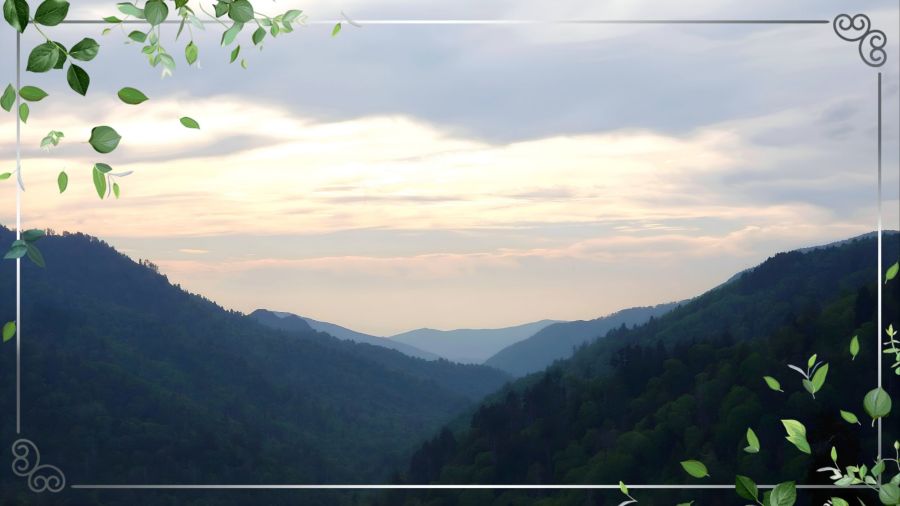
While growing up in the western half of the United States, I had no idea what I was missing a couple thousand miles away. Oh, that first time you see the mist begin to settle over the layers of the Appalachian mountains—it’s a view to remember.
This particular view was during the trip when I got to meet my brother Shayne and sister-in-law Heather for the first time. Sharing the beauty of Great Smoky Mountains National Park seemed the perfect location for our introductions after months of phone and digital communications. It was May of 2019, and this scenic overlook presented itself with perfect springtime majesty.
On June 15th, 2026, the park celebrates its 92nd birthday. Some highlights from the website state that it’s the most visited national park in the United States, it’s loaded with wildlife and places to explore. And it’s also free because of an agreement made when “Newfound Gap Road” was built. (While daily parking passes are now required to stop, enjoying the scenery out the car window does not require an entrance fee or toll.)
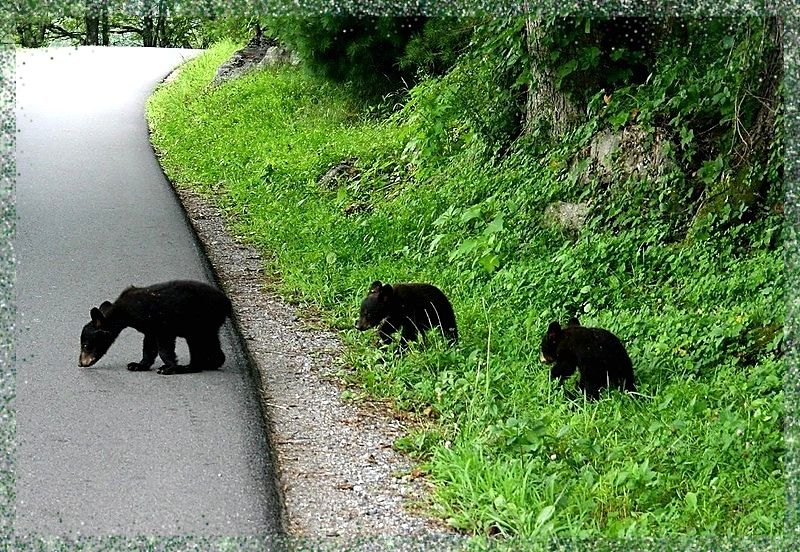
One of the best destinations you can drive to on your visit is Cades Cove Loop. There’s an excellent chance of seeing wildlife, so be sure to bring your zoom lens so you can keep your distance while you get the shot (and keep your health). And remember that no matter how cute they seem, they are wild—so no feeding them, no matter what Yogi or Ben may have said on TV! 😁🐻 Any effort to interact with them can result in enough domestication that the animal no longer fears humans and could need to be put down. In the case of the image you see below, I was a long way off and could see the mama bear in the field across the road. All the cars were stopped and many people were taking pictures while the babies made their way across.
Some of the prettiest scenery within the towns of Gatlinburg, Pigeon Forge, and Sevierville is that along the Little Pigeon River. That’s where most of the lodging and restaurants are built, meaning you have great views even when you stop for a rest or a meal. Here’s a collage of images from around the area. It includes an image of The Old Mill Restaurant, where you’ll usually wait at least an hour to get in for some of the best food in the area (or anywhere else, for that matter). And can you believe the color in that November sunset?
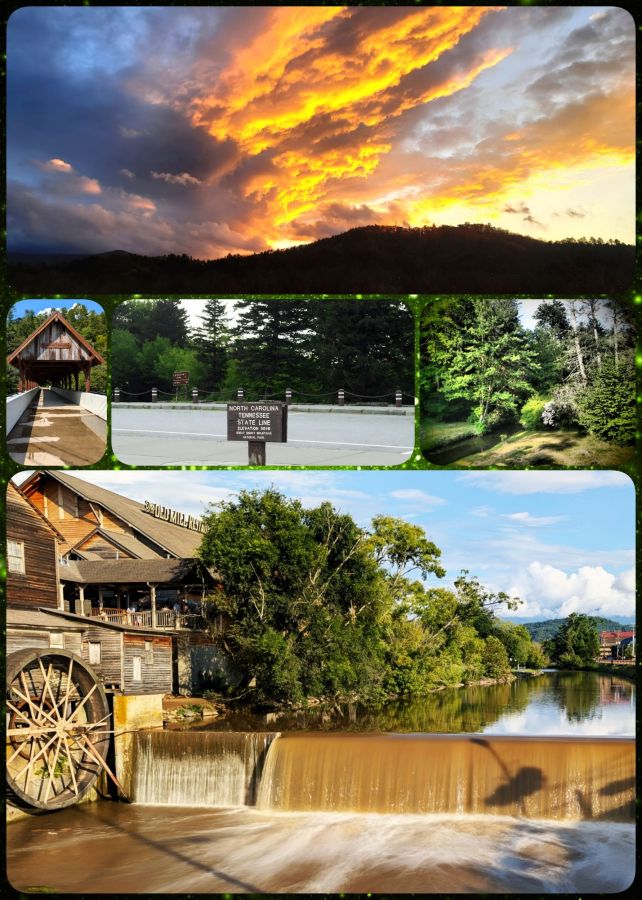
by Crystal A Murray (CC BY-NC-SA 4.0)
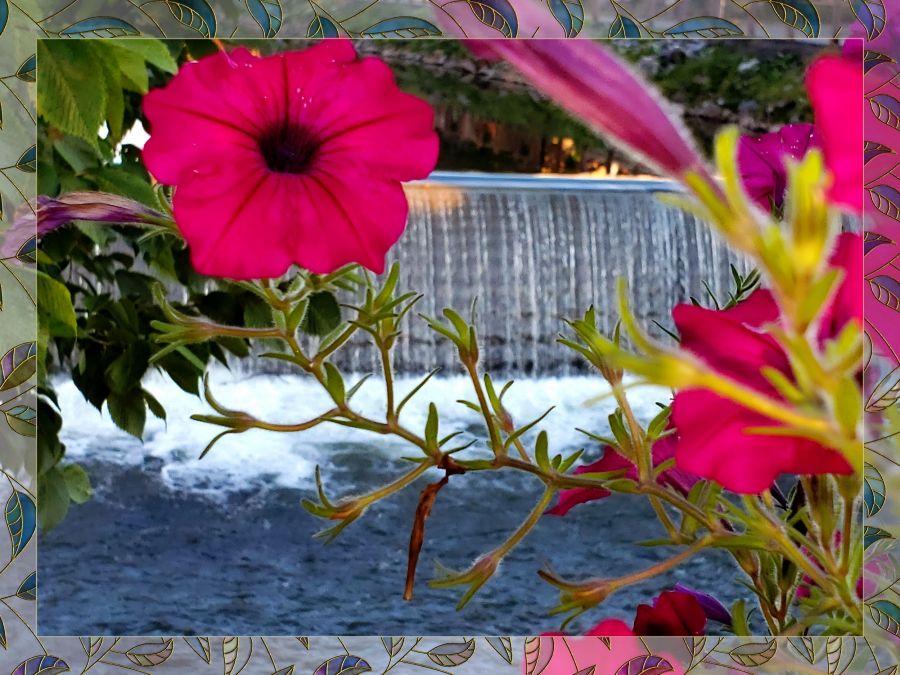
I’ll close with a slightly manipulated image from late spring of 2020 when the flowers were in full bloom. On the bridge near The Old Mill, they used to have openings filled with flowers, but that has changed now for some reason. It makes me even more glad I got this image way back when trying to be creative and look through the flowers to see the waterfall. And I hope you’ve enjoyed this little visit to The Smokies.
Share this post on:

Blog Break—Sunny D Kitty
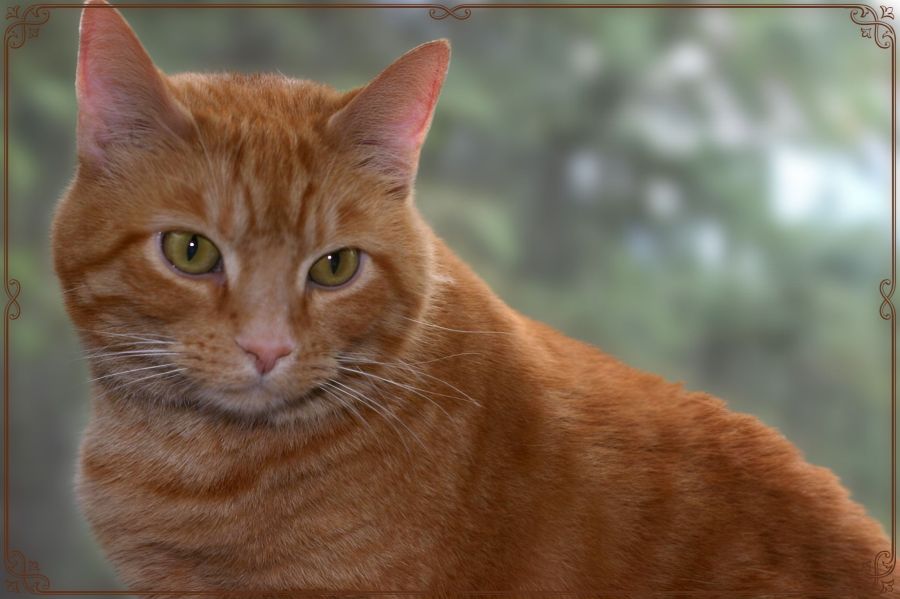
I’ve got a big post planned for tomorrow to share the new release from my brother’s latest album track. You can look up Shayne Savage Music and find “Makin’ Chains” if you just can’t wait to hear it, but I’m taking Sabbath off for this night and coming back with all the links and fanfare you could want tomorrow.
In the meantime, enjoy this capture I took of my big orange kitty, Sunny Delight, sitting by the window at our previous house. I still miss my big boy sitting on my lap and all the comfort his sweet purring brought to me. And just look at those beautiful greenish eyes! Kitty 🐈 Love 💕
Share this post on:

🎵A Very Big Tree
I’m keeping this shorter tonight.
I was thinking about the conversation Eve had with the serpent in the garden. Here’s the beginning of it from Genesis 3:1:
Genesis 3:1 KJV
[1] Now the serpent was more subtil than any beast of the field which the LORD God had made. And he said unto the woman, Yea, hath God said, Ye shall not eat of every tree of the garden?

https://bible.com/bible/1/gen.3.1.KJV
Do you see the anxiety-inducing, manipulative question in that statement? “…Ye shall not eat of EVERY tree of the garden?” (My emphasis here.) In many translations, the word “every” is replaced by “any” which still shows the manipulation, but I think every reveals the hidden agenda a little better. Basically, the enemy made ONE tree bigger than ALL the trees of the garden. One tree that God forbade to protect their innocence became more desirable than who knows how many others with wonderful and sweet fruit available to them 24/7.
That manipulation still goes on today, and sometimes even using words from The Holy Bible. Someone will use the word “slave” as an excuse to avoid God and His words, even though far more of them are filled with mercy and grace. A Christian battling with performance or perfection issues will find a verse like “Be ye perfect” larger than “My grace is sufficient.”
So, I just want to remind you today that the garden was bigger than one tree. And God’s plans for salvation are bigger than any man-made set of do’s and don’ts that demand our adherence to earn God’s love. When you encounter anxiety from the written word, ask God to show you through His Holy Spirit how to understand it and correctly apply it to your own life. It will be His pleasure to let you know because it’s His desire for you to spend your eternity with Him.
2 Peter 3:9 BSB
[9] The Lord is not slow in keeping His promise as some understand slowness, but is patient with you, not wanting anyone to perish but everyone to come to repentance.

https://bible.com/bible/3034/2pe.3.9.BSB
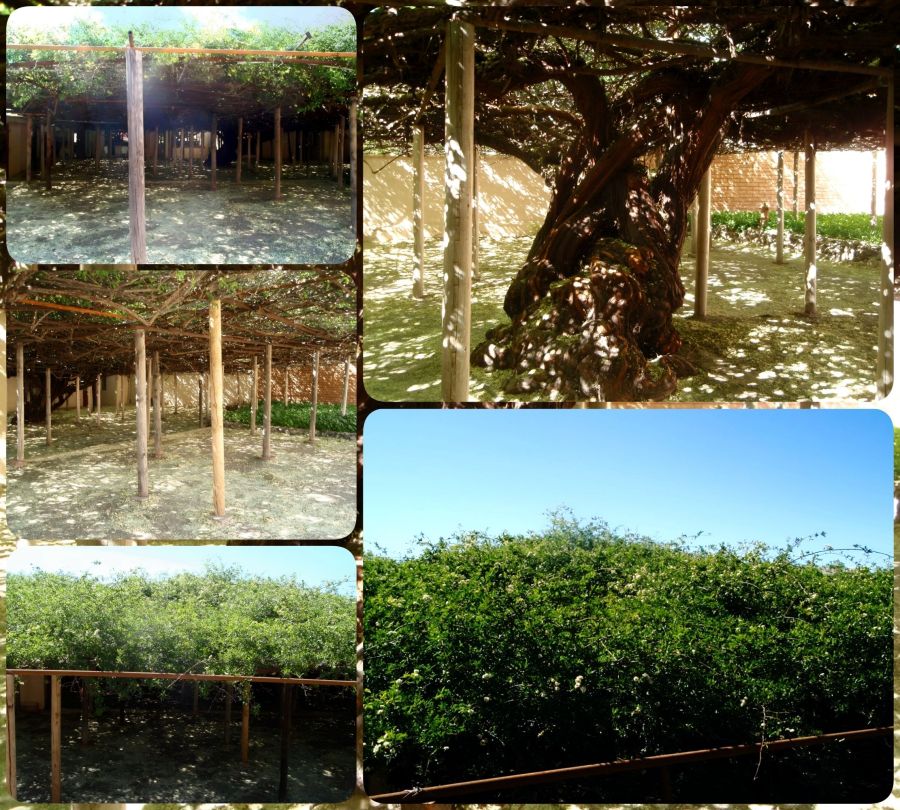
And if you travel while on this Earth and if those travels take you out Arizona way like they did me in May of 2010, stop and see the World’s Largest Rose Tree and museum in Tombstone, Arizona. I wish my pictures were better at showing how magnificent it is, but the images and video on the website should.
And now, since we’re talking about roses, sing along with this beautiful bluegrass version of “Where the Roses Never Fade.”
Share this post on:

Shabbat Shalom & Weekend Blessings
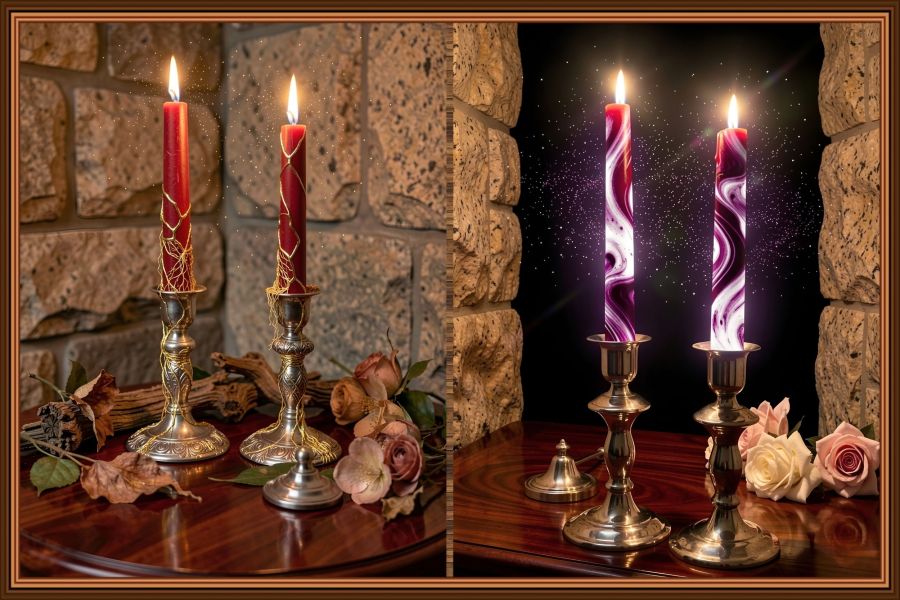
Real life means that even with the joyful activity of lighting Shabbat (Sabbath) candles on Friday evenings, the image you took to remember it may not be the best for sharing. A little camera shake, too much wax on the candlesticks, or a bit of clutter captured in the image, and you’re looking for some creative editing tricks to make your image look prettier. So I took my candle picture to Wombo Dream and described the table and background I wanted, and then I let it work its magic. After a number of creations, I couldn’t decide between the one from the botanical filter and the filter they call abyssal void for my favorite. So, I made a collage in the Photo Studio Pro app and framed the two together. Here are a few more from the same two filters plus a couple more filters…
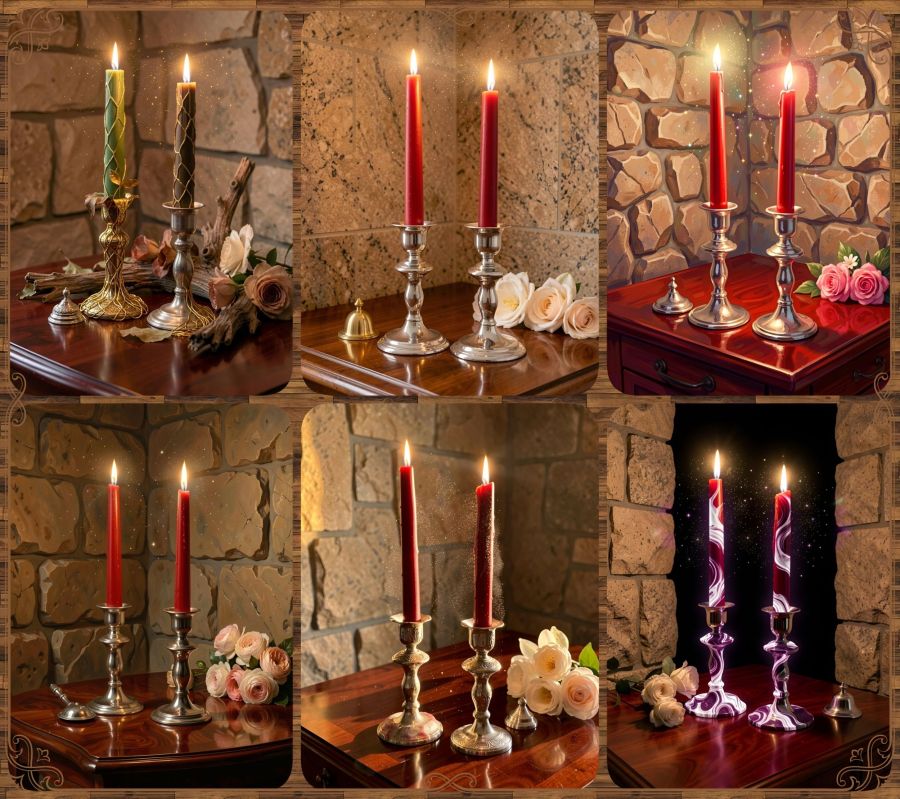
(CC BY-NC-SA 4.0)
So we’ve been lighting candles together on Friday nights for over 25 years now. I say the prayer as I first learned it in a brief Hebrew class I took with the sweet friend who opened up this world to me. Understanding some aspects of original Judaism has helped me to better understand both the Old Testament and my Jewish Messiah. When I first started to learn these things (1999), I wrote a poem called YahShua The Jew, and blogged it here in 2016 in a post also called “YahShua The Jew.”
The Hebrew prayer says …
Hebrew:
בָּרוּךְ אַתָּה הָ׳ אֱלֹהֵינוּ מֶלֶךְ הָעוֹלָם, אֲשֶׁר קִדְּשָׁנוּ בְּמִצְוֹתָיו וְצִוָּנוּ לְהַדְלִיק נֵר שֶׁל שַׁבָּת.Transliteration:
Baruch atah Adonai, Eloheinu Melech ha-olam, asher kid’shanu b’mitzvotav v’tzivanu l’hadlik ner shel Shabbat.
English Translation:
Blessed are You, Lord our God, King of the Universe, who has sanctified us with His commandments and commanded us to kindle the light of the Sabbath.
And right after we light the candles, we sing two songs together. The first is “Shabbat Shalom” and the second is from Isaiah 28:16…
Isaiah 28:16 BSB
[16] So this is what the Lord GOD says: “See, I lay a stone in Zion, a tested stone, a precious cornerstone, a sure foundation; the one who believes will never be shaken.

https://bible.com/bible/3034/isa.28.16.BSB
And here are the videos of those songs…
Share this post on:

Where’s Bob?

Years ago, my aunt in Arizona bought me some adorable handmade tissue box covers. They are the kind of sewing art that makes you want one of every design, so you can have a different one in each room in the house. They are some of the most unique pieces of sewing art I’ve ever seen, and my aunt offered to get me as many as I wanted, but I settled for only two of them. Growing up, it was crocheted covers that adorned everything in the house—from the spare roll on the back of the toilet to the winter doorknob covers to eliminate some of the static. While crafting isn’t my own personal strength, I truly appreciate the artistic abilities of others.
Plus, a beautiful cover gives some dignity to an object that goes through a lot of workplace drama in our house. If you’ve ever reached for a tissue only for the chain to break, you know the drama; the frustration of having to dig blindly into the cardboard to fish the next one out. In our family, we blame “Bob”—the imaginary little guy we picture living inside the box. Bob runs things like a one-man machine with a crank that pops the next tissue up each time you grab one. It can be a thankless job, but we try to tell Bob thank you when we think about it. Whenever the chain breaks, we just say Bob is taking his fifteen-minute scheduled break. Even if it’s not on our schedule, we understand. 😁
So, today, I asked hubby for a tissue, and he reached in to get one, but…
It wasn’t just a broken chain; the box was empty. My husband reached in to dig one out and said, without any fanfare or forced humor, “I guess Bob moved to another box.” It caught me by such surprise that I lost it and just laughed (out loud for real) for a long time. 🤣 Now I’m wondering if Bob moved into the Christmas box to take a nap—or a vacation since it’ll be a while before that one comes out again. We may have to offer him a raise to come back to the polka dot box. Teehee.
I did find an active Etsy seller who’s got 180+ designs of these couches, and the store says they’ll make them to-order as well. I’ve never ordered anything from Etsy, or even set up an account there, but it said it was last active on May 26th, so I hope that’s a good sign that it’s a good store. It’s called Royal Makings, and this link goes straight to the couches.
I hope this brought you a smile. Never forget the value of a joyful heart.
Proverbs 15:13a BSB
[13] A joyful heart makes a cheerful countenance.

https://bible.com/bible/3034/pro.15.13.BSB

Proverbs 17:22a BSB
[22] A joyful heart is good medicine.

https://bible.com/bible/3034/pro.17.22.BSB
And with that, I’ll close with a picture that may possibly be Bob’s new job site…

Share this post on:

World Parrot Day
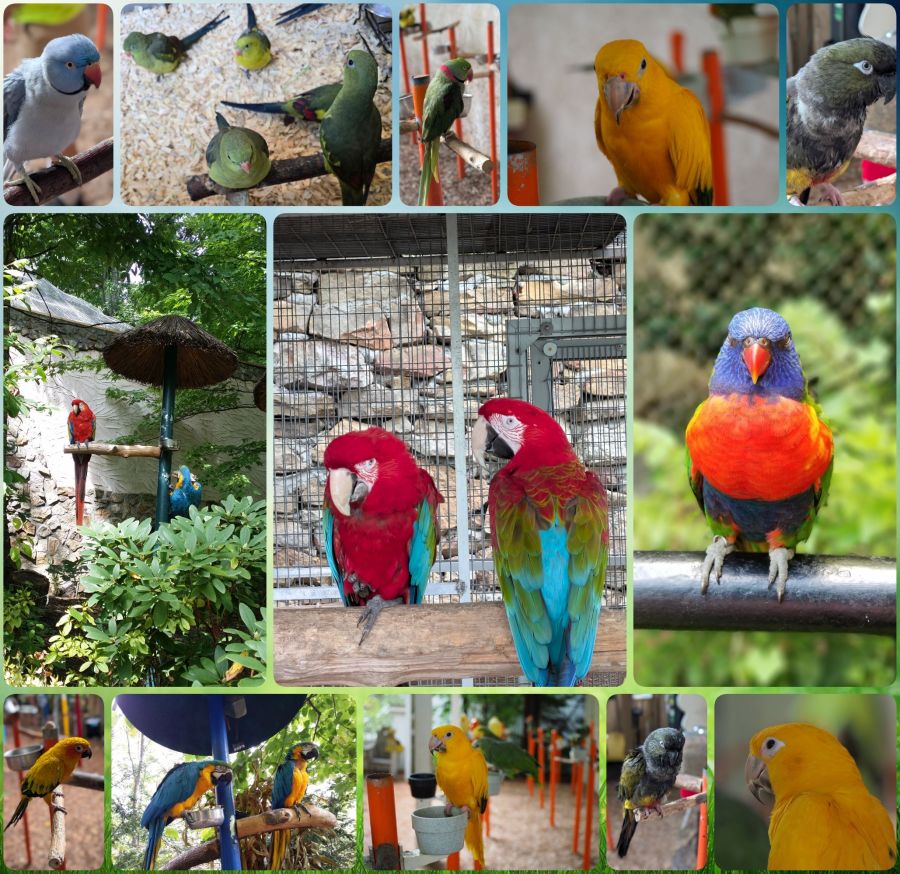
International/World Parrot Day falls on May 31st each year. You can read about the history, events, and suggestions for participating in the day at the National Day Today site. (The link goes right to the Parrot Day page.)
I’m sure you can tell by the above collage that I really like parrots. All of these images were taken in Pigeon Forge, Tennessee, at a wonderful place called “Parrot Mountain and Gardens” near Dollywood. Well, I take that back. The colorful one with the blue head (that kinda looks like an angry bird to me) was taken at Busch Gardens in Williamsburg, Virginia. It’s really a Lorikeet and not a parrot, but I didn’t realize that until I went looking for the link for Busch Gardens and saw that it’s on their aviary page. Oh well. I’m pretty sure all the others are parrots, my favorite one being the little gold one named Goldie, who I think is a “sun conure,” but I’m not 100% certain.
I really like all birds, which is odd for a cat person, but I used to know a lady who trained assistant dogs, and because of her way with animals, she actually taught a bird to call her cat, and then the cat would give the bird a ride on its head. So, it is okay to like both birds and cats. 🐦🐈 As far as parrots go, I’ve only owned one. It was a very old, maybe sickly, African Gray, and I had to give him away shortly after getting him. But I’ve also owned parakeets, budgies, and cockatiels. Now, though I just go visit them because they have such a long life span, especially the double yellow-headed Amazon I used to dream of owning, and I wouldn’t want to stress about who would take over if it outlived me. And when I can’t visit in person, I have a few favorite birds I like to visit on YouTube. Here is a sampling of them:
Beaker Beak has an adorable voice and some really cute poses…
And then there’s Apollo who is highly intelligent and strongly trained…
Another favorite of mine is Tico who sings a variety of styles with his guitarist known as The Man (Tico and The Man) and sometimes guest musicians…
And finally Chloe Alexander with her bird (Gallagher, I think), who I heard long before she auditioned on AGT, and I felt so bad for her when the bird refused to sing. This is, I think, before she realized he would just keep singing with her. I had never even heard the song before watching this video, but I love her voice and the bird…
And I’ll close with a few Bible verses about birds (even if they’re not parrots)…
Genesis 1:20 BSB
[20] And God said, “Let the waters teem with living creatures, and let birds fly above the earth in the open expanse of the sky.”

https://bible.com/bible/3034/gen.1.20.BSB

Genesis 2:19 BSB
[19] And out of the ground the Lord God formed every beast of the field and every bird of the air, and He brought them to the man to see what he would name each one. And whatever the man called each living creature, that was its name.

https://bible.com/bible/3034/gen.2.19.BSB

Isaiah 31:5 BSB
[5] Like birds hovering overhead, so the Lord of Hosts will protect Jerusalem. He will shield it and deliver it; He will pass over it and preserve it.”

https://bible.com/bible/3034/isa.31.5.BSB

Matthew 6:26 BSB
[26] Look at the birds of the air: They do not sow or reap or gather into barns, and yet your heavenly Father feeds them. Are you not much more valuable than they?

https://bible.com/bible/3034/mat.6.26.BSB
Share this post on:

Sabbath Flora
Some people need to write every day because of how their minds work. My lessons on that have come with years of missed posts, so apparently that’s also how my mind works. But, I also need a Shabbat (Sabbath) rest here and there, so my new plan is to use Fridays to share some of my many image creations.
Today, that starts with a few of my lilies which were used as input images into a few different photo manipulation programs. I’ll share them as simple collages created with the Photo Studio Pro app.
Original lily color enhanced and vignetted.
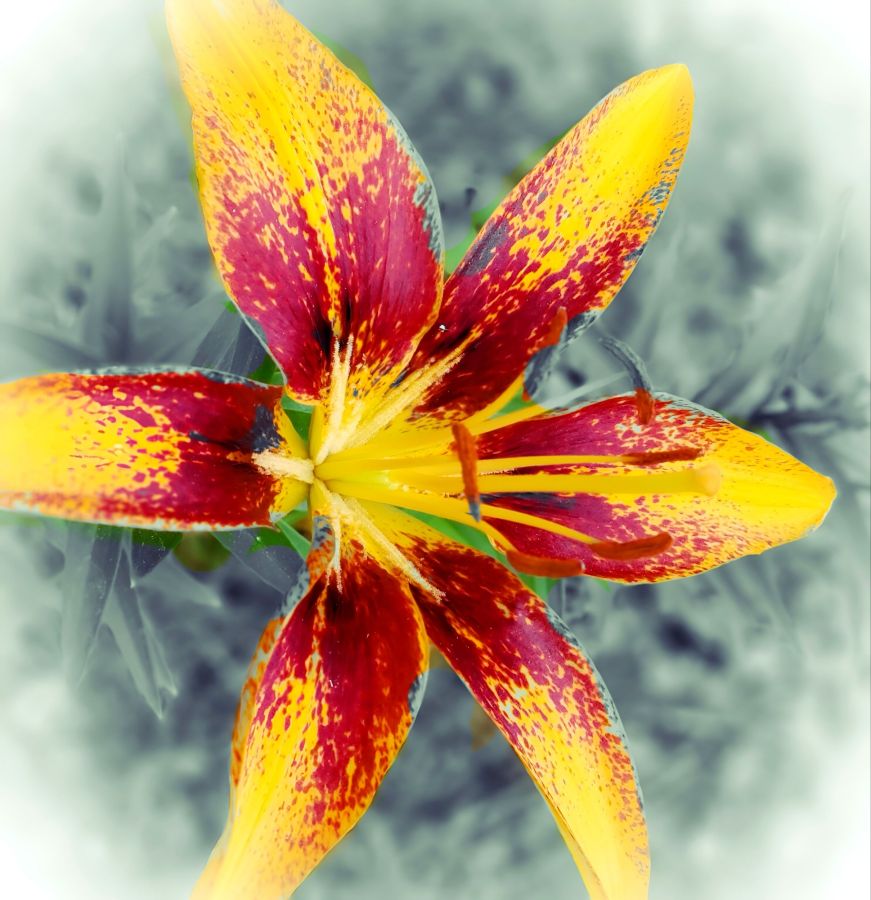
Original lily with background removed in the Background Eraser app. And when I first got that app, removing backgrounds and replacing them with other colors and designs was about all it could do. Now it includes all kinds of other photo editing tools, so I need to get back and play a bit more. Anyway, after removing the background, I used the Chroma Lab app to change colors and the Photo Studio Pro app to add frames and decorative edges.
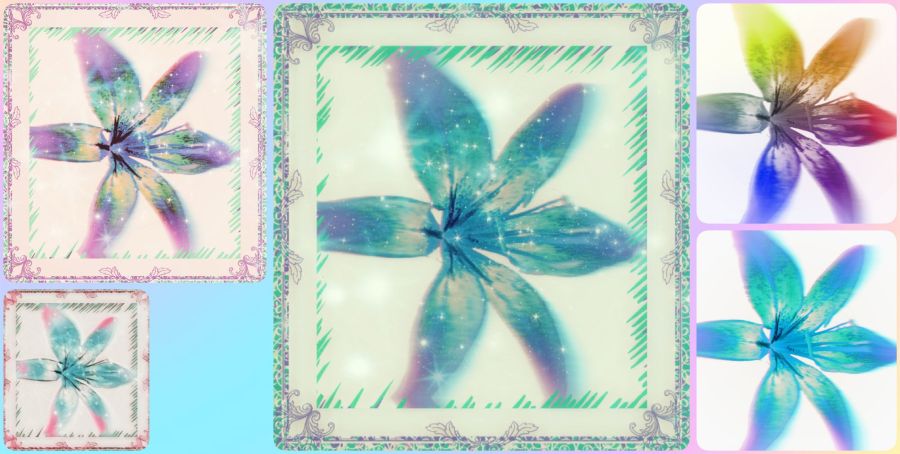
(CC BY-NC-SA 4.0)
I went back to Chroma Lab and did a whole lot of rainbow filters with some added bokeh (background blur), and I really like the way this collage came out.
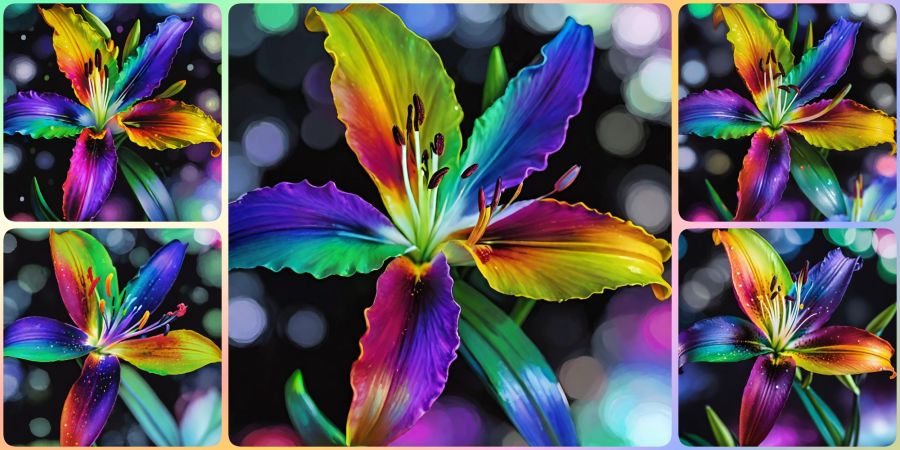
Finally, I used the lily image as an input image (like a template) for Wombo Dream AI. A variety of filters later, including one that knitted a rainbow lily for me, I got the following collection I’ve put into a collage for you. I think the pink ones for their pretty pink gingham background from Background Eraser be before I used that as an input to Wombo. These designs are mostly from the Abstract Fluid 2 filter, and they are by far my favorites. Can you believe how much variety can be created from only one image? And if a computer can do this, imagine all that God can do with those of us created in His image!
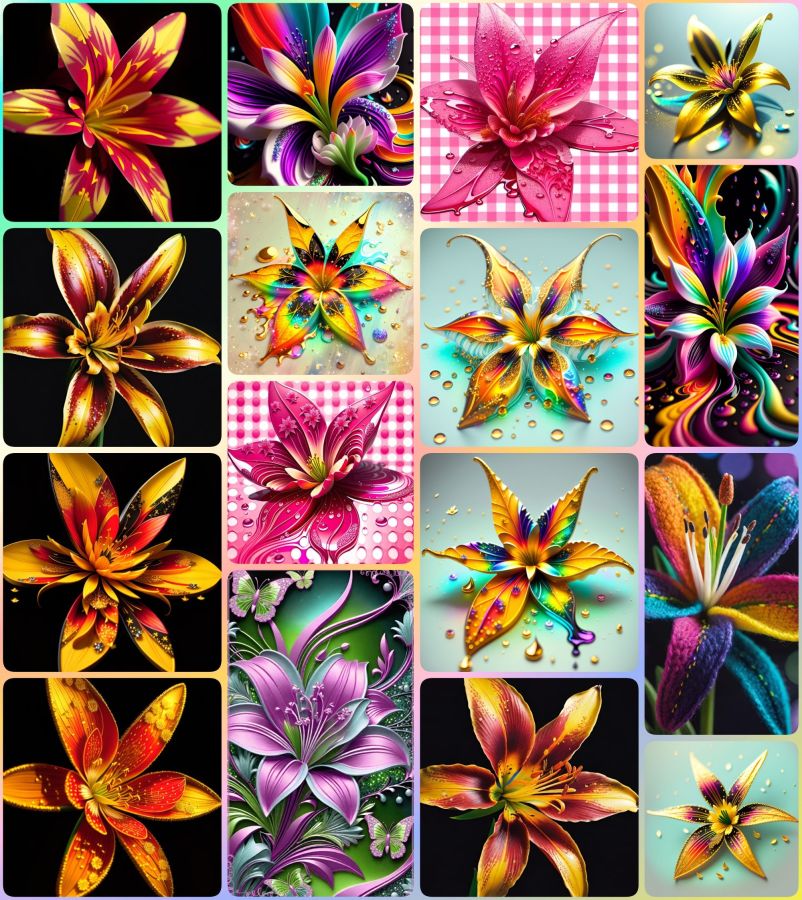
Sweet flower dreams and Shabbat Shalom everyone! 🌸
Luke 12:27 BSB
[27] Consider how the lilies grow: They do not labor or spin. Yet I tell you, not even Solomon in all his glory was adorned like one of these.

https://bible.com/bible/3034/luk.12.27.BSB
Share this post on:

Today’s Photo Memories: Pink Peonies
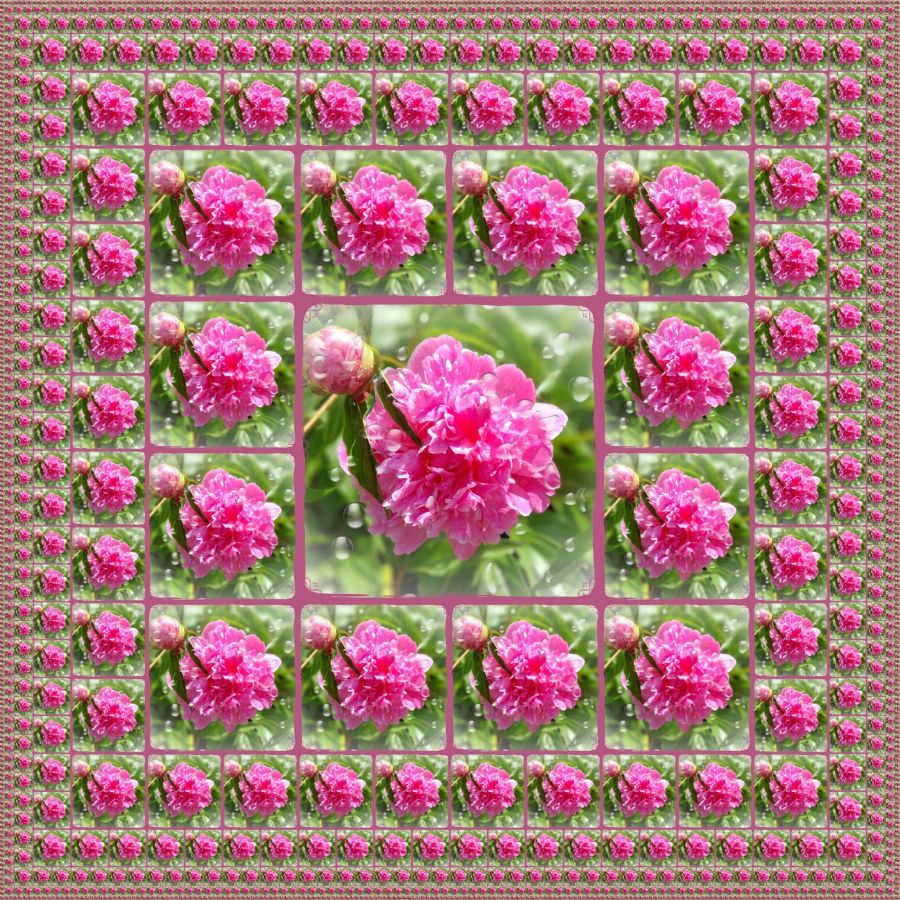
A few of my photo storage apps like to show me an “On This Day” section with photos from the same date in different years. When I saw all my pink peonies from 2021, I knew I had to share them. Within the same few days, I captured a yard full of flower variety from my cellphone camera.
Before I moved to Kentuckiana, I do not think I’d ever even heard of a peony flower, let alone seen one. Maybe I did and don’t recall it, but the here and now brings these giant beauties every year courtesy of my friends (Mark and Debbie) who planted them before they sold us our Indiana house. Having never been a gardening kinda gal, the colorful blooms that grace my yard every year are truly gifts that keep on giving. What a blessing they are to see.
I was so happy with this capture that I put it through a program to add a matching frame, and then I started playing with effects. I think the one above was in Mirror Lab, and I think the repeating design is really pretty on the single framed flower. I used the same flower to make a simple pink on tan fractal…
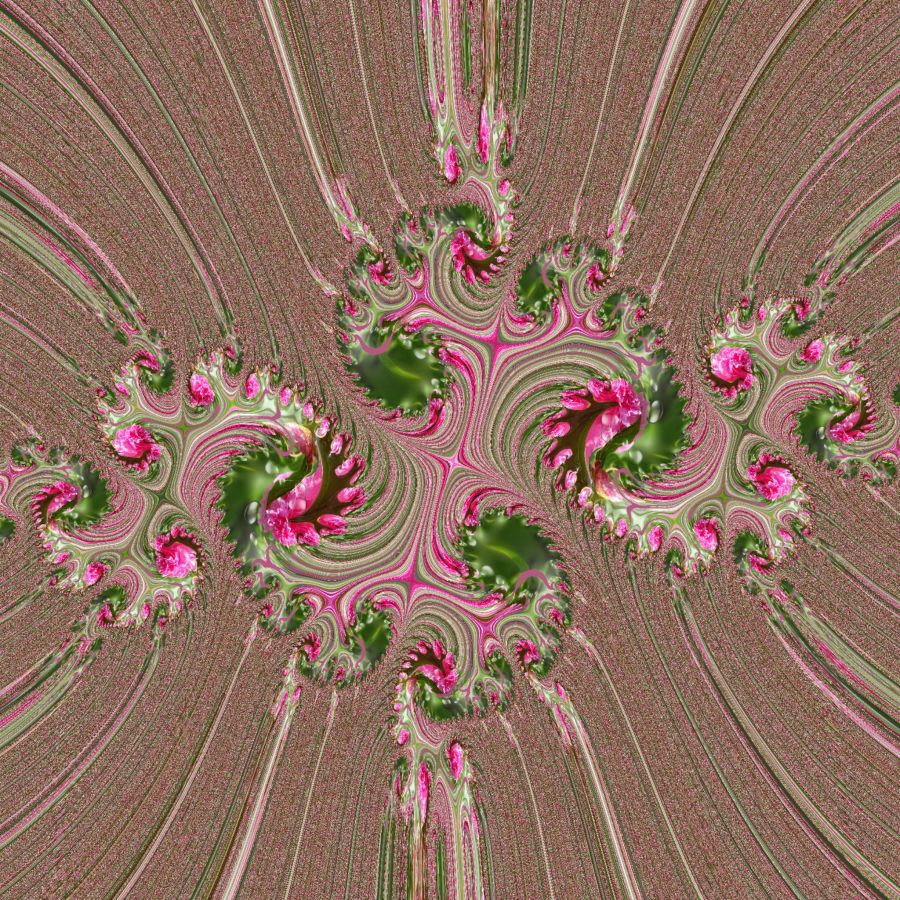
And I’ll close with one more manipulation where you can clearly see the peony flowers but yet get lost in the array of twists and turns.
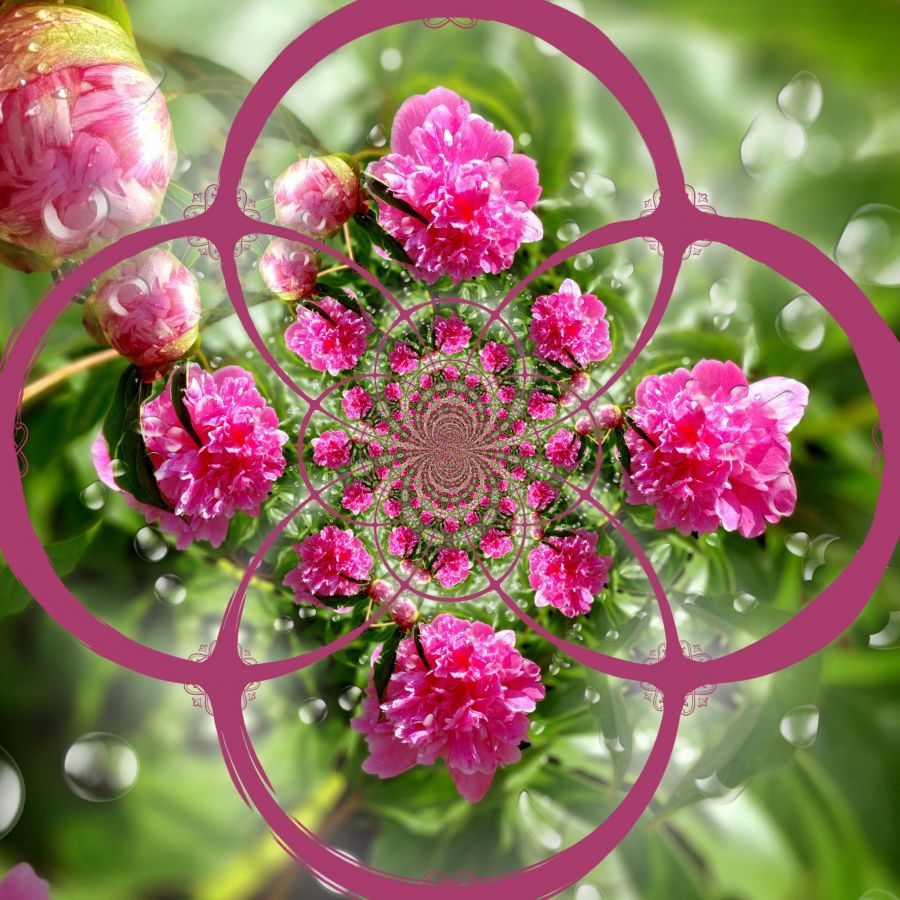
And though they are not lilies, I think the Scripture about the beauty of lilies being even more grand than King Solomon’s royal attire.
Luke 12:27 BSB
[27] Consider how the lilies grow: They do not labor or spin. Yet I tell you, not even Solomon in all his glory was adorned like one of these.

https://bible.com/bible/3034/luk.12.27.BSB
Simple Peony Haiku...

Peony flowers:
Pink, full, and blooming heavy.
Though their time is short.

A picture captures,
Their lives for us to savor.
Worth a thousand words.
Share this post on:

Real Oil-Cell Kaleidoscopes
What’s a simple pleasure in life that brings you joy?
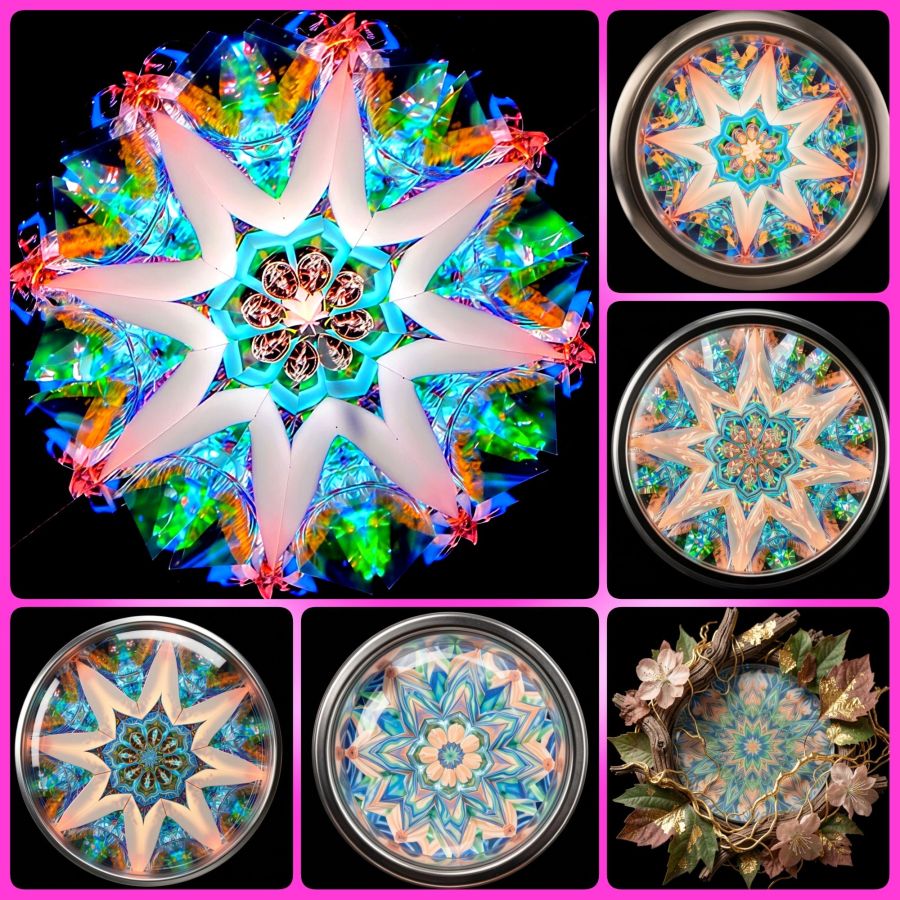
The simplest pleasure is taking my oil-cell kaleidoscope out into the sunshine and just becoming lost in the beauty of light shining through dichroic glass. The largest image is from my kaleidoscope by Shelley Knapp, and the smaller ones are from taking that same image to Wombo Dream AI and designing similar images without the natural flaws.
I have a lot of them from my original oil kaleidoscope on my Flickr site where you can view the album with the Knapp kaleidoscopes and see the beautiful details. And below, I’ll share my YouTube video of the scope in action.
I may come back and add a few more from different kaleidoscopes when I’ve edited them, so save this post.
Share this post on:

Old Photo — Blog Break ⛓️💥

Nothing I’m trying is cooperating, so I guess that means it’s time to just get some sleep. But I hope you enjoy this beautiful image of a waterfall I took with a regular shutter speed (leaving the water clunky) after using prompts to have Wombo present it as a long exposure. Yes it’s definitely cheating to do it this way (versus a tripod and the time it takes to quietly steady yourself and your camera to capture flowing water in graceful movement), but it looks so much prettier this way. I’ve learned better how to get the slow shutter settings with my camera, and sometimes with my phones, but I’ve got plenty in my archives where it wasn’t done, so I’m thrilled I have an option to add this type of image repair now. Here’s one more and then I’ll say goodnight. 😴

Share this post on:

My Own Creative Muse
Like the character Cameo in yesterday’s story, I feel like I have the voice of a “muse” in my mind that drives me to create. Unlike Cameo, I haven’t turned away from that voice completely, though I’ve gone through dry spells. Maybe that’s why the story came to me and made me examine the relationship between our thought lives and our real lives. And if you ever battle with the still, small voice like Elijah, maybe Cameo’s journey will be enjoyable for you as well.
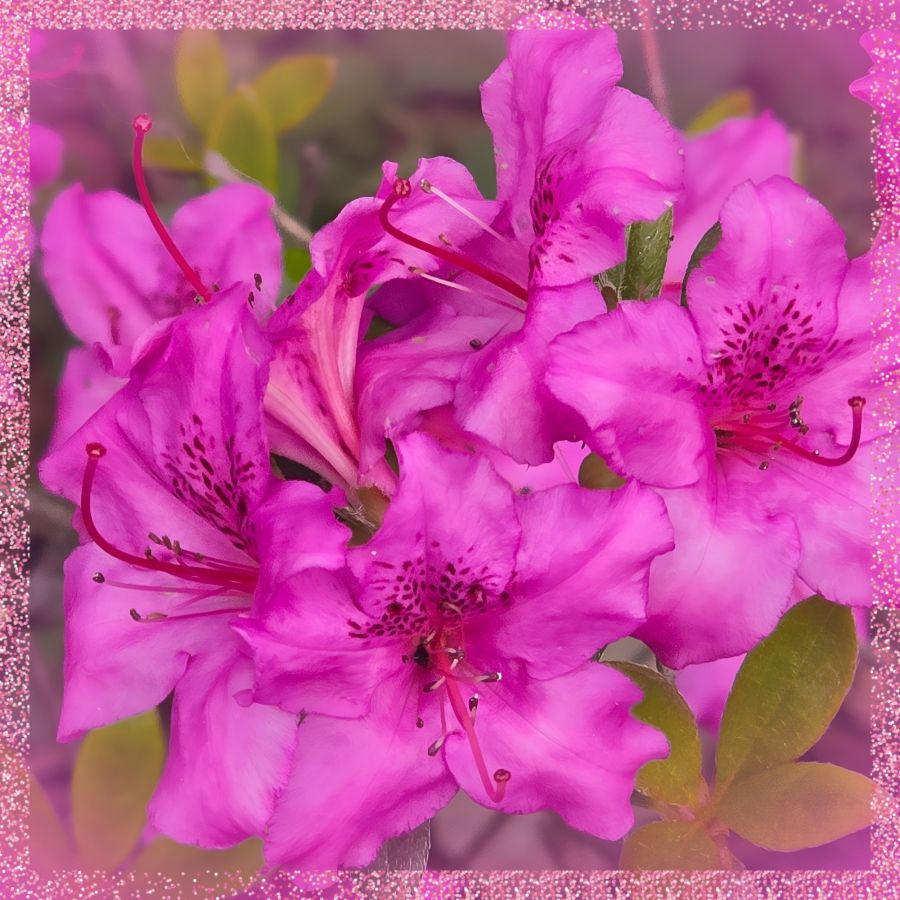
Though it’s not time to share more of her story yet, I want to share just a little from recent creative endeavors. The above photo is a close-up from the first good blooms on an azalea plant hubby got for me a few years ago. He did the research to find out what would make it grow, and it paid off well. I’m thrilled with the plant and with the pictures. I added a sparkly frame on this one because I knew how it would affect the images I got from Wombo Dream AI. Get ready for a barrage of pink and full instructions for any why might want to try designing images in Wombo.
So my first stop was to their browser page because they recently updated it with a new “edit” button. You can upload an image, and then tell it how you want it edited. Maybe you want the flowers in purple or the sky in green. Put your thoughts in the prompt box, and let it go to work. I told it I wanted the image in stained glass. The outputs were the same in the app as in the browser, so here are some from the app before I added the frame…
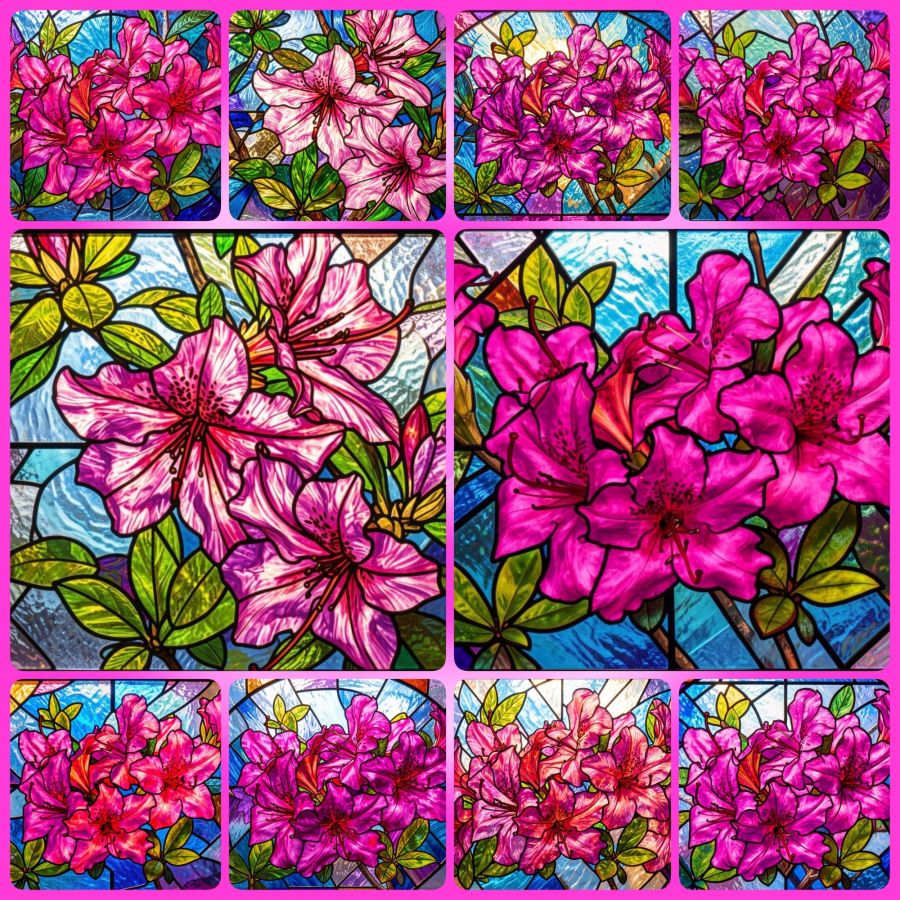
You can visit the website without downloading the app, so you can make your own fun edits at https://dream.ai/ and click on the “Start Creating” button. On the creation page, you can use my prompt (below) if you like, or create your own. When you add a prompt, you’ll notice a button that says enhance. That button will add some fancy extra prompts that are well trained into the AI. Once you have the prompt you want, it’s time to select a filter. Anything that doesn’t say “Premium” is okay to use. The latest filters are V4, and the V3 filters also work well. Once your filter is selected, you can choose generate to make your picture. It will download with a watermark if you don’t have premium, but it’s not bad and may be able to be cropped out in another program if it really bothers you. Here’s the prompt…
Turn these beautiful magenta azaleas into a stained glass window.
This is just the beginning of what you can do. You’ll notice you have image sizes to choose from in case you want to make a phone wallpaper size or a Facebook header size. And then you can look toward the bottom for the browse button where you can upload your own image. Or mine if you’ve downloaded it. That’s why I make most of my images Creative Commons. At some point, the page may ask you to create an account in order to download your images. I’m not sure if the gallery to store your images comes with every account, or only on the app, but having lost a number of gallery photos when they crashed last year, I recommend actually saving your favorites to a permanent location.
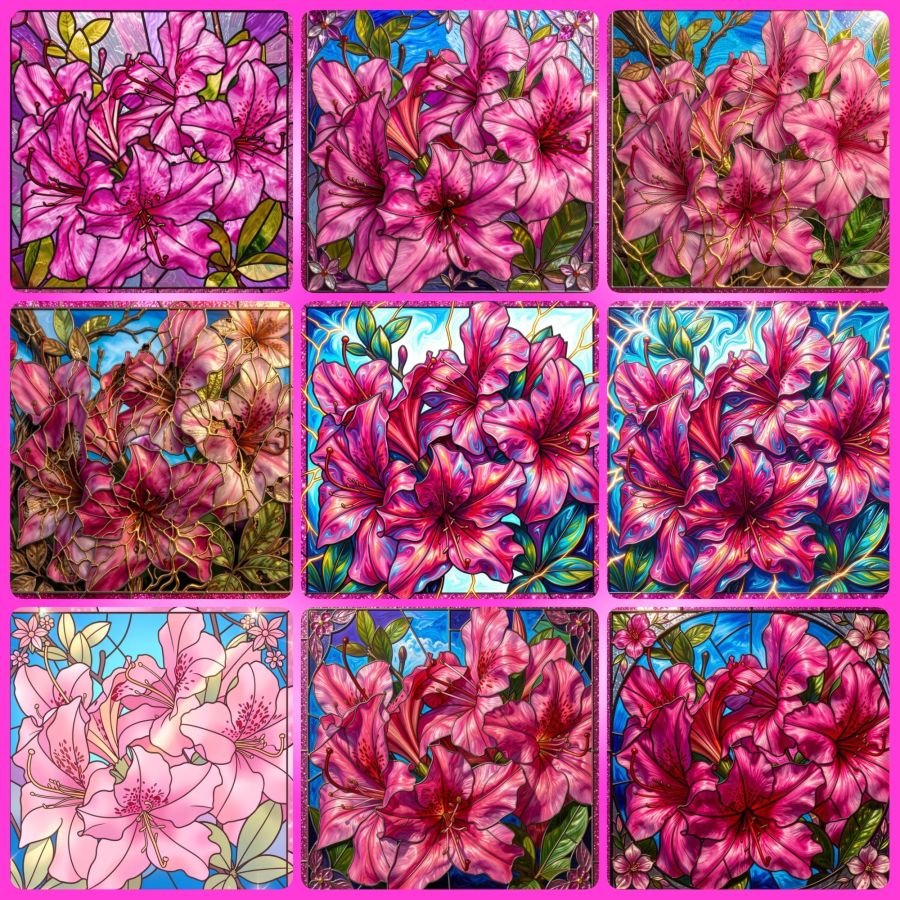
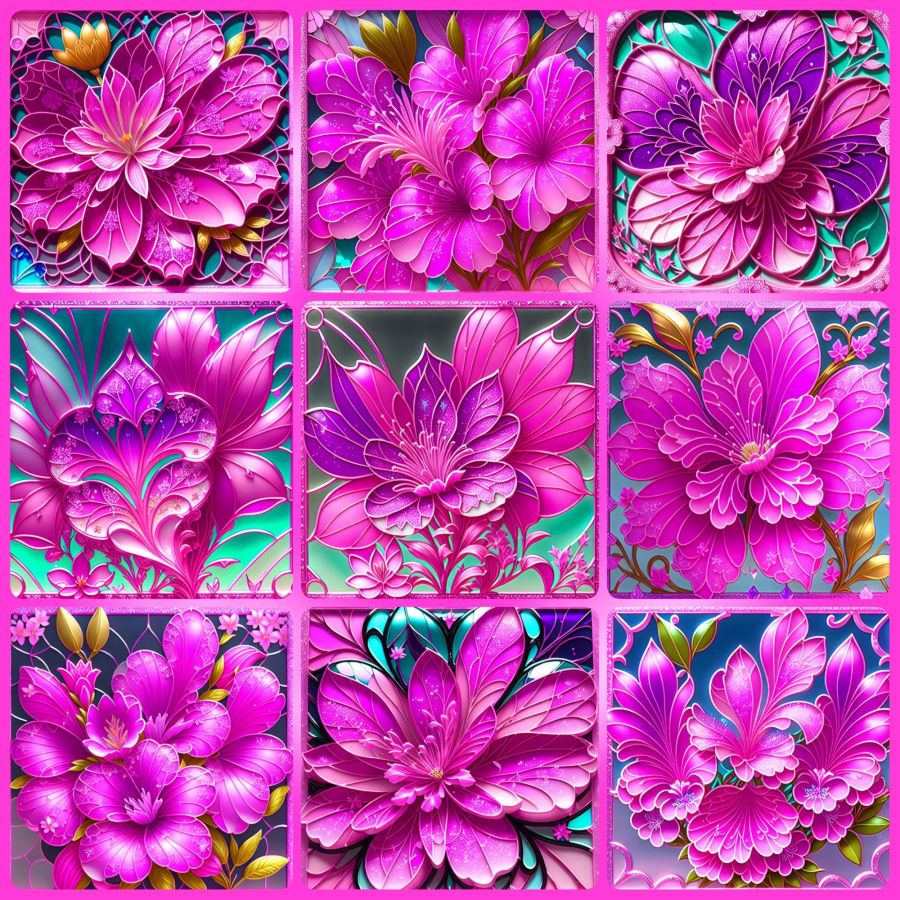
Now, because I’m a fan of abstract creations, there is a V2 filter I go to often. I’ll share the collage and prompt for that, and I hope to hear from readers that you’ve tried this for yourself and had as much fun with it as I do. The prompt (for use with the image at the top and with their enhanced additions) is…
Turn this into a beautiful stained glass window with the original magenta pink azalea and pink glitter frame colors intact. Intricate lead lines separating vibrant glass pieces, sunlight streaming through to cast colorful reflections, delicate floral motifs surrounding the azalea, subtle gradients blending pinks and purples, the window set against a softly illuminated stone wall, enhanced by shimmering highlights on the glitter frame that catch the light at different angles.
And here are the images…
Share this post on:

🎵Photo Walking
What’s the most fun way to exercise?
Daily Prompt by Day One
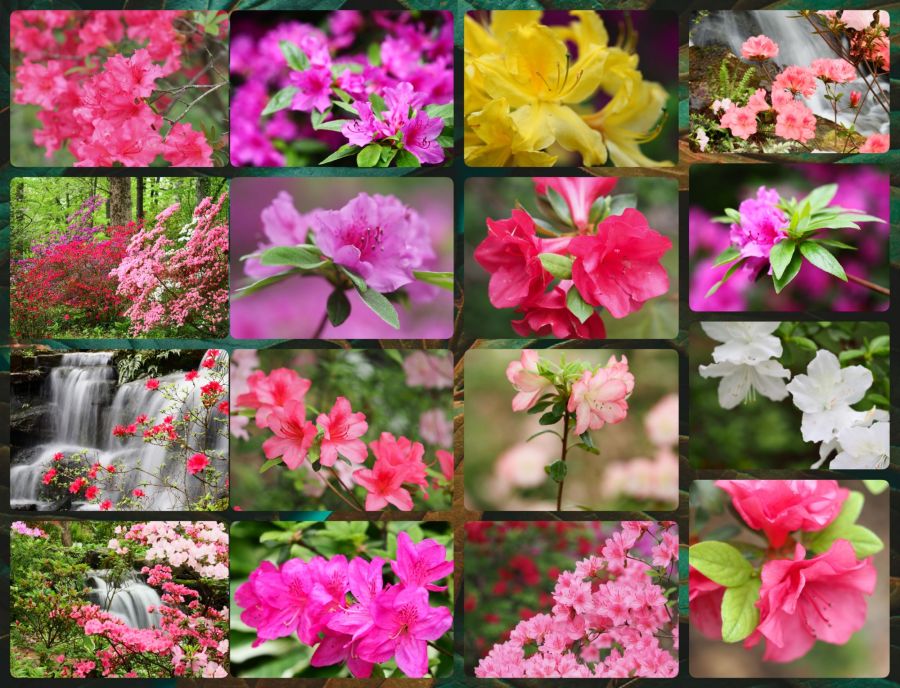
If I can get myself out the door with a camera around my neck, I tend to enjoy the steps I get a little more. A trip–back in 2022–to Azalea Path in Indiana is my favorite of all time. I’ve been there more than once, but that year, we just seemed to arrive during the best color display I’ve seen there. Here’s a collage of some of the captures from that day, all straight out of the camera (SOOC). It was cloudy, so I used a higher color setting, but I was very happy with a few of the shots out of 1200+ I captured. I especially love the ones with waterfalls.
© 2022-2026 (All Rights Reserved)
And even though these are not lilies, this reminder from the words of YahShua HaMashiach (Jesus Christ The Messiah) are a fitting comfort that goes well with such an array of colors.
Luke 12:27-28 BSB
[27] Consider how the lilies grow: They do not labor or spin. Yet I tell you, not even Solomon in all his glory was adorned like one of these. [28] If that is how God clothes the grass of the field, which is here today and tomorrow is thrown into the furnace, how much more will He clothe you, O you of little faith!

https://bible.com/bible/3034/luk.12.27-28.BSB
And since I used that verse, well, I might as well share the beautiful song with the same words, right?
Share this post on:

🎵A Little Purple Bliss
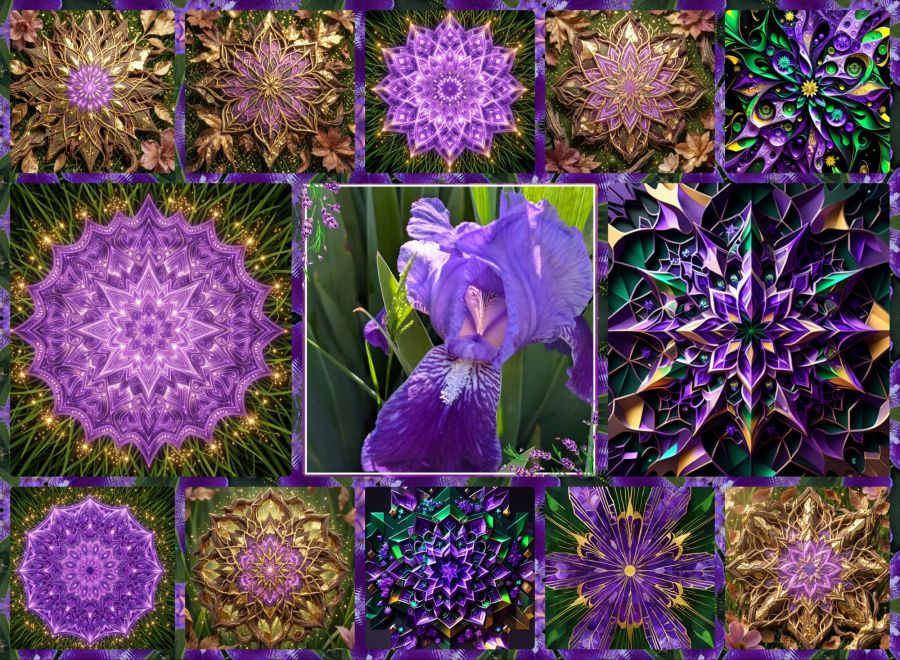
After all the heavy-on-theology posts of the last couple months, I think it’s time for a little purple playfulness. My irises started blooming, so while I was outside talking to a neighbor, I got some shots with my Pixel 9 phone camera. With a favorite selected, I went to Photo Studio Pro (by KVADGroup App Studio at Google Play Store) to crop and frame it, and then to my Mirror Lab app to create kaleidoscope designs. They were a little more dull than I liked, so I took a few of those designs to Wombo Dream AI and tried a few different filters for variety. Once I had a nice collection of images, I went back to Photo Studio Pro to put them into a collage with one of the Mirror Lab images as the frame background.
So there you have it. If you’re a purple lover, you should really enjoy this one. 🟣 💜🟪 And just in case you REALLY like purple, here’s an article at the Houzz website with lots of pictures of purple kitchens: https://www.houzz.com/photos/purple-kitchen-ideas-phbr1-bp~t_709~a_88-7?pg=5
And with that, I say goodnight and I hope you had fun during International Jumping Over Things Day.
Oh, and just because I can, I have to include this video of Sheb Wooley singing One Eyed, One Horned, Flying Purple People Eater…
Share this post on:

Fun with Creativity and The Creator
List five things you do for fun.
WordPress Prompt on January 23rd, 2026
If you’ve read much of my blog, you’ve seen a lot of the things I do for fun. Almost anything kaleidoscopic, colorful, sparkly, or created with words gets my attention. I believe I am creative because I was made in the image of my creative Heavenly Father. Like the aspects of my own parents that I see in my own life, I am thrilled to model aspects of The Lord in my creativity.
The first thing I do for fun is spend time with Yahveh Almighty. Maybe it’s singing to Him, offering praise, giving thanks, reading and studying His Holy Word, or just having a pleasant conversation. However I interact with Him, it truly is a fun thing getting to know The One who put the universe together in infinite ways beyond my finite understanding.
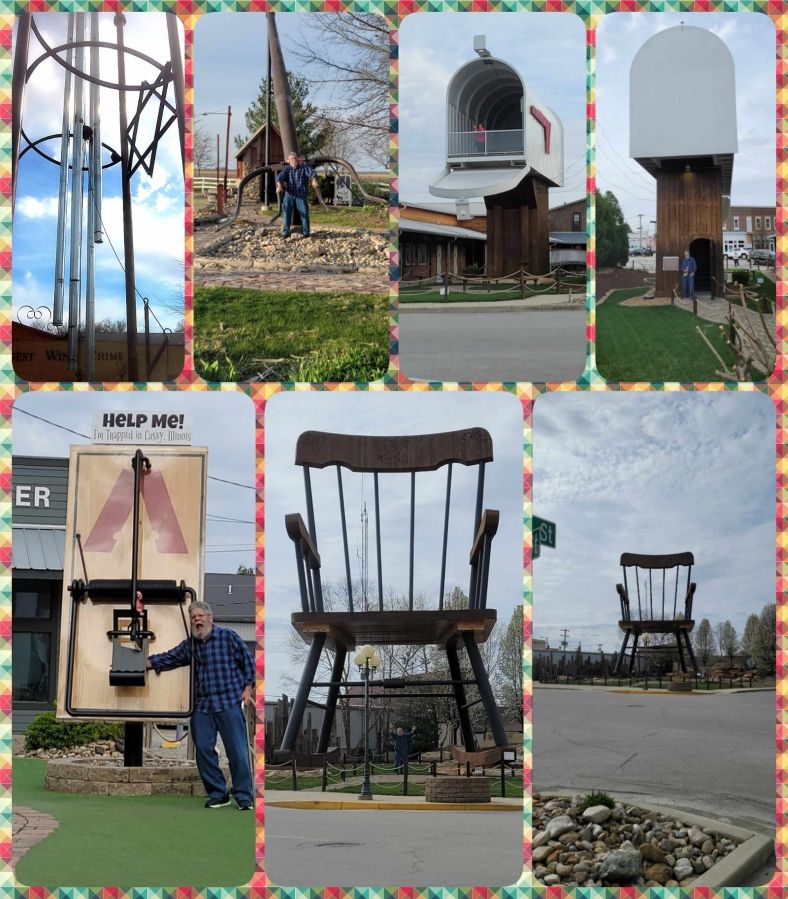
The second thing is spending time with the love of my life, my soldier husband of almost 35 years. We plan to be together “forever and 3 days” because one day past forever isn’t enough. 🥰 Time with him includes more time at home these days, but I have great memories of travel to see my family out west or for vacations to my favorite places like Branson, Missouri, and Gatlinburg, Tennessee. Even a few short trips like the Red Skelton museum near Evansville, Indiana, and a really cool trip to see the World’s Largest Rocking Chair/Mailbox/Pitchfork Wind Chime/Mousetrap and more in Casey, Illinois. Check out these cool sites…
The third thing is writing. If I didn’t have fun writing, even this blog might seem like work. Although I have had some time where writing wasn’t as fun when I didn’t have the members of my wonderful Louisville Christian Writers (LCW) group to encourage me. And, actually, it wasn’t that writing was not fun so much as my life had so many big things going on just before the start of 2020 that all creativity seemed stifled, so writing and this blog took a hit. But now I’m back here and at LCW, so writing is becoming more fun every day. I hope I get back to poetry soon as well. I’m working on a children’s book from the lyrics of the first song I ever wrote at 7 years old, but I’ll save that for its own post.
The fourth thing is kaleidoscopes. My favorites of these include oil cells with floating pieces of sparkly and colorful stuff like dichroic glass. The two mirrors reflect the pieces into a mandala shape filled with moving designs that have a positive effect on the viewer’s endorphin level. And my wish list for new scopes is pretty big, but with just a few small purchases, it was enough to be considered a collector at my favorite kaleidoscope store: Nellie Bly’s in Jerome, Arizona. I love kaleidoscopes so much, well, you can find a whole album of my inside kaleidoscope pics on Flickr at https://www.flickr.com/gp/crystalwriter/cmBKQ5Rp2k And I believe that what I see when I look down the tube of a kaleidoscope is similar to what God sees when He looks at His creations (and people) on this earth. All the designs are beautiful; and they’re even more beautiful when light, especially God’s light, shines through them.
Fifth: Viewing a kaleidoscope doesn’t use my own creativity (though I have built one and want to create more someday), so I love to wax kaleidoscopic and create designs digitally. I use any variety of apps and software to make designs. I started with making tessellations in the Silicon Mirror program by Torpor and later learned what a mandala was. You can still get the program for Windows for only $12, which is what I paid over 15 years ago, and it looks like they’ve come out with a Mac version for 5 bucks. Visit https://torpor.com/smk.htm to see the mirror and his other really cool programs and links to lots of images. My Flickr album for everything kaleidoscopic is at https://www.flickr.com/gp/crystalwriter/2148G1a628 and you can visit https://www.facebook.com/KaleidoscopesPlus to see images from other creative applications. The video at the top is a kaleidoscope transformation made in Mirror Lab. It was a huge file, so I compressed it and added music in Video Show for Android and then let Jetpack’s VideoPress optimize it here. And here are a few static kaleidoscopes I made from the same source as the video was made from.
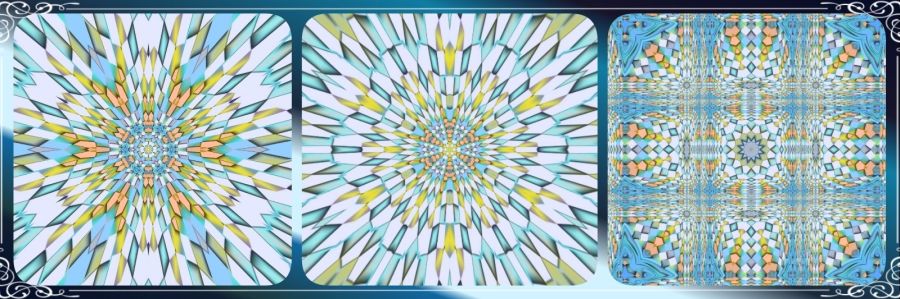
The 3rd and 5th items could just be called creativity, and there are even more creative pursuits in my life like creating new recipes to cook and spending hours making images with Wombo Dream and a few other AI programs. I hope one day to create a magazine that will include many of my creative outlets along with creations and ideas from others. Getting back here to write again is stirring the creative juices and renewing my hopes for these future dreams. I hope my readers join me in the fun. 😊
Share this post on:

Simple Day, Simple Play

Kentucky Butterfly in a Picture in Picture Bubble
A visit with a friend, a quick tour of her back porch, and summertime; these are just some of the ingredients that were used in the making of this photo. What else was there, you ask?
Well, there was the butterfly of course. There were the purple flowers that attracted butterflies. Oh, and then having my cell phone at the right time.
I took plenty of pictures but, for now, this one seemed best to share. I loaded it into a couple of editing programs to get the colors brighter, the lens flare, and the nice glass frame, and then I cut the size to fit the posts.
I’m amazed that these miniature computers we call “smartphones” can do so much. It wasn’t that long ago when a cellular phone was a huge clunky thing with a foot-long antenna. And for all its girth, all you could do with it was make a few phone calls. Now, I can take a photo, edit a photo, add creative designs to a photo, and even make a kaleidoscope out of a photo and then surround it with a fancy frame. Amazing huh?

Butterfly and Flower Kaleidoscope in a KVAD Summer Frame
I wonder what I’ll create for the next Fun and Flourishing Friday post.
Share this post on:

Now For A Word from my Sponsor
My Sponsor is the One who gave me breath for life, so taking time out to seek His presence and thank Him for all the moments and minutes He gives me is only natural. I cherish all His creations and the joy I find in them. His word on the first Sabbath in Genesis 2:2-3 is…
2 And on the seventh day God ended his work which he had made; and he rested on the seventh day from all his work which he had made. 3 And God blessed the seventh day, and sanctified it: because that in it he had rested from all his work which God created and made.
For a Sabbath day’s rest, my first Sabbatically Saturday post will simply be the pictures I took yesterday along with some creative editing. Relax and enjoy God’s gifts of nature and creativity, and share with me if you do some creative work of your own.
Pic 1, Naked Ladies (Belladonna Lillies) from my front yard. These soft pink beauties are all over the neighborhood right now too.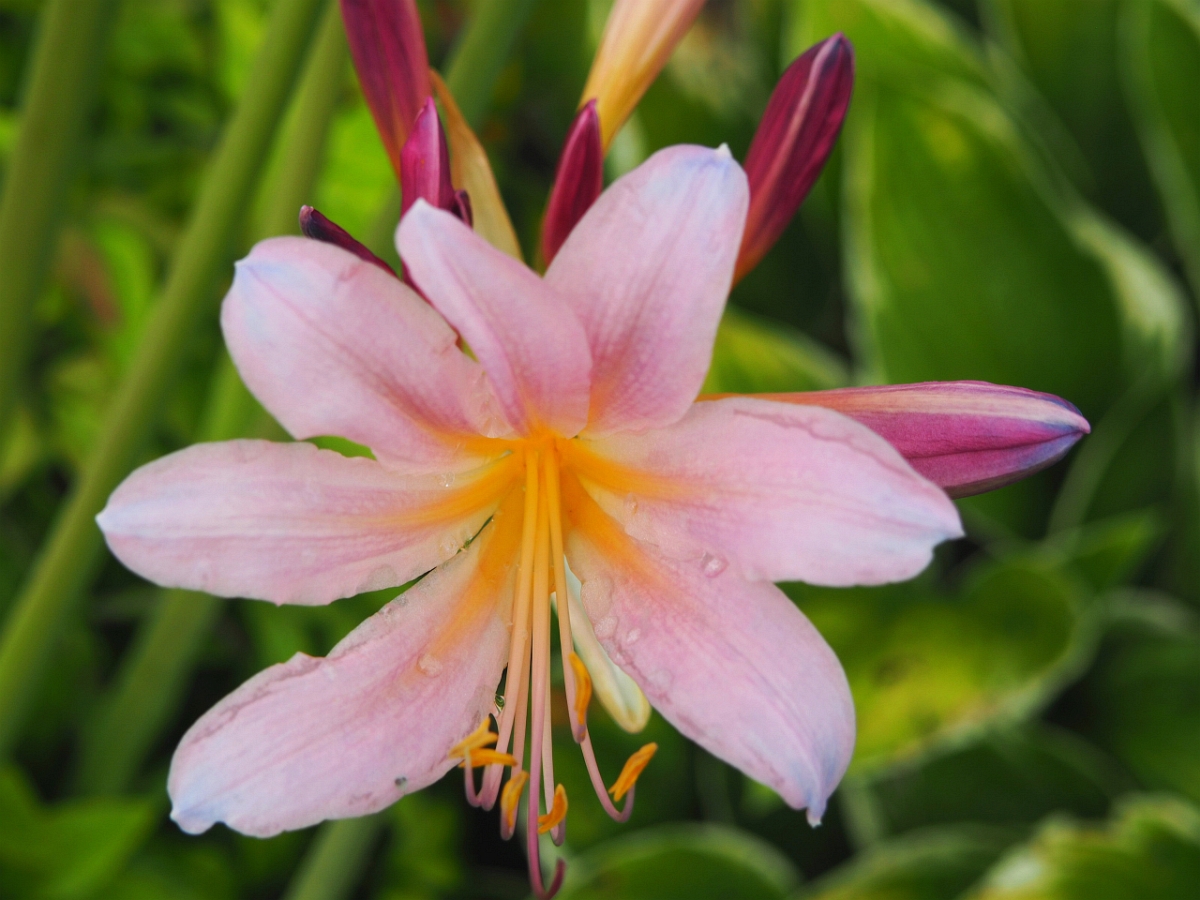
Pic 2, I wanted to catch the flowers while they still had some water from the earlier rain, and I got some, but then I cheated and decided to use the KVADPhoto+ raindrop filter to add a little more to it. While I was at it, I thought a nice bamboo frame and a bit more saturation went nicely with the raindrops.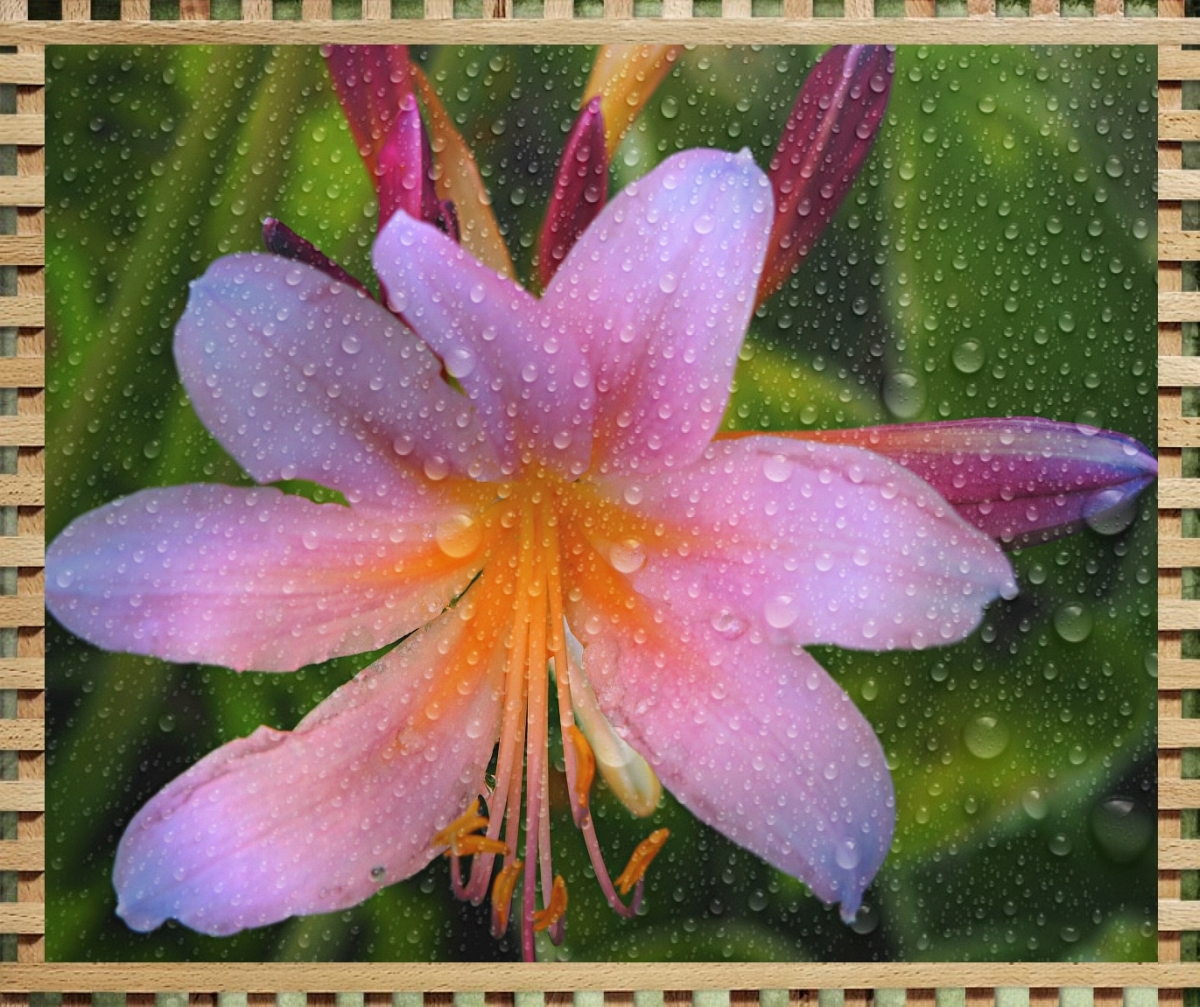
Pic 3, When I have a nice contrast in an image, I really have fun getting out the Fractalius plugin and seeing what all images it will create for me. It takes my love of fractal and colorful design and adds it to real world images. What more could I ask for?
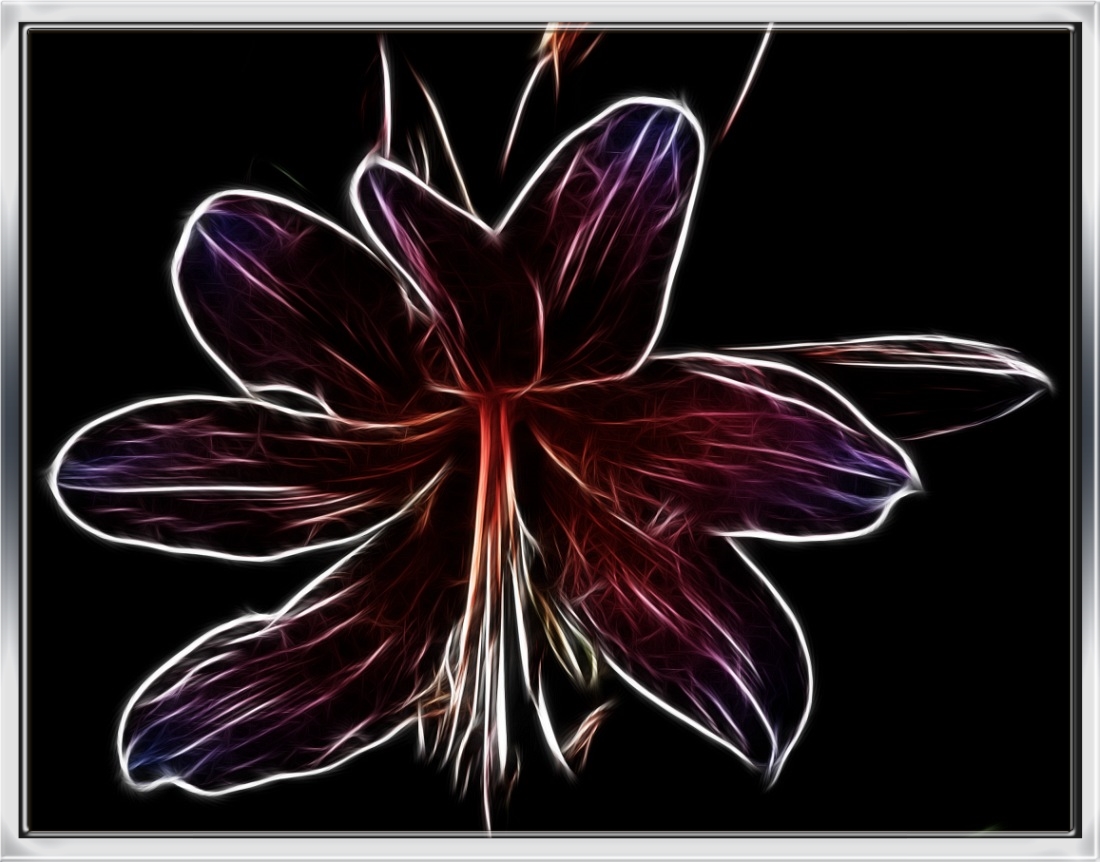
Naked Lady (Belladonna Lily) with Fractalius Edits & Framing
Pic 4, Another Fractalius image with a bit more color and a nice vignette and frame from Irfanview. 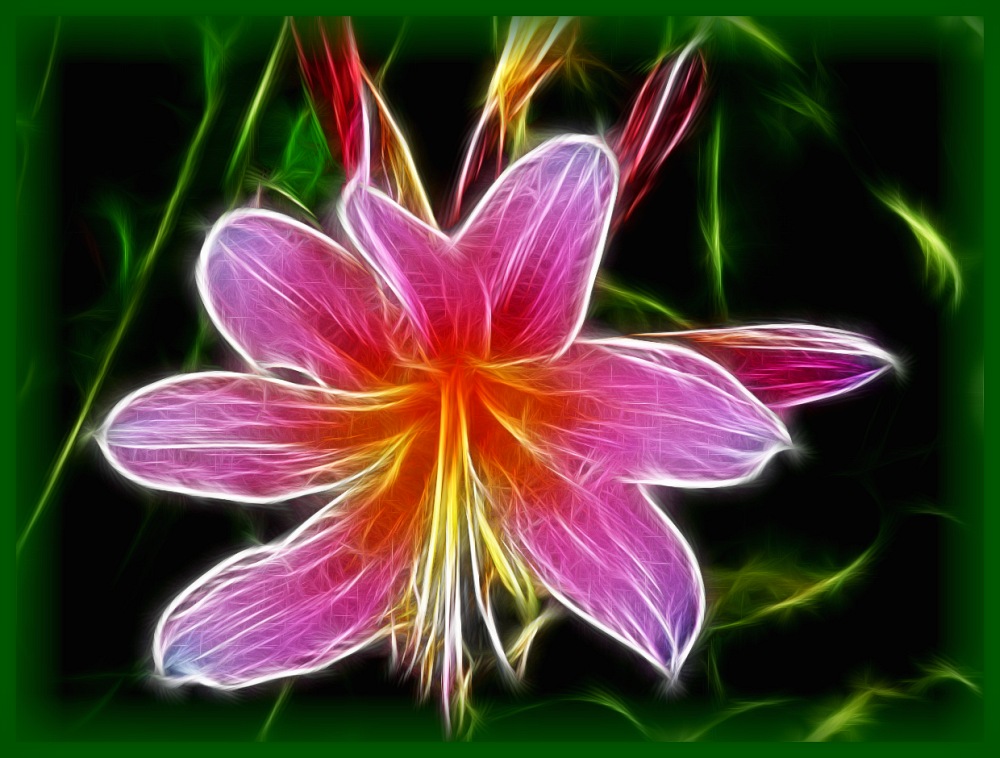
Pic 5, And we’ll end this with a kaleidoscope made from one of the fractalized flowers because, after all, it is #KaleidoSaturday on Twitter.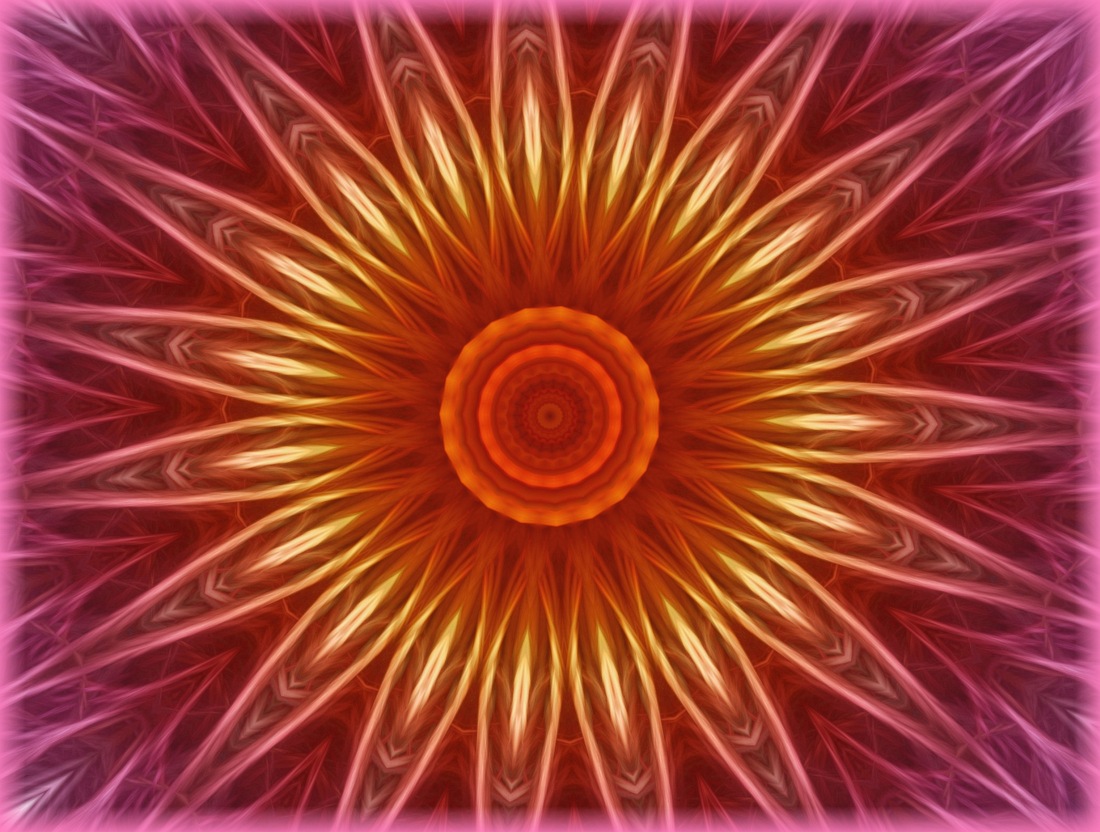
Share this post on:

Photo Fun–A Gift for My Sister
Welcome to my Friday blog post where, sticking with my pattern of daily alliteration in my titles, it is time for Fun and Flourishing Friday. Since I’m planning on Fridays being posts of fun, photography, family, etc., this one lines up perfectly with edits done to a picture of my sister and her husband. Plus, the fancy frame even allows for the definition of flourish.
I had a great day where I got a bit more exercise and activity according to my Samsung SHealth app. As part of that activity, I took a bunch of pictures in my front yard, and while I was working on some creative edits, I changed my mind midstream. I’m kinda known for doing things like that. It’s a woman thing and an Adult ADD thing, so…oh, look, another idea popping in. 🙂 Not really, but really. My mind is always racing with new ideas and running down a variety of rabbit trails.
Anyway, I remembered I had a picture from my little sister’s recent vow renewal ceremony out in Arizona. She and her husband celebrated their 33rd year of marriage, and since I couldn’t be there for the event, I asked for a lot of pictures.
Well, Candie is normally the photographer for her church, but as the subject of the photos, she couldn’t be the one to take them. I don’t know how many people she passed the camera to, but she ended her day with a variety of nice pictures. Unfortunately, only a few were of just her and her hubby Steve together. The best one also had half a word and some wall decor behind them. That’s the first image in the slideshow above.
I cut the image to a size that would print for an 8 x 10 landscape, but I had not yet been successful in removing the letters and design. I’m not practiced in using the cutting tools to cut and paste an image yet, but the new Photoshop Elements 14 has a “refine selection” tool that makes a big difference, so I hope to use that method in the future. For this one, I simply copied and pasted plain wall portions over the decorated wall. I use the free software from Irfanview for simple editing, so shadowing and colors aren’t perfectly even, but a little work with the cloning tool took the square lines out. From there, I opened the image up in my KVADPhoto+ Pro desktop app from the Microsoft Store. (Note: links are for ease of reference only unless they link to Amazon where they include my affiliate info.)
Image two in the slideshow reveals the heart bokeh I placed over the walls to soften the background and add some color. That took two different effect filters, and half the fun is seeing what an image looks like with the different filters until I find one or two that seem perfect. For this, white hearts and then colored hearts worked well together. In addition to that, I added a simple frame to make the picture printable as an 8 x 10 for my family that doesn’t use the Internet. The frame is perfect because it includes some dainty lace, and my little sister loves all things lacey and Victorian.
The last image was the simplest, though I went through a variety of frames to get to it. For that one, I surrounded the previously edited and framed image in another Photo+ frame that I thought would look good for when my sister wants to share her pic online. We’ll see which one she likes best, and feel free to comment on the one you like best too.
Shabbat Shalom to all my readers, and may this fun and flourishing Friday finish your week in peace and joy.
Share this post on:

My Latest Flickr Photos


Others’ Posts I’ve Liked


