🎬Cliché Month: (don’t) Follow Your Heart 💓
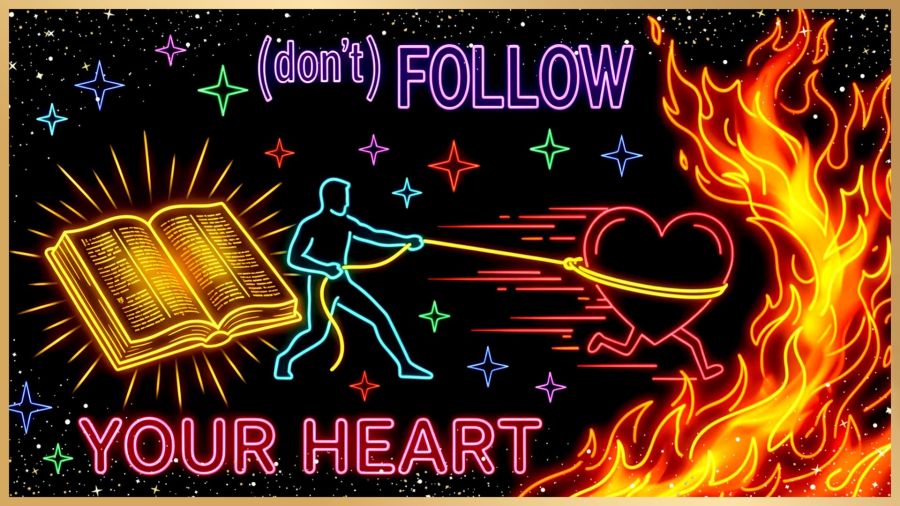
Follow Your Heart?
Have you ever followed your heart only to have it lead you someplace you didn’t expect to go? Maybe you thought you were following true love. Maybe a religious experience turned out to be a little too much like a cult instead of being Bible based. Maybe you were totally certain you were supposed to go to a certain school, job, or address and all the promises fell flat.
Few platitudes are as universally celebrated as “follow your heart.” You’ll find it in graduation cards, you’ll hear animated heroines speak it as a mantra, and Hollywood pushes it as the way to fulfill your dreams. On the surface, it sounds empowering. But beneath the romanticism, there’s an uncomfortable truth: our hearts (emotions) are fickle, easily swayed, and often terrible navigators. Even God’s Word says our hearts are so deceitful that we can’t even know them ourselves.
Jeremiah 17:9 WEBUS
[9] The heart is deceitful above all things and it is exceedingly corrupt. Who can know it?

https://bible.com/bible/206/jer.17.9.WEBUS
Danger and Deceit
This is the danger of following your heart. Even though we’re told things like, “The heart knows what it wants,” or “Listen to your heart,” those efforts often lead us to a broken heart or into hopeless depression. And why? Because they mix up emotional desires with being led through this life by our loving Creator. Only the Spirit of The One who made us can lead to the places He planned and designed for us. Every other direction is hit and miss. Maybe it will lead to someplace great; maybe not. John Bevere speaks on this in his message: “Breaking Intimidation.” He says things of the soul can imitate things of The Spirit.
The affiliate link above is for the book at Amazon, and I’m not certain if that portion is in the book or only on CD, so I asked Microsoft Copilot for a summary of that portion of the message. Here’s that summary…
John Bevere warns that the soul (mind/will/emotions) can imitate the Spirit, creating impulses that feel right, sound noble, and even look “spiritual,” yet still come from human desire rather than God. He uses John the Baptist as the example: everything about his priestly family line suggested a respectable ministry path, but the Spirit led him into the wilderness instead—camel hair, locusts, and a calling no one expected. Bevere’s point is simple and sharp: following your heart is often just following your soul, and the soul, no matter how sincere, “cannot receive the things of the Spirit.” True direction comes from the Spirit, even when it contradicts what seems good.
1 Corinthians 2:14 BSB
[14] The natural man does not accept the things that come from the Spirit of God. For they are foolishness to him, and he cannot understand them, because they are spiritually discerned.

https://bible.com/bible/3034/1co.2.14.BSB
The Romantic Rebellion
The belief that our inner feelings are the ultimate moral compass took root during the late 18th-century Romantic Era. Poets and philosophers, who reacted against the cold rationality of the Industrial Age, argued that personal passion and raw emotion were inherently pure. Over the 20th century, pop psychology and modern individualism cemented the idea that it was unhealthy to suppress our desires. They suggested that trusting immediate emotional impulses was the highest form of self-discovery.
An Ancient Warning
Long before modern cinema made the human heart into the hero of every story, ancient wisdom urged caution with yielding to wild emotions. In classical philosophy, Plato illustrated the human soul as a charioteer (Reason) struggling to manage two horses—one noble, and the other a wild, rebellious appetite that was “the mate of insolence and pride… hardly yielding to whip and spur.”
Scripture provides more anchors against letting blind, emotional trust lead us to places of destruction or depression:
Proverbs 4:23 BSB
[23] Guard your heart with all diligence, for from it flow springs of life.

https://bible.com/bible/3034/pro.4.23.BSB
Proverbs 3:5-6 BSB
[5] Trust in the Lord with all your heart, and lean not on your own understanding; [6] in all your ways acknowledge Him, and He will make your paths straight.

https://bible.com/bible/3034/pro.3.5-6.BSB
Rather than letting unchecked desires drag us toward a fire, wisdom calls us to tether our hearts to truth, discernment, and sound guidance.
Leading Your Heart
In the 2008 film Fireproof, there is a pivotal conversation between Caleb and his friend (and boss) Michael that perfectly dismantles this platitude. When Caleb tells Michael he is “in” with The Lord and wants some faith advice, Michael gets very excited. He calls Caleb his brother (but you gotta hear how he says it 😁) and then gives great big-brother-type advice:
“And don’t just follow your heart, man, because your heart can be deceived; but you’ve got to lead your heart.”
Share this post on:

Cliché Month: Time to Recharge Our Batteries
Shabbat Shalom Y’all (and All Y’all). I haven’t done a blog break this month because there are so many great clichés to bring out, so for this Sabbath, I asked Google Gemini to give me ideas that worked with the rest and rejuvenation of a Sabbath weekend.
I know it could be our batteries, your batteries, or my batteries, and it still means the same thing, so I wanted this to go out to all my readers to wish you a great recharge and restful weekend, especially if you’re in the USA or anywhere else with a strong heat wave.
Where Did “Recharge Your Batteries” Come From?
Unlike ancient agricultural idioms or biblical proverbs, “recharge your batteries” is a modern industrial metaphor applied to an ancient human need; the need to rest and recharge before continuing to move forward. Even God knew we’d need to recharge, which is why we have Sabbath and why YahShua (Jesus) said, “The Sabbath was made for man, not man for the Sabbath.” For this idiom, its history follows the rise of electrical technology before entering everyday speech:
- The Technical Precursor (1859–1900s): French physicist Gaston Planté invented the first rechargeable lead-acid battery in 1859, followed by Thomas Edison’s nickel-iron battery in 1901. For decades, “recharging batteries” was strictly an engineering term used for telegraph lines, submarines, and early electric vehicles.
- The Metaphorical Shift (1920s–1930s): As consumer radios, automobiles, and flashlights became standard household staples, the concept of a “run-down battery” needing to be plugged in to restore power entered popular culture.
- Documented Print Debut (1930s–1940s): By the late 1930s and through World War II, newspapers and military dispatches began using the phrase figuratively to describe weary workers, executives, and soldiers taking leave to rest before returning to duty.
So without adding any other pictures or song references, here are some ideas for your own personal recharge over the hot weekend. This list is fully from Gemini, so I could rest a bit as well. And I love the idea of the cool water foot soak. Comment below if any of these work for you.
Sabbath Recharge: Staying Cool in Extreme Heat
- Host a “Living Room Picnic”: Spread out a blanket inside under the A/C or a direct fan. Have a simple lunch of sandwiches, fruit, and snacks, avoiding any cooking that adds heat to the house.
- Themed Hydro-Sipping: Make staying hydrated feel special by infusing large pitchers of ice water with cucumber, mint, lemon, or frozen berries.
- Cool Feet, Cool Body: Place a shallow basin of cool water by the sofa or a comfortable chair and soak your feet for 15–20 minutes. It is an incredibly fast way to lower your overall body temperature.
- Low-Light Sanctuary: Pull the shades and curtains tight during the hottest hours of the day (noon to 4 PM). It creates a calming, sanctuary-like atmosphere while significantly blocking solar heat gain.
- The Afternoon Audiobook or Podcast: Instead of active reading, simply lay down, close your eyes, and listen to a peaceful audiobook, a podcast about rest, or a relaxing scripture playlist.
- A Taste of Winter: Pull something pre-made from the freezer, like a chilled soup (gazpacho), pre-cut frozen fruit chunks (grapes or banana slices), or enjoy a simple icy treat like a popsicle or a scoop of ice cream.
Share this post on:

🎵🎬 Cliché Month: The Elephant in the Room

We’ve all been there: Gathered for a group dinner or party when that relative or friend walks through the door, dramatically sporting a new look. Maybe it’s a huge new tattoo, a noticeable facial piercing, a vibrant shock of wild neon hair, or maybe it’s a new relationship partner that no one saw coming.
Instantly, the conversation stumbles. There is a collective hush followed by a palpable second of silent checking and cross-referencing. Everyone’s gaze darts around the table, evaluating reactions without actually sharing an opinion—positive or negative—out of deep social fear that someone else in the room will disagree. The collective breath is held… and that’s when it arrives.
In that exact moment of shared paralysis, no one is just sitting at a dinner table anymore. Everyone is living out a classic, textbook example of The Elephant in the Room.
(That’s usually when everyone quits playing their White Elephant game for a while—though don’t worry, we’ll untangle that particular tradition in a bit!)
Where Did the Pachyderm Come From?
First, how did a giant mammal end up sitting on our living room furniture in the first place? 🐘
The core concept actually stretches back to an 1814 fable by Russian poet Ivan Krylov called The Inquisitive Man, which told of a museum visitor who noticed every tiny beetle and fly, but completely overlooked a massive, live elephant walking among the exhibits.
Later in 1882, Mark Twain adapted that same image for American readers in his short story Mrs. McWilliams and the Lightning, writing that an obvious truth was “as plain as an elephant in a house.”
Yet, the exact, modern phrase we use today—“the elephant in the room”—didn’t officially become a regular part of our language until the mid-20th century, first appearing in newspapers like The New York Times in 1952 before exploding into popular psychology in the 1980s as a way to talk about unaddressed family secrets. We humans, it seems, have spent over two centuries perfecting the art of ignoring the obvious!
The Psychology of Silence
The defining characteristic of an “elephant in the room” isn’t that the issue is hidden or subtle. It is the exact opposite: the issue is so glaringly obvious that everyone is aware of it. Yet, an invisible social contract keeps everyone tight-lipped.
Why do we do this? Usually, it comes from a mix of social conditioning, a fear of creating conflict, or simply waiting for someone else to speak up first. We convince ourselves that ignoring the massive problem makes it go away and hide, when in reality, the pressure to look at it only builds.
The funny thing about naming the elephant is that once someone finally has the courage to say, “So… are we going to talk about this?”, the collective sigh of relief in the room is almost deafening. Light replaces tension, and everyone can finally breathe again.
Speaking of Unwanted Elephants…
Since we’re on the subject of giant, awkward things in the room, let’s talk about a related pachyderm phrase that hits close to home—especially for those of us in writer’s groups or holiday parties that host a annual White Elephant Gift Exchange like we do in my local LCW group!
Have you ever wondered where that term came from? The history is surprisingly brilliant (and a bit petty).
Legend has it that in ancient Siam (modern-day Thailand), rare albino elephants were considered sacred royal property. Because they were sacred, they couldn’t be put to actual labor. If a noble or royal official displeased the King, the monarch would reportedly bestow a magnificent White Elephant upon them as a “gift.”
On paper, it looked like a high honor. In reality? Feeding, housing, and maintaining a non-working, giant, sacred beast was so astronomically expensive that the gift would completely ruin the recipient financially! It was a passive-aggressive masterpiece: a gift that was far more trouble and expense than it was worth, and one you couldn’t possibly get rid of.
Today, we’ve repurposed that royal headache into a fun holiday tradition where we swap quirky, useless, or eccentric items—hoping to pass off our own “white elephants” to a willing friend. And when we add “stealing” to the mix, it becomes quite comedic to watch the few really good gifts make their way into many hands before their final homes are decided.
Honoring the Real Giants
Since August 12th is World Elephant Day, it’s worth stepping away from our human idioms for a moment to celebrate the real animals behind these two (and more) proverbs. Elephants are extraordinary creatures. They are deeply empathetic, protective of their herds, and blessed with incredible long-term memories that keep their families safe through changing landscapes.
Truthfully, the only thing that makes a proverbial elephant in the room anything like the real thing is sheer size. They are certainly more majestic than most of the subjects we may be trying to avoid. So, I guess a way we can honor them as more than just large creatures is to become bigger (metaphorically) like they are and just stampede right over our fears of telling the truth. Directness paired with grace is always the best path forward. Let’s talk about the elephant in the room, or maybe just watch this clip from Hatari with adorable baby elephants and the fun Henry Mancini orchestration of “The Baby Elephant Walk” song:
Lots of help from Gemini on this one, so here’s a shout of thanks for the helpful collaboration. And one final bit of fun, can you tell whether this elephant is real or not?

Share this post on:

Cliché Month: Beauty is Only Skin Deep; plus Beauty is in the Eye of the Beholder
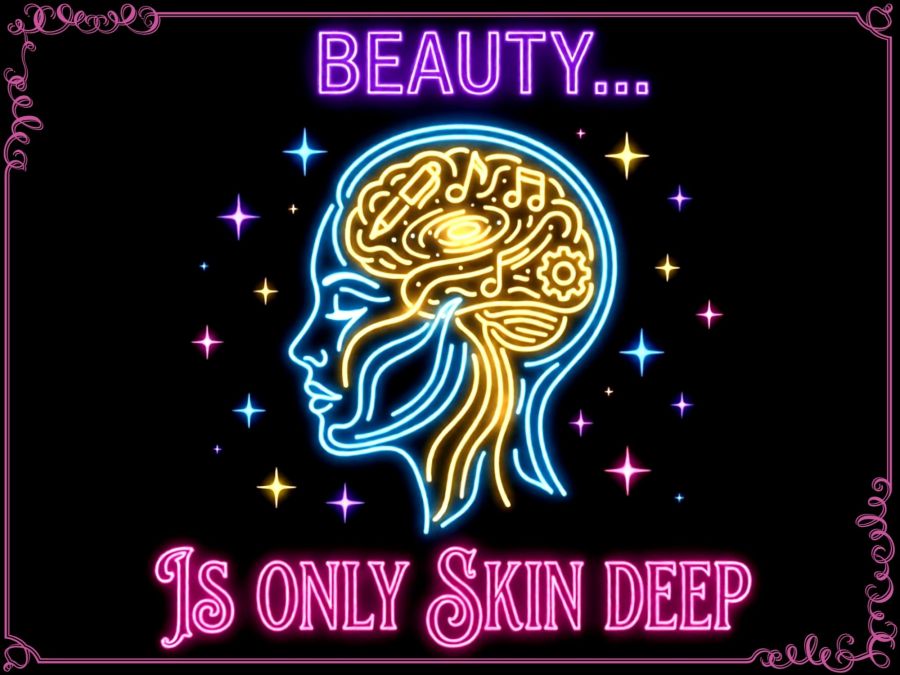
I’m bringing you two related clichés today because they are parts along the same line of looking at real beauty vs false beauty. I write from the point of view of someone who’s never really liked what she saw in the mirror, though I haven’t hated what I see either. It just always seemed like most others were prettier than me. There have been moments where I fixed myself up into something I was more pleased with, but even those never made me feel gorgeous or beautiful.
On the other hand, my acceptance of being more plain than those “real” beauties in my life has driven me to develop inner beauty. Caring how others feel, trying to be helpful to almost everyone, and freely talking about my various failures in life to make sure no one feels like I think I’m better than them has always been among my goals. Even with winning behaviors or skills, if they made someone else feel loss, it took the wind right out of my sails. (Hmm, that’s another cliché, huh?)
Sometime during my travels with the photo studio, a TV was on with a show called Monsters. The episode I watched back then (around 1990) has stuck with me for years even though I didn’t actually know the show or what the episode was called until a few weeks of deep searching gave me the result: Season 2, episode 23, called “The Bargain.” I’ve linked to it on YouTube, but the summary goes like this:
A woman owns a bookstore and has feelings for a customer who doesn’t seem to feel the same. She decides it’s because she’s plain, so when she sees an ad for a new face, she calls the number. Her new face is beautiful but comes with a few prices. In the end, the woman with her old face gets the guy who’d been in love with her inner beauty all along, so she lost everything by focusing on the outer shell. I guess this actually goes a little with yesterday’s cliché to not judge a book by its cover as well.
Now, the second cliché makes a similar point, and the illustration of it is shown perfectly in the old Twilight Zone episode called Eye of the Beholder from season 1, episode 39. But I was unable to find that in a full original episode without commentary. I have linked to the unveiling moment in the remake from 2002 since the point is still shown, and the videography still pulls off some of the tricks of the original.
If you haven’t seen it, I don’t want to spoil this one, so I’ll just tell you that it’s an episode about a woman who has plastic surgery to “fix” her face to give her the beauty of those around her. The surgery fails and the lights come on to reveal that beauty—both hers and others—is not exactly what most expect it to be.
On a side note, if you watch (or rewatch) this full episode, pay attention to the amazing use of shadows and camera angles that hide the actual faces of the cast until the reveal at about 16 minutes in. The strength of the film is in the audio until the lights come on, and you never realize something is being purposely hidden from the audience. It’s done brilliantly.
So how do we look at the world when we’ve been so trained to judge on outward appearances and yet somehow know they are not the answer? The Bible speaks to this in three different ways.
Proverbs 31:30 BSB
[30] Charm is deceptive and beauty is fleeting, but a woman who fears the Lord is to be praised.

https://bible.com/bible/3034/pro.31.30.BSB

1 Samuel 16:7 BSB
[7] But the Lord said to Samuel, “Do not consider his appearance or height, for I have rejected him; the Lord does not see as man does. For man sees the outward appearance, but the Lord sees the heart.”

https://bible.com/bible/3034/1sa.16.7.BSB

1 Peter 3:3-4 BSB
[3] Your beauty should not come from outward adornment, such as braided hair or gold jewelry or fine clothes, [4] but from the inner disposition of your heart, the unfading beauty of a gentle and quiet spirit, which is precious in God’s sight.

https://bible.com/bible/3034/1pe.3.3-4.BSB
Each of us should work on our inner beauty, and we should also strive to see the inner beauty of others. It is that true beauty that will allow us to make genuine connections to each other; connections so strong that they supercede any abundance or lack of external beauty.
This message is portrayed beautifully in the Pure Flix movie called “A Hot Cocoa Christmas” (formerly called “Much Ado About Christmas”) and one I highly recommend is worth renting. I wish I could find the karaoke scene that shows the connection between the couple, but here’s the trailer for the whole movie:
Just imagine a world where the insides truly mean more than the outsides to most people. No more harming others because they’re wearing the shoes someone else thinks they deserve; no more attacking people because of any outward display (age, race, gender, etc.) someone dislikes; no more graffiti and damage to the outsides of buildings or cars or wherever people feel their appearances need to be made; and people dedicated to bringing out the best in others, so their inner beauty can shine. All that would be Heavenly. Dream with me, and let your own inner beauty sparkle. ✨🤩
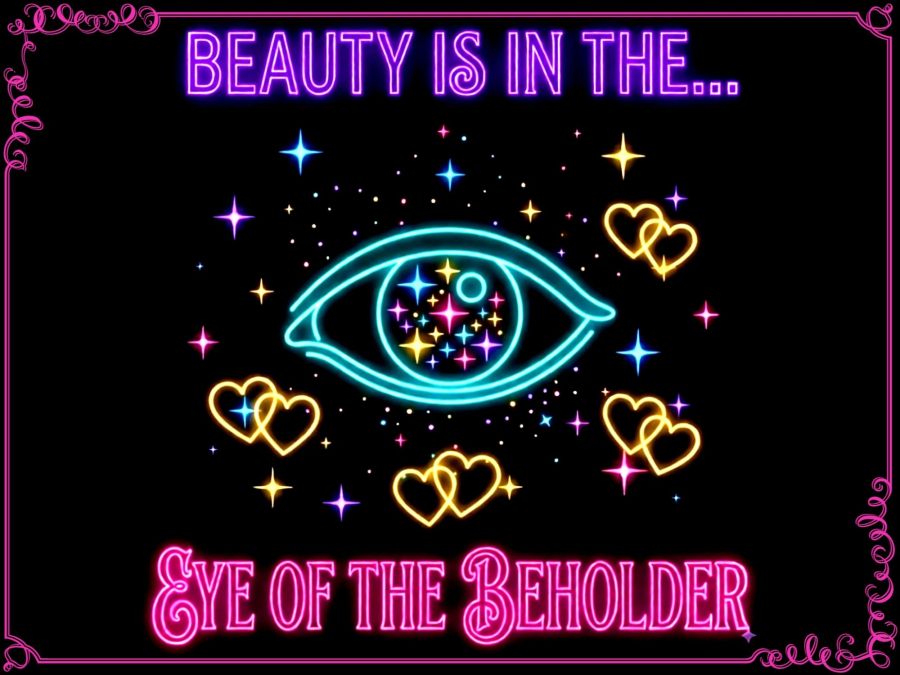
Shout out to both Google Gemini and Microsoft Copilot for helping me find the info for that old show and for pointing out the symmetry arc my mind naturally found by looking at these three sources to present my points.
Share this post on:

Cliche Month: The Pen is Mightier Than the Sword
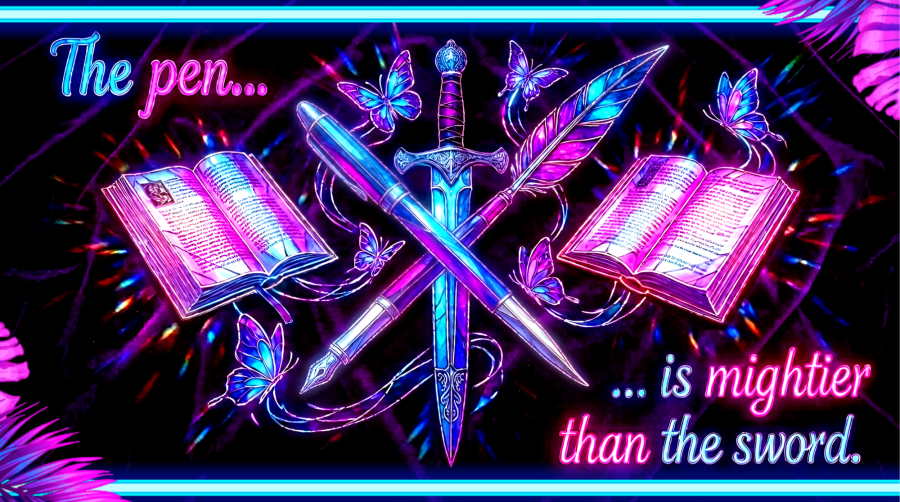
I know, I know… If you’re a writer, you’ve been told to “avoid clichés like the plague” (the ultimate cliché in itself!) So why am I planning a month of posts all about clichés?
Though the publisher’s advice to avoid using clichés is not empty advice, totally dismissing them ignores a crucial fact: clichés are clichés for a reason. They are successful linguistic vessels that earned their status by capturing universal truths and vivid imagery so perfectly, they had to be repeated—and repeated again.
While clichés can be efficient methods for driving home a point without launching into a wordy diatribe, overused phrases can make writing feel lazy and flat. Still, a bit of clichéd shorthand to convey a warning or some sage advice is powerful when used correctly.
Throughout August, we’re going to take a deep dive into the paradoxical world of clichés to learn the DNA of persuasive language. We will peel back their layers to expose the colorful, often surprising history and background behind phrases that still bring important punches of truth and deep thought to our prose. We will learn how to transform them from lazy shorthand back into powerful tools of expression.
For example, the exact phrase highlighted in neon text above was coined in 1839 by the writer Edward Bulwer-Lytton for his play Richelieu. Beyond the play, it became the ultimate rallying cry for persuasion over force and freedom of speech.
We see the power of the pen throughout Scripture as well. Way back in Deuteronomy, God told the children of Israel to write His commands where they would see and remember them:
Deuteronomy 11:20 BSB
[20] Write them on the doorposts of your houses and on your gates,

https://bible.com/bible/3034/deu.11.20.BSB
In the book of First John, the authors use the pen to share what they have seen with their own eyes and touched with their own hands to those who read their words. In verse 4, they share their purpose:
1 John 1:4 BSB
[4] We write these things so that our joy may be complete.

https://bible.com/bible/3034/1jn.1.4.BSB
God told Habakkuk to write clearly on stone tablets where a herald could pick them up and carry the penned words to others.
Habakkuk 2:2 BSB
[2] Then the Lord answered me: “Write down this vision and clearly inscribe it on tablets, so that a herald may run with it.

https://bible.com/bible/3034/hab.2.2.BSB
Paul told the Corinthians that he used the power of his pen to write things in ways he knew they would understand:
2 Corinthians 1:13 BSB
[13] For we do not write you anything that is beyond your ability to read and understand. And I hope that you will understand us completely.

https://bible.com/bible/3034/2co.1.13.BSB
And God Himself told Moses to chisel out 2 stone tablets (more than once), so He could use the power of the written word, though He didn’t need pen and ink since He was God and could use His own hand.
Deuteronomy 10:2, 4 BSB
[2] "And I will write on the tablets the words that were on the first tablets, which you broke; and you are to place them in the ark.”
[4] And the Lord wrote on the tablets what had been written previously, the Ten Commandments that He had spoken to you on the mountain out of the fire on the day of the assembly. The Lord gave them to me.

https://bible.com/bible/3034/deu.10.2-4.BSB
So whether it’s the finger of God, a chisel, a paintbrush, an antique pen or feather, a modern roller ball, or a printing press (physical or digital), the power of words conveyed by a writing instrument is significant. The Holy Bible is the most amazing collection of words ever penned, and it still has soul-changing power.
Let’s take this month to learn the power of words, even as used in the form of a cliché, and undo the negative definition of the word cliché. Let’s learn to master the principals that made these succinct moral lessons powerful before they became relegated to the weakness of cliché, ensuring our own words resonate with equal weight and authority.
Many thanks to Google’s Gemini AI for the cool neon word art, the history of today’s cliché, and some inspirational words and editing for putting this all together.
Share this post on:

Blog Break ⛓️💥 I Did it Again
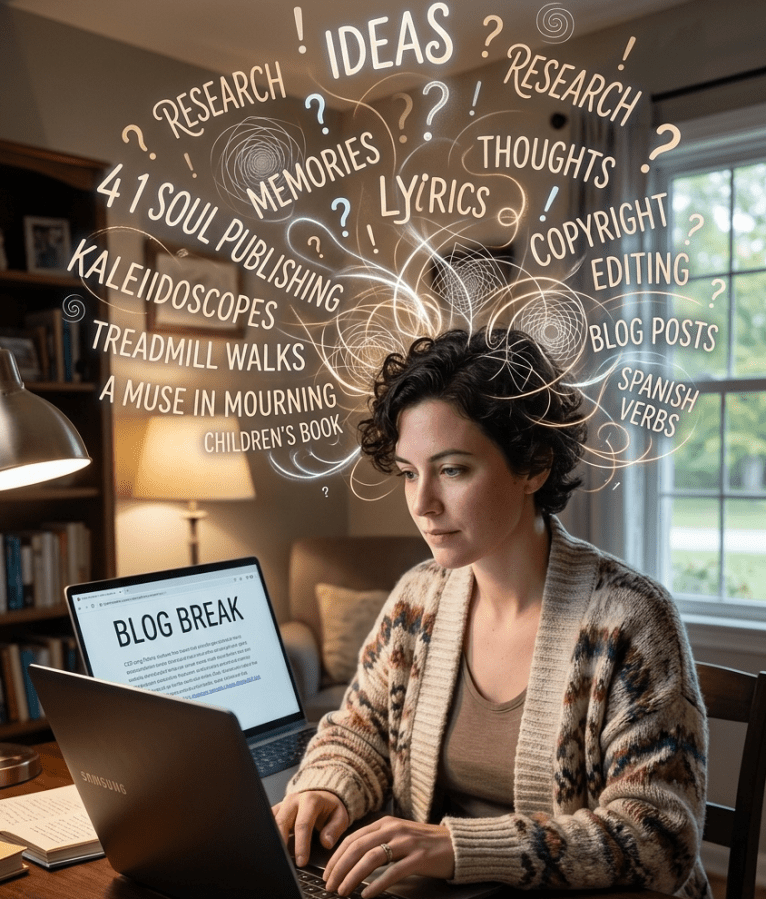
I started off with a simple idea, and then I started the research. How do I caption this? What are the copyright rules to use this song lyric? What do you actually call a piece of cotton growing in a field?
Oh, and which video is the best to embed with this? And why can’t I find one with lyrics? And oh, I should add that anecdote to the story.
If you were in my head, you’d be worn out by the cacophony of thoughts and sounds and ideas. But I can usually tug on a thread to make it more focused for these posts. When I realized that was going to take too long, I decided to ask Gemini to make an image of a blogger with a lot of thoughts. It decided to include almost everything we’ve talked about for various posts, and I’m only now seeing the misspelling of the word “lyrics” but if I keep making changes, this won’t be a break at all. Lol 😂
Good night and I’ll try to finish the promised post by tomorrow. 😴
Share this post on:

Blog Break ⛓️💥 Need Some Rest 😴

Try as I might, my creative ideas for tonight are either too long or too short, so I think I need some rest. But just so y’all know the efforts put into just one image on a regular post, here are some I had created for yesterday’s humor post but didn’t use. I really kinda liked the knitted ones, but I decided to go with the optimistic filter for the atmosphere of it. Still, these were fun and worth sharing, so have fun imagining how yarn can hold water—and fish. 😁
Share this post on:

Blog Break: Fireworks Converted by AI

You’d think I actually did a play for 3 days with how tired those 3 posts left me. I have so many drafts I’m working on and excited to share, but it’s one of those nights where sleep seems to be calling more loudly.
So this is an image of beautiful fireworks at Patoka Lake in Indiana. But with night pictures, there’s almost always a little blur and a lot of photo noise. I took my beautiful photos through AI to clean them up and add even more beauty. I’ll let y’all know when I’ve completed the album, so you can see before and after shots.
Good night and sweet dreams. 😴💭
Share this post on:

Keeping it Light and Melodic
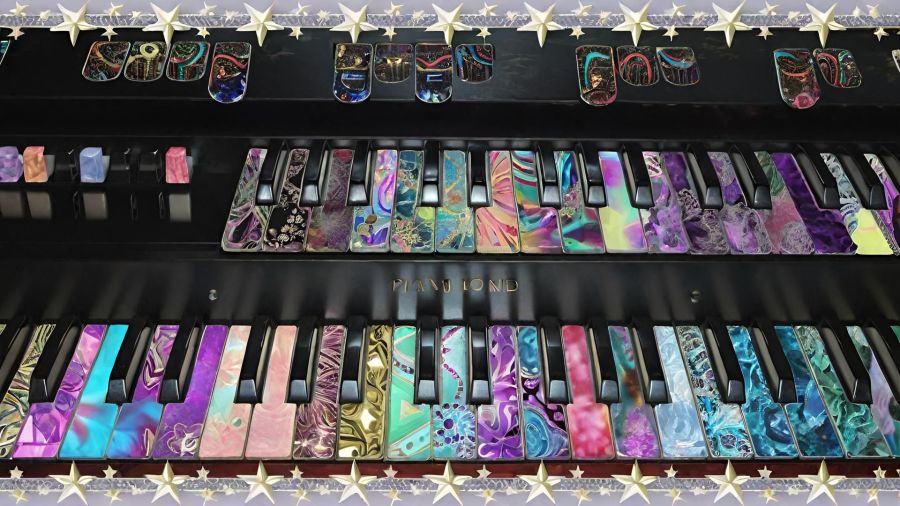
I kinda wore myself out in the last couple of days. Good wearing out, but still a bit tired, so I thought I’d keep the subject light and share one of my favorite digital editing projects.
This was actually a picture of a real keyboard from years ago. My sister-in-law, Denise, had recently shown me how to lasso a section of a picture and then fill in the selection with another picture. For this, I selected each key and filled it in with different kaleidoscope designs I had created. And, yes, it took me a very long time to finish this one.
Later, when I discovered Wombo Dream AI and learned I could upload my own picture as a template, I chose this one and let it create some really cool images from it. I’ll go back and do more with the new V4 filters one day, but for now, I’ll share a few of the colorful designs, and then I’ll hit the hay for some deep rest.
I love the lights under the bottom keyboard here.

This one added some slightly fall-colored flora.

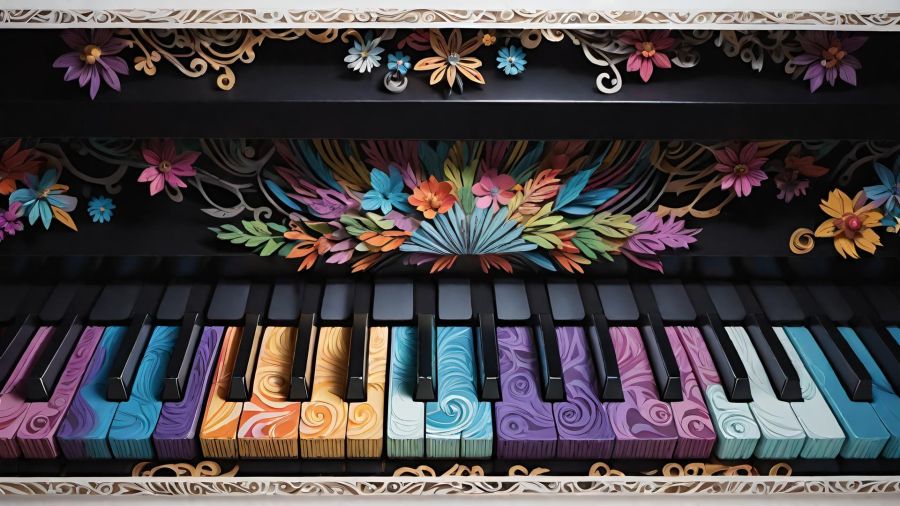
This one used either a prompt of “paper cut” or their papercut filter, or a little of both. I love the swirls on the keys with this one.
(CC BY-NC-SA 4.0)
This one is bold and colorful, and just look at the dimension and shadows on those flowers.
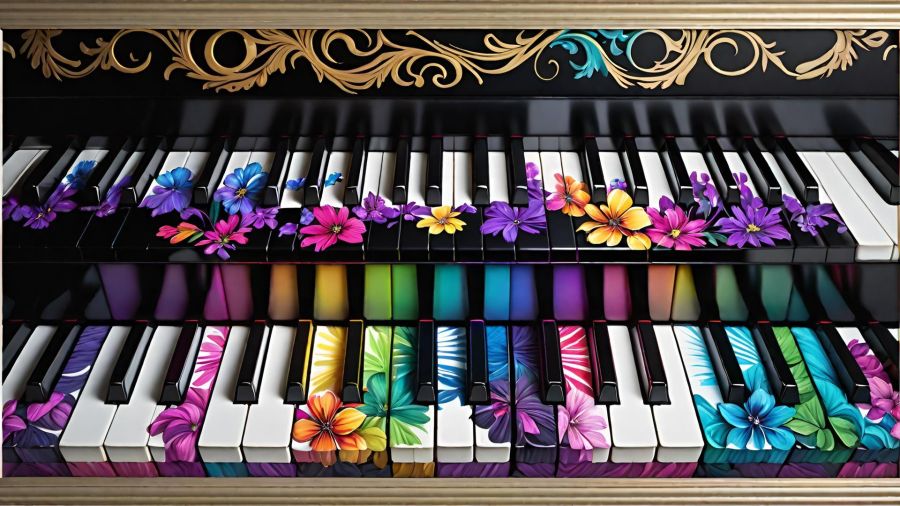
(CC BY-NC-SA 4.0)
I’m not sure which filter I used for this one, but I really like it.
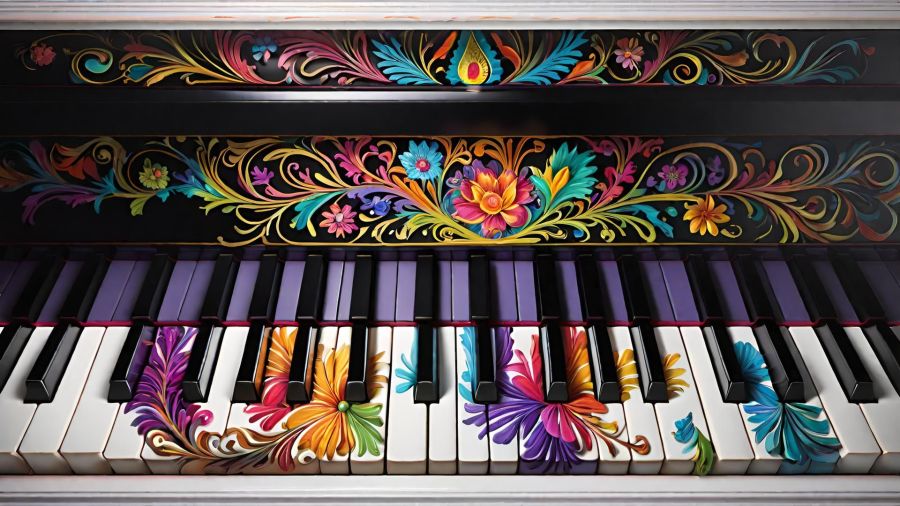
And this final design has the bold colors on the keys but those pretty little details I’m purple and pink on the top.
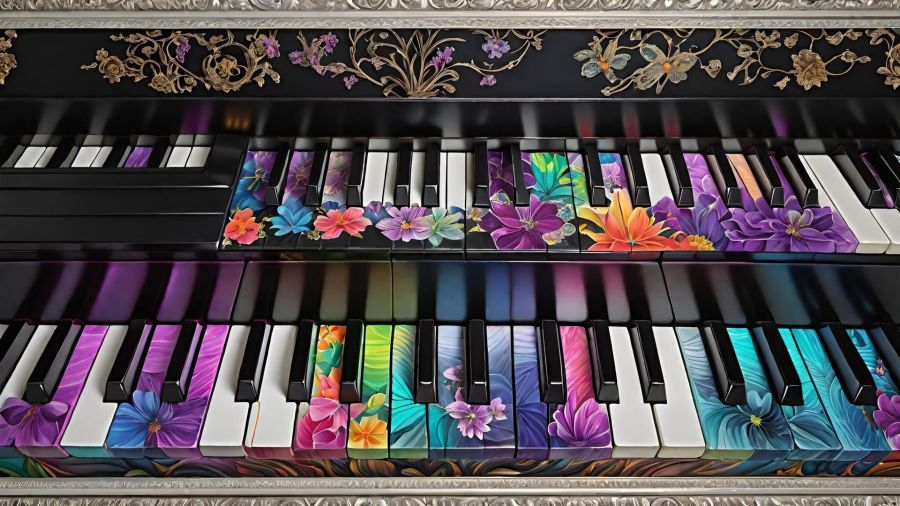
(CC BY-NC-SA 4.0)
So which keyboard design do you like the best? My original hours-long creation, or one of the quick and amazing Wombo designs? Leave me some comments to read when I return, please. And, just so y’all know, I require an email address to leave comments, but I’m the only one who sees it. And it’s actually only to prevent spammers and bots, so you can feel safe dropping a line or two. 🖍️
Goodnight and blessings to you all. 😴🕊️
Share this post on:

Blog Break: Sharing Some Pictures
by Crystal A Murray (CC BY-NC-SA 4.0)
A very long day that ended with a visit to a medical provider for a UTI and antibiotics means I must simply share some nice photos and then go to sleep quickly. I’m thankful I got my first dose by a shot to start healing faster. And I’ll know tomorrow how much the muscle will hurt since they pack the medicine in that way (have not experienced this before), but the advice was to drink lots of water and move a lot. I spent time walking on the treadmill as soon as I got home, and it eased the pain tremendously already.
Now, enjoy some beautiful rainbow images I captured with my Olympus camera some years ago. I had 4 all together, so I made a collage of 3 with the 4th as a background.
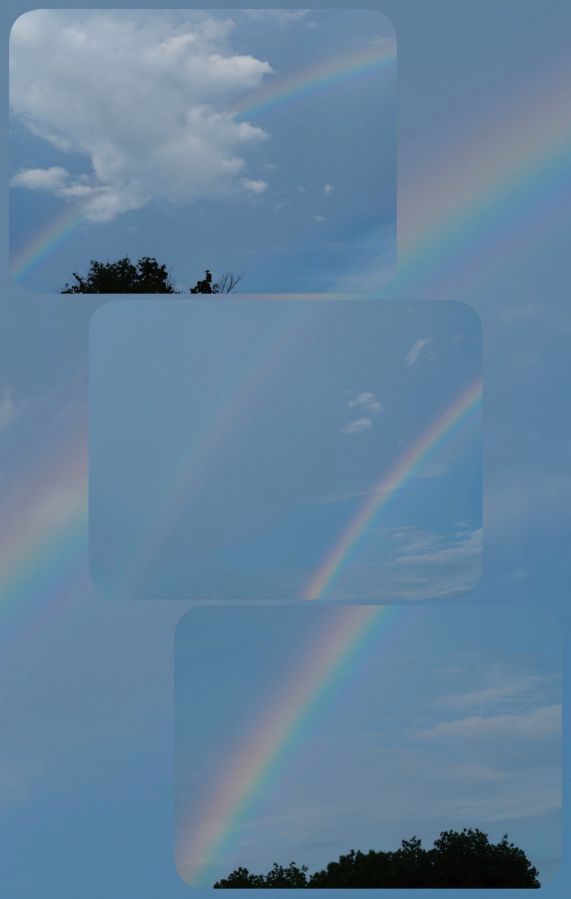
Share this post on:

Creative Ways to Deal
(CC BY-NC-SA 4.0)
This is blog post number two because after I had blog post number 1 completed, my check of links revealed that it wasn’t the best idea to share. I was going to tell you all where to get my free phone wallpapers from Zedge, but the link to the regular website is so different from what I see within the app, it became clear I could not share it. Third party ads with misleading statements about activating your account could’ve made it look like that’s what you needed to do in order to grab my creations, and I just couldn’t serve that info with a clear conscience. I did find an alternative I’ll begin working on to share here later, though.
The other issue was that I had put some sample images in a collage, so people would know what they could expect. As it turns out, even though AI images cannot be copyrighted at this time, the terms of service (TOS) for using Zedge pAInt to design includes not being allowed to use those images on a blog or external website, even if it’s not monetized and is only being used to send people to them. 🙃
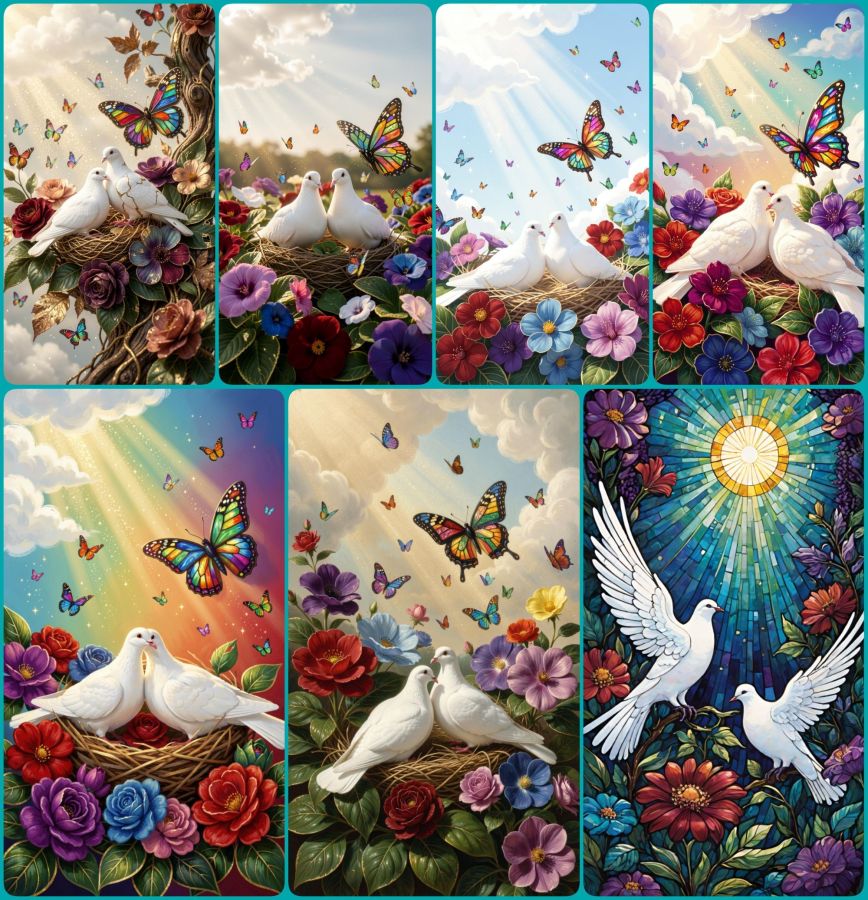
So, today’s blog post is a lesson for me, and it can also be for you all to learn from my “almost” mistakes, so none of my readers will risk their own violation of a site’s terms. The big lesson being, even if you know the basic rules, ALWAYS read the TOS for the specific user practices they demand. In the meantime, enjoy the collage of peaceful doves, flowers, and butterflies made in Wombo where they have much more user friendly terms.
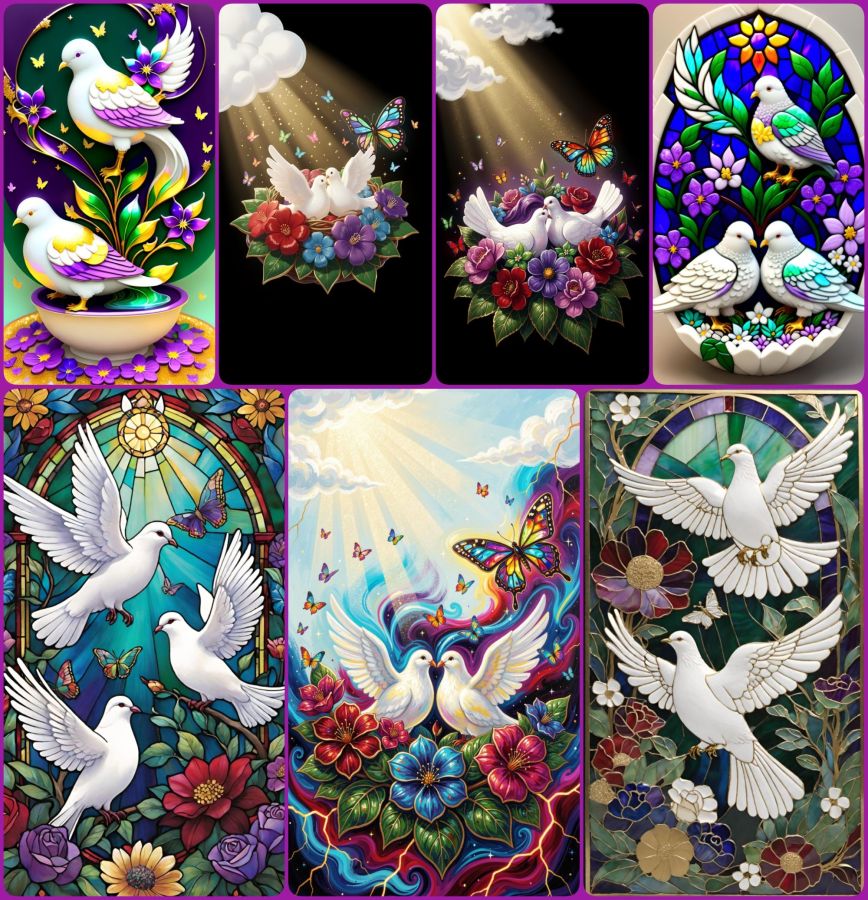
And here is one more collage of dove images using the following prompt:
2 white peace doves nestling on colorful flowers with deep royal reds, purples, blues, and greens all with gilded edges. A layer of deep green leaves with gilded edges and veins sits beneath the flowers. Soft glittery rays of sunshine stream from fluffy white clouds in the corner and bathe the doves and flowers. One large butterfly made of stained glass hovers near the doves, and many tiny colorful butterflies flit and sparkle throughout the scene.
(CC BY-NC-SA 4.0)
Use that prompt in your favorite AI image generator and then let me know where I can see what you’ve created. In the meantime, have a really creative day!
P.S. The “How to Deal” in the title was about dealing with extreme nerve pain in my back and leg (detailed in the first post), and how that led me to being creative as a way of dealing with what I could not do. Plus I got notes on my phone from apps saying, “Hey, look what we can do now!” It was a good day to be creative, but since it ended up taking me all night to do so, and since I actually wrote 2 posts, I’m officially skipping what would have been published as the date of May 24th and bringing you this for May 25th. Maybe that will set me on a better path forward. Now it’s time for some sleep for me. 😴
Psalm 4:8 BSB
[8] I will lie down and sleep in peace, for You alone, O Lord, make me dwell in safety.

https://bible.com/bible/3034/psa.4.8.BSB
Share this post on:

Old Photo — Blog Break ⛓️💥

Nothing I’m trying is cooperating, so I guess that means it’s time to just get some sleep. But I hope you enjoy this beautiful image of a waterfall I took with a regular shutter speed (leaving the water clunky) after using prompts to have Wombo present it as a long exposure. Yes it’s definitely cheating to do it this way (versus a tripod and the time it takes to quietly steady yourself and your camera to capture flowing water in graceful movement), but it looks so much prettier this way. I’ve learned better how to get the slow shutter settings with my camera, and sometimes with my phones, but I’ve got plenty in my archives where it wasn’t done, so I’m thrilled I have an option to add this type of image repair now. Here’s one more and then I’ll say goodnight. 😴

Share this post on:

Knitted Writers — Blog Break Today
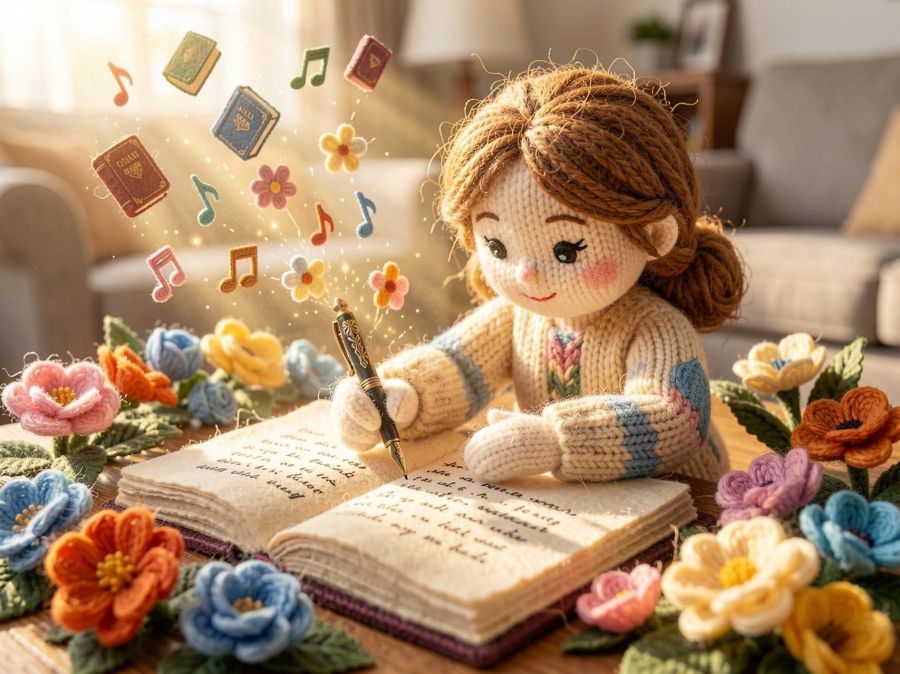
No haiku tonight, and no real post either. I had a hiccup day finding out that my main website had broken links that have given me a huge to-do list for the coming days. I’ve got it all mapped out, so hopefully, it will be less time consuming having done the heavy lifting today. Thanks for understanding my need for a little break, and I hope the picture makes you smile as much as it made me smile. Here are 2 more knitted writers for you.
Share this post on:

Playing Telephone on a Bridge
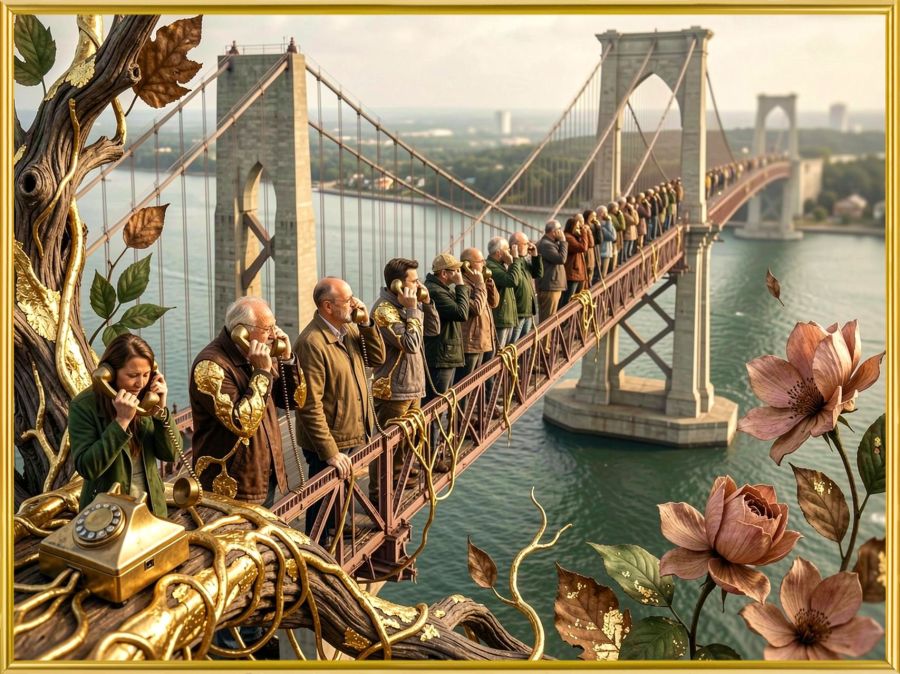
Why a bridge? Because George Washington Bridge opened on this day in 1931 connecting New Jersey and New York City. And I wonder… Did they choose this day (April 30th) because on the same day in 1789, George Washington was inaugurated as the first US president? It’s an interesting coincidence either way.
So, do you remember playing the game of Telephone? The one where you whisper a phrase in someone’s ear, who then whispers what they heard in the next person’s ear, who repeats the action until the secret gets to the final person in the circle? Yeah, that game where coming up with a set of words likely to be misheard is as much fun as finding out how messed up the message got by the end. Read more at Grokipedia. (Even though it’s AI, I’d rather share that than the other after so much had been found to be manipulated there.)
So, I’ve been trying to learn a bit from, and about, AI. And I’m realizing that AI is like playing a giant game of Telephone. All of the AI models are “trained” with large amounts of data, most of which were initially created with intention. But in addition to their initial datasets, they are also out there gathering data from what people, and possibly other AI, put out. That’s why so many people are putting up virtual walls to demand that their intellectual property cannot be scraped up and used. But that’s a different subject for a different day.
Hubby sent me an article about a guy who “hacked” an AI by providing false data for it to consume. The BBC journalist created a blog post about a non-existent hot dog eating contest and his record-breaking success at said contest. With some good marketing tricks, the contest and his win became “verified” information in response to the right search query. It’s a fascinating article I recommend reading in full if you get the chance. The journalist created the hack when he found out how companies are doing that very thing to raise their ranks on search results. And he says in the article: “I reviewed dozens of examples where AI tools are being coerced into promoting businesses and spreading misinformation. Data suggests it’s happening on a massive scale.”
The idea that info passed along can get misinterpreted is dangerous, and it’s why I’m so concerned about seeking truth and accurate information about what’s out there—especially concerning health and biblical things. I’ve said before that I am like that little girl asking her mom and grandma why they cut the ends off the ham. When the truth came out about the great-grandmother having a small pan, generations had been using the cutting preparation as if it were some learned secret that made the meal better. I’ve gotten in trouble more than once for asking questions instead of just taking things as people say them. But I’m okay with that because truth is taking a hit these days, and that concerns me.
As I do my own Bible study, I find lots of truths that never get mentioned from the pulpit. But this is getting long, so I’ll continue the message with the spiritual aspects of this tomorrow.
John 8:12, 30, 32 BSB
[12] Once again, Jesus spoke to the people and said, “I am the light of the world. Whoever follows Me will never walk in the darkness, but will have the light of life.”
[30] As Jesus spoke these things, many believed in Him.
[32] Then you will know the truth, and the truth will set you free.”

https://bible.com/bible/3034/jhn.8.12-32.BSB
Share this post on:

🎵Milestones
I’m keeping this really short because I wore myself out today going through many of the milestones I’ve kept in boxes because they are so precious to me. And I’m thankful for the memories, but there comes a time when you’ve got to whittle the physical parts of the memories down a bit. I’ve still got all the good stuff in my heart where it matters most.
And speaking of milestones, my little sister is celebrating a big one, so I played around with some AI music and created a short chorus for her. I made it to just “My Little Sister” so my readers can download it for their little sister’s birthdays as well if they like. Here are the lyrics…
Happy birthday to you sister,
The best little sister I adore.
I celebrate with you, little sister.
Have a great birthday...
And many, many more!
And here is the sound track…
And because I love the Holy Word of God so much, I even found a birthday Bible study to share with her and you all. Just go to Bible.com to find it with this link:http://bible.com/r/ADb which should take you to a study called A Birthday Card from Your Creator (A 7-Day Devotional).
Psalms 139:14 CSB
[14] I will praise you because I have been remarkably and wondrously made.  , Your works are wondrous, and I know this very well.

https://bible.com/bible/1713/psa.139.14.CSB
Share this post on:

🎵 Holy, Pure, and Undefiled (Full Song)🎶
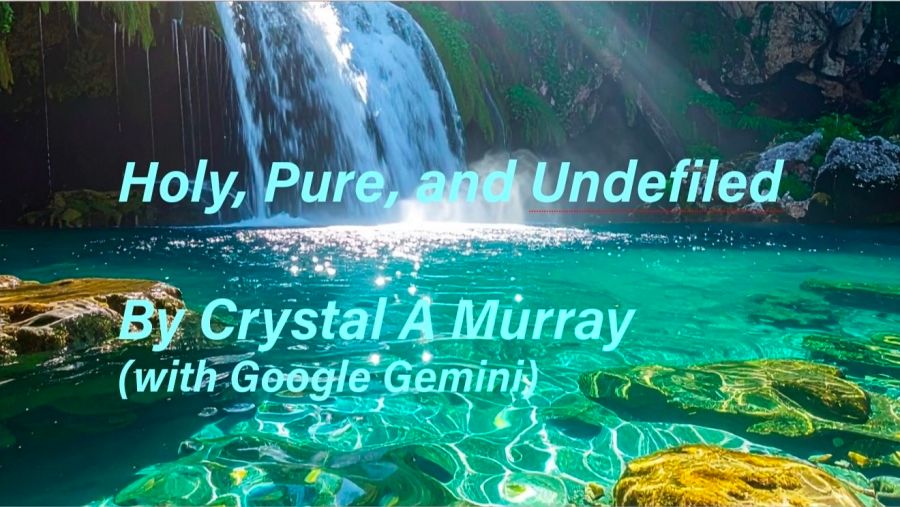
It’s done, and I’m excited to share it with my readers. This is the finished song with 3 verses added to the chorus I shared on the post April 18th. I’m not sure what was harder, writing the lyrics, getting a sound I like from Gemini (Lyria model), or getting this uploaded to YouTube so I could embed it here. Though difficult and time-consuming, I actually enjoyed the process, and now I’m excited to try a bunch more of my poetry set to music. What a fun way to write for the joy of The Lord, and then to make a joyful noise.
1 John 1:4 BSB
[4] We write these things so that our joy may be complete.

https://bible.com/bible/3034/1jn.1.4.BSB

Psalm 100:1-2 BSB
[1] A Psalm of thanksgiving. Make a joyful noise to the Lord, all the earth. [2] Serve the Lord with gladness; come into His presence with joyful songs.

https://bible.com/bible/3034/psa.100.1-2.BSB
I won’t bore you with a ton of details, but there have been some great lessons learned. Part of the learning felt like being in the music studio redoing tracks until they didn’t have any more hiccups. I heard Elvis was famous for doing that hundreds of times. And Marty Robbins was able to go into the studio and sing a song to perfection at the first take. (I’m sure you know who Elvis was, but if you’re not familiar with Marty, look up his album called Gunfighter Ballads and Trail Songs for some you might find familiar like “El Paso” and “Cool Water.” Or you might remember him for “A White Sport Coat and a Pink Carnation.”)
And that was a fun rabbit trail. Lol 🤣 Anyway, to get the recording with which I was finally happy, it took coming back after I ran out of credits, and it took using multiple AI models. The Pro model didn’t want to help once it saw religious lyrics (I’m sad for that part), but the fast model that helps with a lot of Bible queries from me said it’s just how it’s trained. So, I let the fast model create the prompt with all the right spaces and breaks and punctuation to tell the Lyria model how to sing my words. AI knows AI, so the understanding was finally there to get my song, complete with ending tags (though it could’ve done a little better on that part), and a big orchestra & choir sound. The more I’ve played it, the more I’ve liked it.
And the last piece to the puzzle was finding out that Adobe Express would listen to the video and create captions in time with the music. I had to change some font sizes and boldness within the parameters of not having Adobe premium, but I was able to get them done in a way that should help y’all sing along. So, here for its debut blog performance, please enjoy Holy, Pure, and Undefiled with Lyrics by me and all the rest by Gemini and Lyria…
Share this post on:

🎵 Computerized Music Studio 🎶
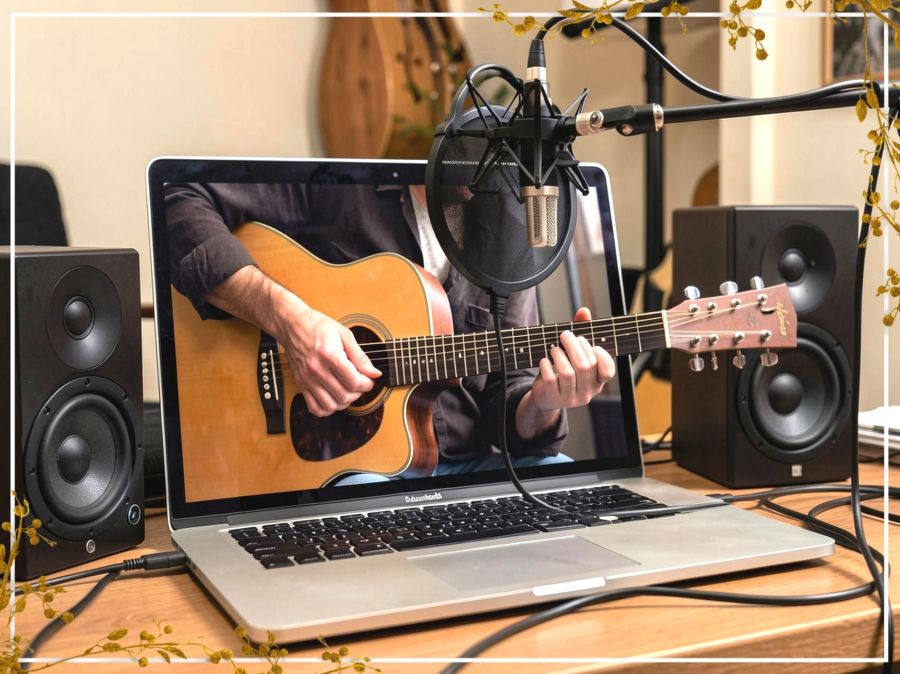
Can a computer really create its own music? I somehow qualified for a trial of Gemini Pro, and I’ve just learned that I can plug in some lyrics and have it create a music track and vocals. Now it’s not like in the old days of AI origins (just a couple years ago, lol 😂) where all image requests were totally distorted, but it does get a few things wrong on the vocals, and sometimes it has technical glitches. I guess it’s all part of my cyber journey. But I had some good experience and fun while working on these, and I even felt a little like I was in the studio with a band trying to get a track just right. While I’ve never truly enjoyed being on stage, I’ve always loved the studio experience.
So, back in 2013, I wrote a chorus that was part of a prayer. I wrote how I longed for God to see me as pure, holy, and undefiled. I’ve sung it to God many times because it’s where I desire to be, and where I desire to come back to when the cares of this life have distracted me. Here are the lyrics to the chorus…
Holy, pure, and undefiled,
Let my heart and my mind be...
Holy, pure and undefiled,
Lord may I be more like Thee.
The AI cannot use the tune I created myself, but since I’m more of a lyricist than a musician, I decided to let it choose the tunes for me. Now I guess I have to learn my own song. Lol 😆 Here are two 30-second videos with the lyrics set to different music tunes and styles…
When I asked Gemini (Google’s AI) to add some music for me, it wanted to know a style. I started with an anthem sound, and I love what it created.
And then I asked for the same chorus with a country sound and a male vocalist. I liked this one a lot as well.
Finally, I decided to write some verses to go with the chorus, but there were things that didn’t work in every video until I ran past my limit on generations of new songs. I guess it’s about 50 of the short ones and only 10 of the long (3-minute) ones, so I’ll have to wait until it fully resets to try it again. When it does, I’ll create a new post, and then I’ll put a link here for anyone who follows this one. I’d love to hear your thoughts, though.
Psalm 98:4 BSB
[4] Make a joyful noise to the Lord, all the earth; break forth — let your cry ring out, and sing praises!

https://bible.com/bible/3034/psa.98.4.BSB
Find the complete song with 3 verses and new music and vocals on my post from April 22nd titled Holy, Pure, and Undefiled.
Share this post on:

My Own Creative Muse

Like the character Cameo in yesterday’s story, I feel like I have the voice of a “muse” in my mind that drives me to create. Unlike Cameo, I haven’t turned away from that voice completely, though I’ve gone through dry spells. Maybe that’s why the story came to me and made me examine the relationship between our thought lives and our real lives. And if you ever battle with the still, small voice like Elijah, maybe Cameo’s journey will be enjoyable for you as well.
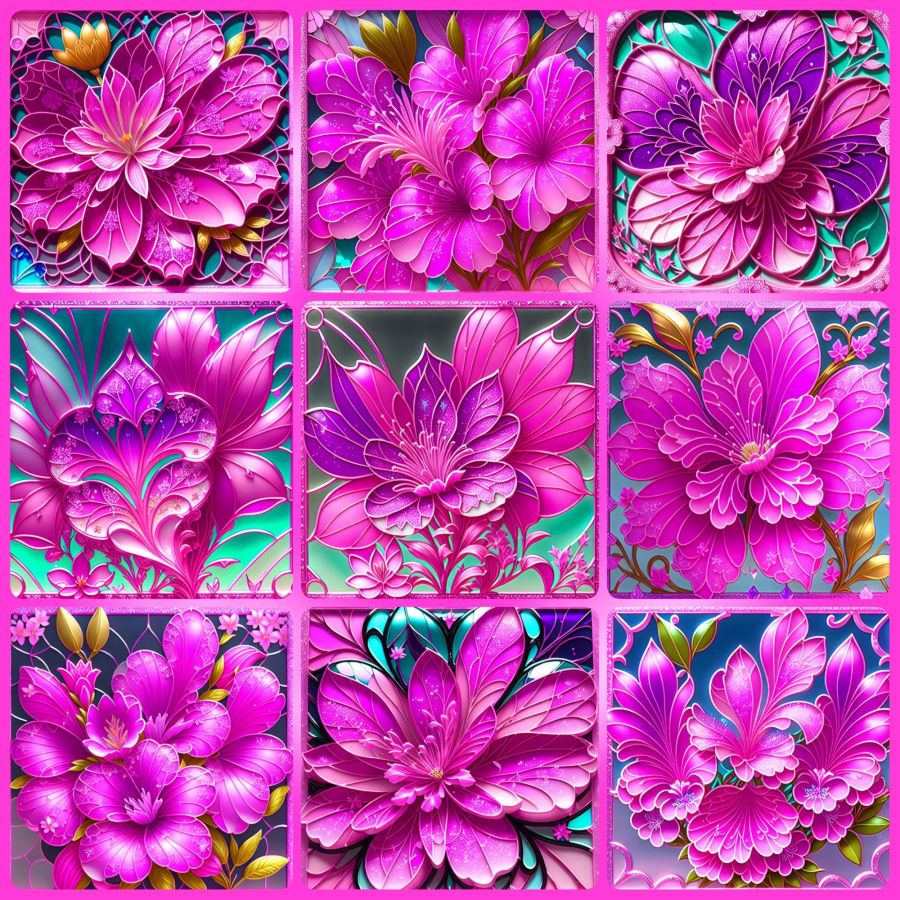
Though it’s not time to share more of her story yet, I want to share just a little from recent creative endeavors. The above photo is a close-up from the first good blooms on an azalea plant hubby got for me a few years ago. He did the research to find out what would make it grow, and it paid off well. I’m thrilled with the plant and with the pictures. I added a sparkly frame on this one because I knew how it would affect the images I got from Wombo Dream AI. Get ready for a barrage of pink and full instructions for any why might want to try designing images in Wombo.
So my first stop was to their browser page because they recently updated it with a new “edit” button. You can upload an image, and then tell it how you want it edited. Maybe you want the flowers in purple or the sky in green. Put your thoughts in the prompt box, and let it go to work. I told it I wanted the image in stained glass. The outputs were the same in the app as in the browser, so here are some from the app before I added the frame…
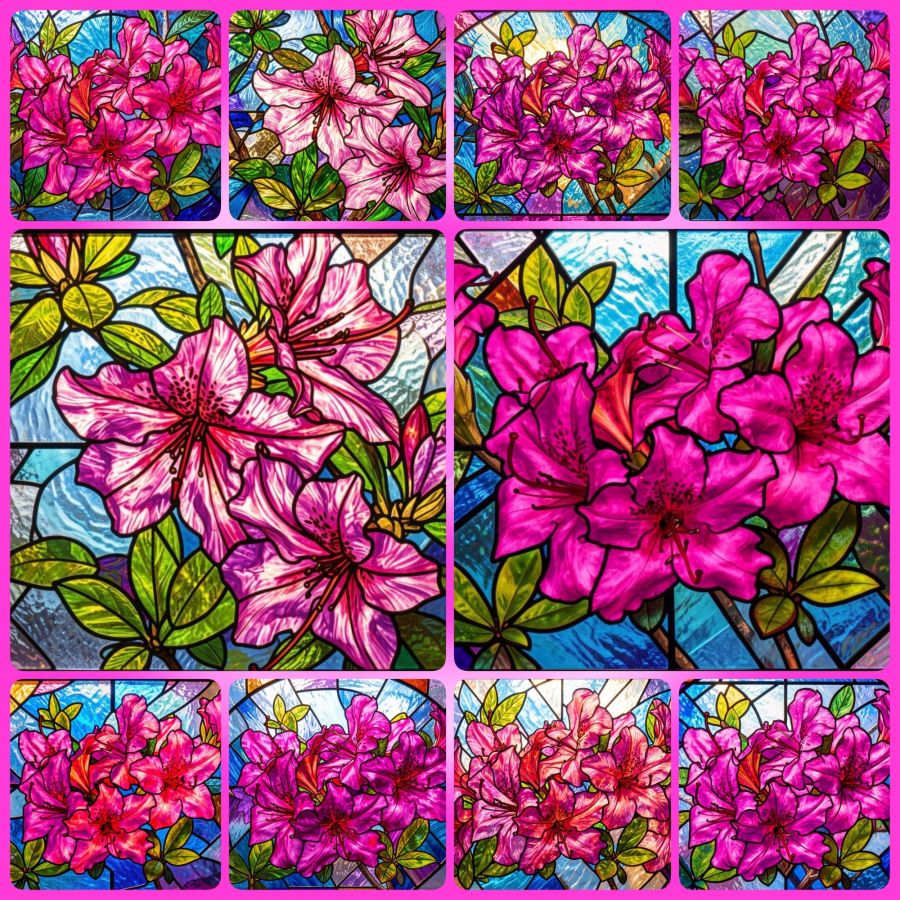
You can visit the website without downloading the app, so you can make your own fun edits at https://dream.ai/ and click on the “Start Creating” button. On the creation page, you can use my prompt (below) if you like, or create your own. When you add a prompt, you’ll notice a button that says enhance. That button will add some fancy extra prompts that are well trained into the AI. Once you have the prompt you want, it’s time to select a filter. Anything that doesn’t say “Premium” is okay to use. The latest filters are V4, and the V3 filters also work well. Once your filter is selected, you can choose generate to make your picture. It will download with a watermark if you don’t have premium, but it’s not bad and may be able to be cropped out in another program if it really bothers you. Here’s the prompt…
Turn these beautiful magenta azaleas into a stained glass window.
This is just the beginning of what you can do. You’ll notice you have image sizes to choose from in case you want to make a phone wallpaper size or a Facebook header size. And then you can look toward the bottom for the browse button where you can upload your own image. Or mine if you’ve downloaded it. That’s why I make most of my images Creative Commons. At some point, the page may ask you to create an account in order to download your images. I’m not sure if the gallery to store your images comes with every account, or only on the app, but having lost a number of gallery photos when they crashed last year, I recommend actually saving your favorites to a permanent location.
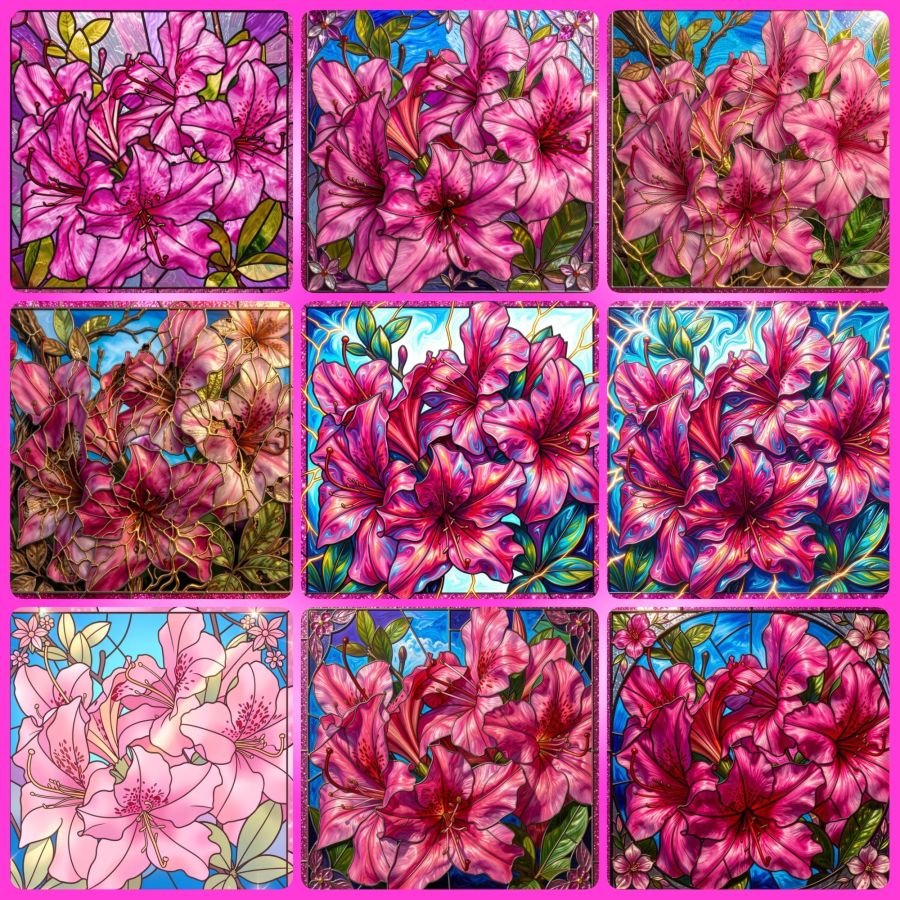
Now, because I’m a fan of abstract creations, there is a V2 filter I go to often. I’ll share the collage and prompt for that, and I hope to hear from readers that you’ve tried this for yourself and had as much fun with it as I do. The prompt (for use with the image at the top and with their enhanced additions) is…
Turn this into a beautiful stained glass window with the original magenta pink azalea and pink glitter frame colors intact. Intricate lead lines separating vibrant glass pieces, sunlight streaming through to cast colorful reflections, delicate floral motifs surrounding the azalea, subtle gradients blending pinks and purples, the window set against a softly illuminated stone wall, enhanced by shimmering highlights on the glitter frame that catch the light at different angles.
And here are the images…
Share this post on:

🎵A Little Purple Bliss
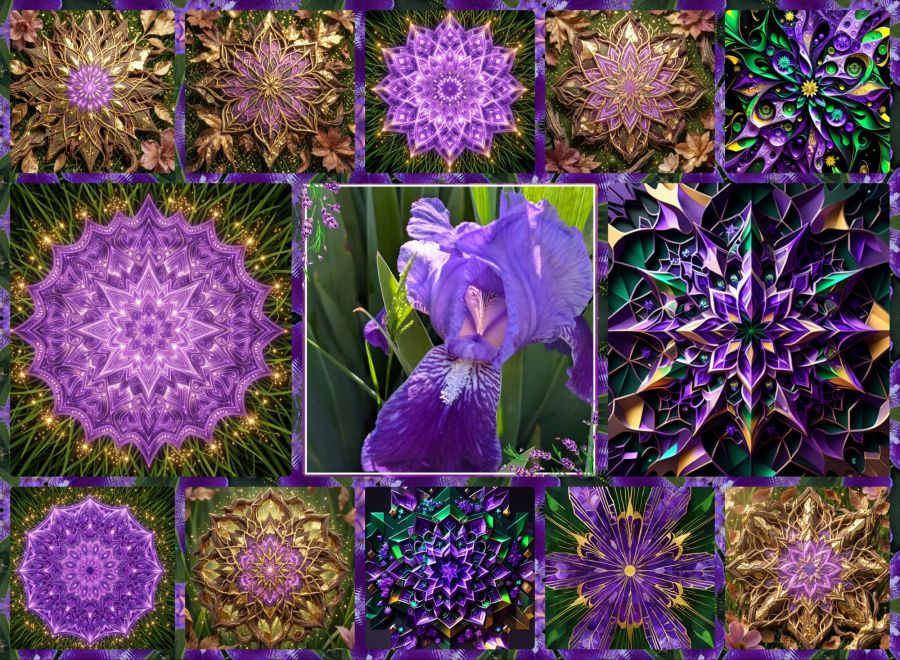
After all the heavy-on-theology posts of the last couple months, I think it’s time for a little purple playfulness. My irises started blooming, so while I was outside talking to a neighbor, I got some shots with my Pixel 9 phone camera. With a favorite selected, I went to Photo Studio Pro (by KVADGroup App Studio at Google Play Store) to crop and frame it, and then to my Mirror Lab app to create kaleidoscope designs. They were a little more dull than I liked, so I took a few of those designs to Wombo Dream AI and tried a few different filters for variety. Once I had a nice collection of images, I went back to Photo Studio Pro to put them into a collage with one of the Mirror Lab images as the frame background.
So there you have it. If you’re a purple lover, you should really enjoy this one. 🟣 💜🟪 And just in case you REALLY like purple, here’s an article at the Houzz website with lots of pictures of purple kitchens: https://www.houzz.com/photos/purple-kitchen-ideas-phbr1-bp~t_709~a_88-7?pg=5
And with that, I say goodnight and I hope you had fun during International Jumping Over Things Day.
Oh, and just because I can, I have to include this video of Sheb Wooley singing One Eyed, One Horned, Flying Purple People Eater…
Share this post on:

Wombo Dream Butterfly Memories

When I first started using the Wombo Dream AI app, it was creative but lacking in crisp and defined images. The colors were pretty, but many of the images weren’t worth saving. That was around Christmas of 2022, and they were improving daily. I left a 4-star review and explained that horses having 3 legs and 2 tails wasn’t exactly 5 stars, but to keep improving. They replied with happy words for my review.
The images above were made on January 14th, 2024, so this is their 2-year anniversary. They came up in my memories in Amazon photos, and I decided they’d be the perfect share. There were a whole lot more, but I grabbed some of my favorites and let the AI in the Photo Studio Pro app for Android arrange them in a collage. I love that it did all the fitting, and all I had to do was change the background to create a frame I liked and hit save. I could stare at colors like this all day.
I saved a lot of my prompts before they started having problems near the end of 2024 when all the old prompts were erased. I think this may be a collection of some of the prompts I used: ”detailed butterfly with stained glass wings, in a garden of pastel flowers, colorful rays of light in the background, red, blue, purple, green, glittery, gold, silver, sparkles, colorful, sparkling, jeweled, jewel tones, bright, hot pink, glowing, garden, glitter, beautifully lit.” The next image is what I get now with these prompts and using the Dreamland V3 filter. You can see the details are better, so if they ever get everything fixed again, it will certainly be a wonderful app for playing with color and making butterfly memories.

Share this post on:

Playing With Butterflies

This is another one of those days I’m keeping things short because I’ve gotten myself either too busy or too distracted to take the writing time I’d like. But, the great thing about having a creative spirit, is that I can be creative in different ways.
For the image above, I took an old AI generated butterfly and used Photo Studio Pro to put it in a PIP (Picture-in-Picture) effect. I love playing with those. And as I played, I saw the words “no crop” and wondered what it meant. So cool… it was like adding an extra PIP layer.
Oh, but before the no crop move, I also went to the effects menu and added the sparkling hearts and stars.
I recommend this software, especially if you have Play Pass from Google where the app and all its effects are free. I would only give you one word of caution: It’s addictive. I find it far too easy to stay up way past my bedtime just playing with all the cool frames and effects. But if my readers enjoy my creations, it’s even more with it.
Share this post on:

My Latest Flickr Photos


Others’ Posts I’ve Liked


