Sabbath Flora
Some people need to write every day because of how their minds work. My lessons on that have come with years of missed posts, so apparently that’s also how my mind works. But, I also need a Shabbat (Sabbath) rest here and there, so my new plan is to use Fridays to share some of my many image creations.
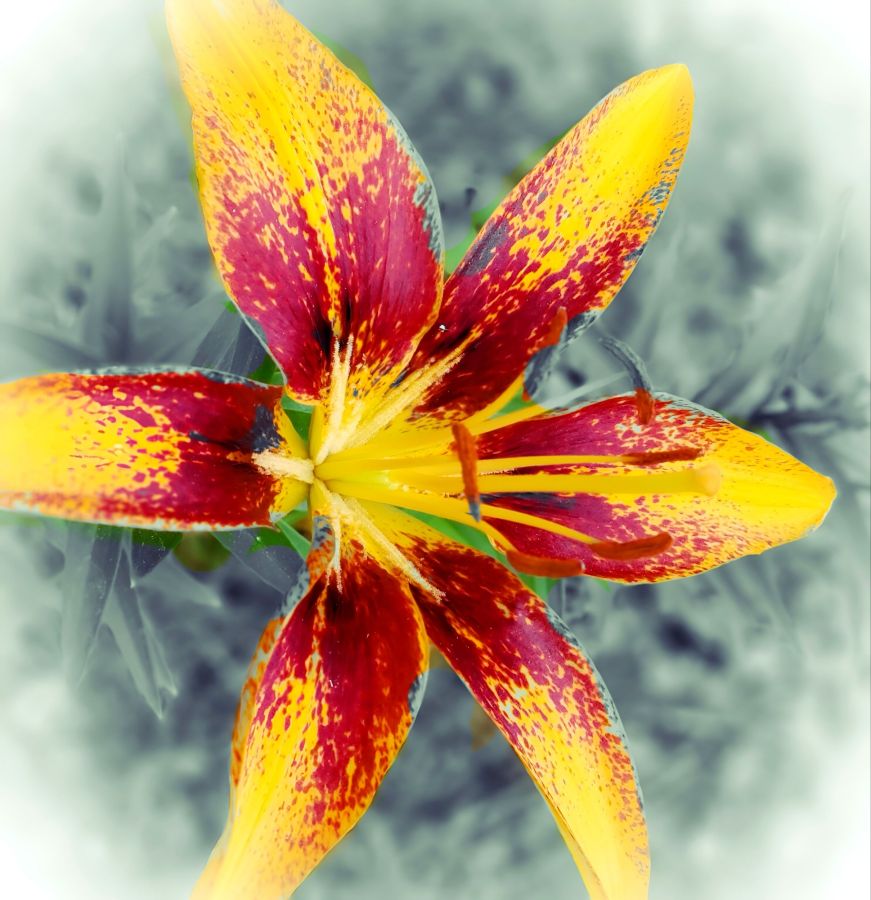
Today, that starts with a few of my lilies which were used as input images into a few different photo manipulation programs. I’ll share them as simple collages created with the Photo Studio Pro app.
Original lily color enhanced and vignetted.
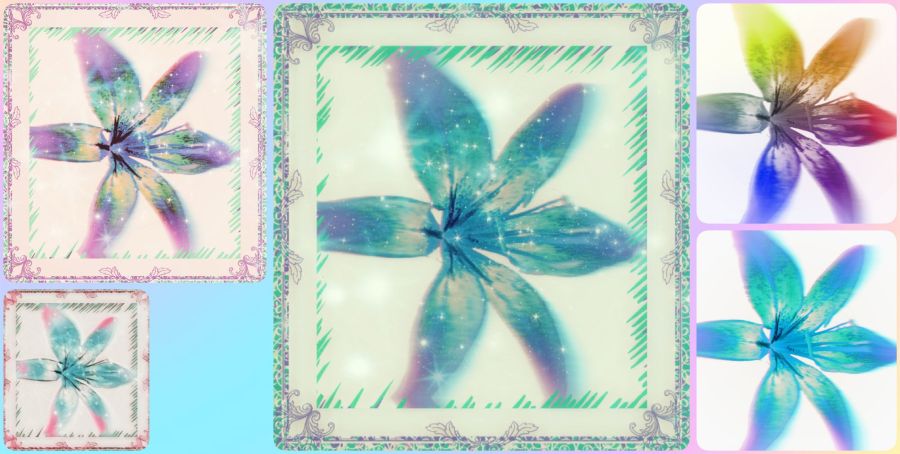
Original lily with background removed in the Background Eraser app. And when I first got that app, removing backgrounds and replacing them with other colors and designs was about all it could do. Now it includes all kinds of other photo editing tools, so I need to get back and play a bit more. Anyway, after removing the background, I used the Chroma Lab app to change colors and the Photo Studio Pro app to add frames and decorative edges.
(CC BY-NC-SA 4.0)
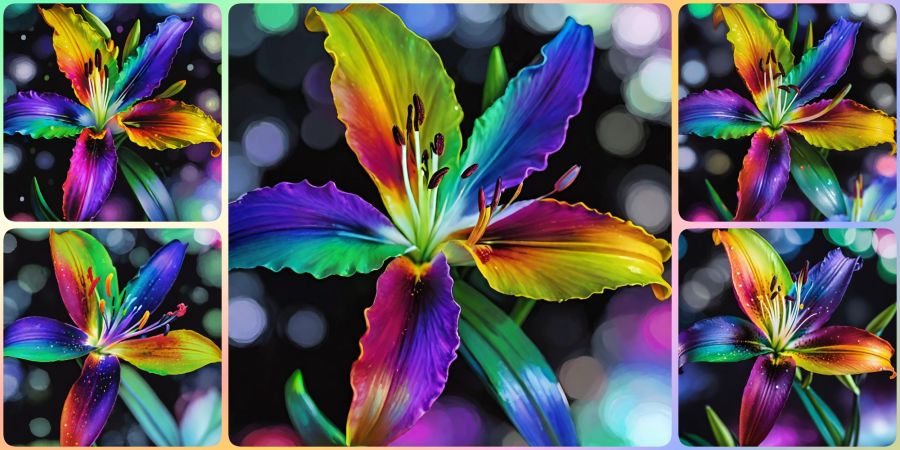
I went back to Chroma Lab and did a whole lot of rainbow filters with some added bokeh (background blur), and I really like the way this collage came out.
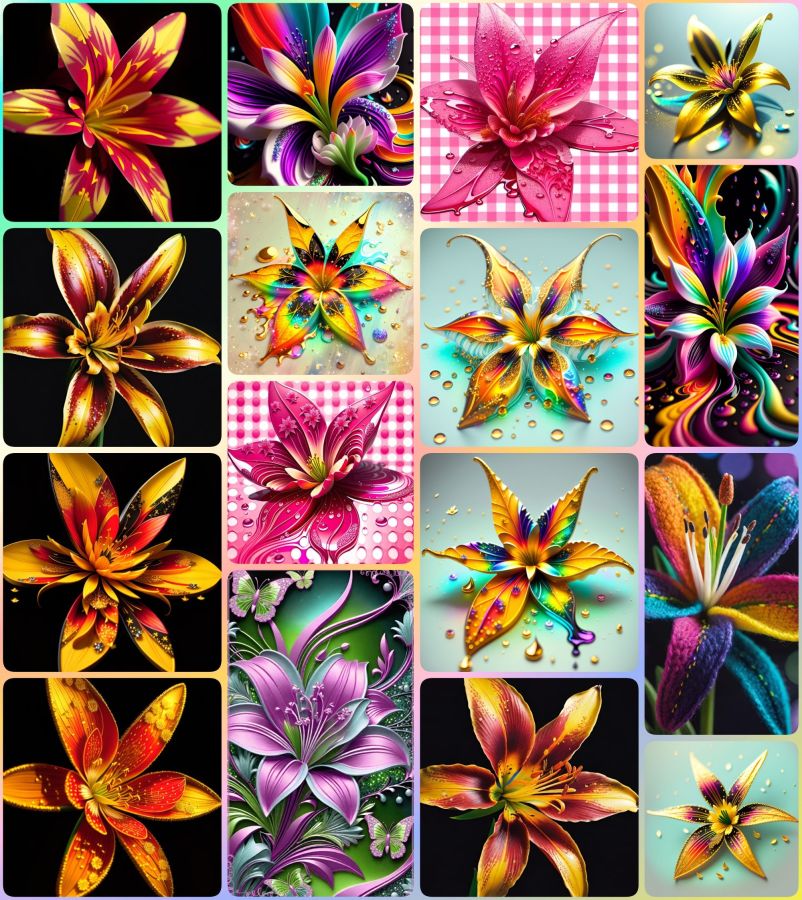
Finally, I used the lily image as an input image (like a template) for Wombo Dream AI. A variety of filters later, including one that knitted a rainbow lily for me, I got the following collection I’ve put into a collage for you. I think the pink ones for their pretty pink gingham background from Background Eraser be before I used that as an input to Wombo. These designs are mostly from the Abstract Fluid 2 filter, and they are by far my favorites. Can you believe how much variety can be created from only one image? And if a computer can do this, imagine all that God can do with those of us created in His image!
Sweet flower dreams and Shabbat Shalom everyone! 🌸
Luke 12:27 BSB
[27] Consider how the lilies grow: They do not labor or spin. Yet I tell you, not even Solomon in all his glory was adorned like one of these.

https://bible.com/bible/3034/luk.12.27.BSB
Share this post on:

Creative Ways to Deal
(CC BY-NC-SA 4.0)
This is blog post number two because after I had blog post number 1 completed, my check of links revealed that it wasn’t the best idea to share. I was going to tell you all where to get my free phone wallpapers from Zedge, but the link to the regular website is so different from what I see within the app, it became clear I could not share it. Third party ads with misleading statements about activating your account could’ve made it look like that’s what you needed to do in order to grab my creations, and I just couldn’t serve that info with a clear conscience. I did find an alternative I’ll begin working on to share here later, though.
The other issue was that I had put some sample images in a collage, so people would know what they could expect. As it turns out, even though AI images cannot be copyrighted at this time, the terms of service (TOS) for using Zedge pAInt to design includes not being allowed to use those images on a blog or external website, even if it’s not monetized and is only being used to send people to them. 🙃
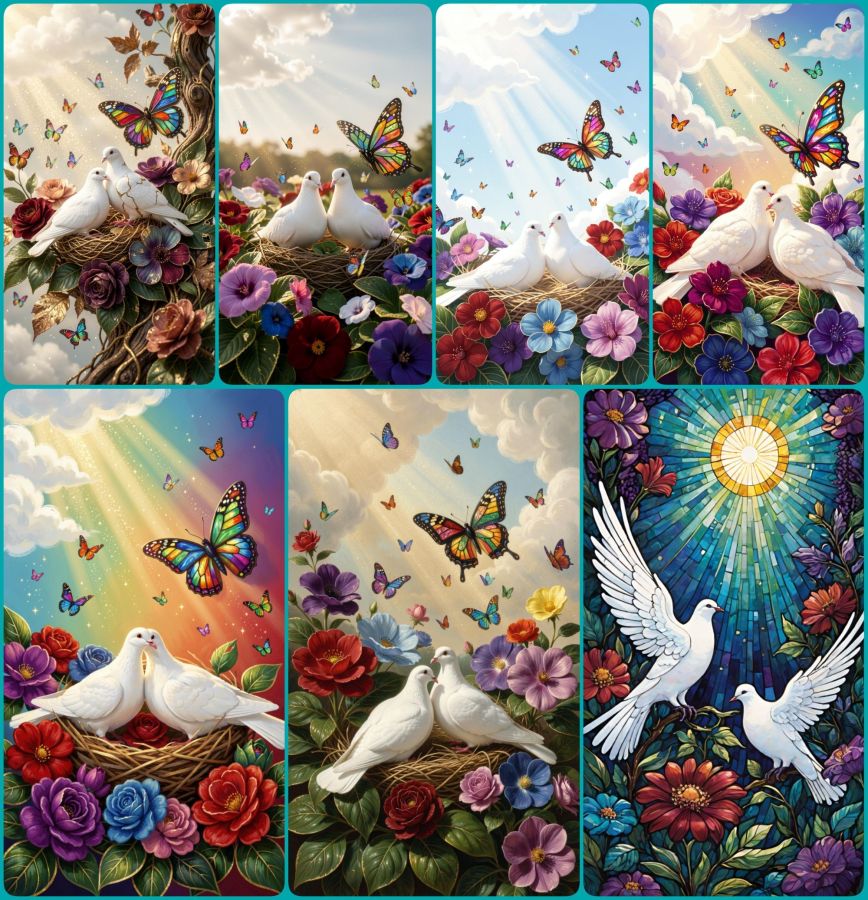
So, today’s blog post is a lesson for me, and it can also be for you all to learn from my “almost” mistakes, so none of my readers will risk their own violation of a site’s terms. The big lesson being, even if you know the basic rules, ALWAYS read the TOS for the specific user practices they demand. In the meantime, enjoy the collage of peaceful doves, flowers, and butterflies made in Wombo where they have much more user friendly terms.
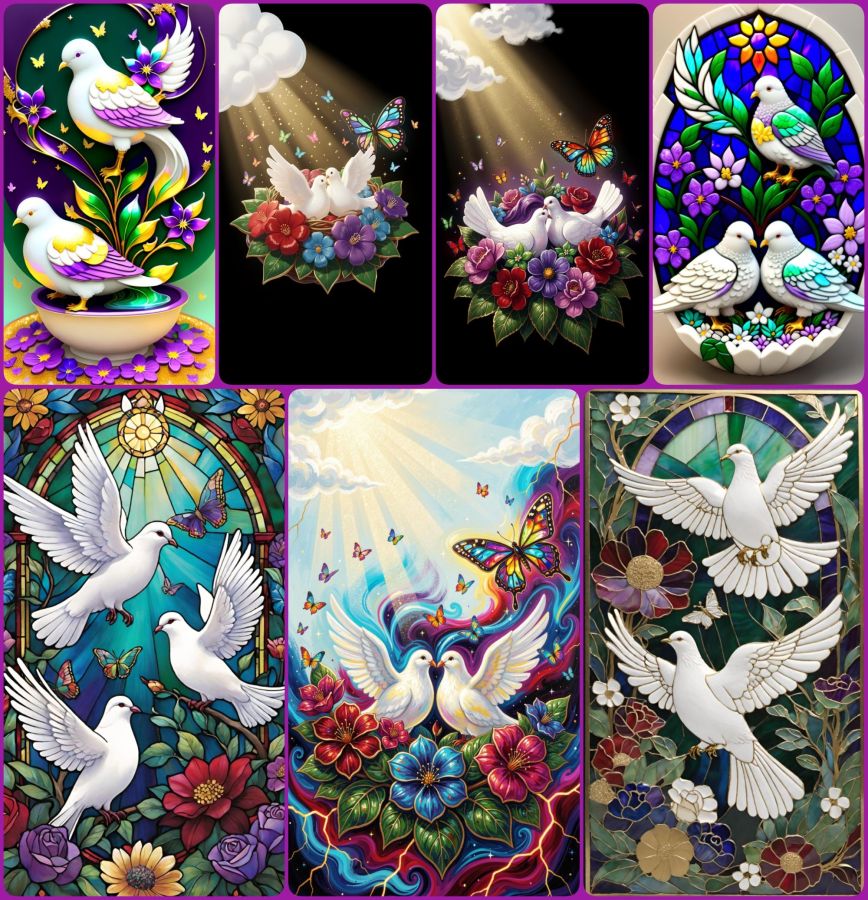
And here is one more collage of dove images using the following prompt:
2 white peace doves nestling on colorful flowers with deep royal reds, purples, blues, and greens all with gilded edges. A layer of deep green leaves with gilded edges and veins sits beneath the flowers. Soft glittery rays of sunshine stream from fluffy white clouds in the corner and bathe the doves and flowers. One large butterfly made of stained glass hovers near the doves, and many tiny colorful butterflies flit and sparkle throughout the scene.
(CC BY-NC-SA 4.0)
Use that prompt in your favorite AI image generator and then let me know where I can see what you’ve created. In the meantime, have a really creative day!
P.S. The “How to Deal” in the title was about dealing with extreme nerve pain in my back and leg (detailed in the first post), and how that led me to being creative as a way of dealing with what I could not do. Plus I got notes on my phone from apps saying, “Hey, look what we can do now!” It was a good day to be creative, but since it ended up taking me all night to do so, and since I actually wrote 2 posts, I’m officially skipping what would have been published as the date of May 24th and bringing you this for May 25th. Maybe that will set me on a better path forward. Now it’s time for some sleep for me. 😴
Psalm 4:8 BSB
[8] I will lie down and sleep in peace, for You alone, O Lord, make me dwell in safety.

https://bible.com/bible/3034/psa.4.8.BSB
Share this post on:

Today’s Photo Memories: Pink Peonies
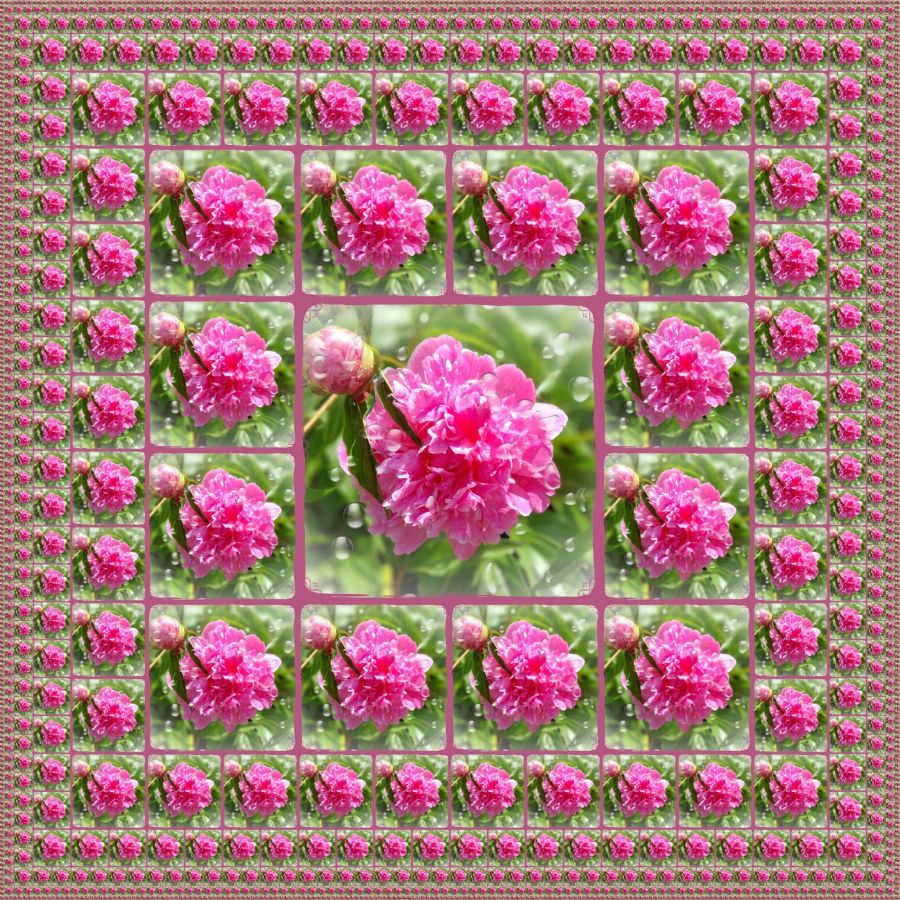
A few of my photo storage apps like to show me an “On This Day” section with photos from the same date in different years. When I saw all my pink peonies from 2021, I knew I had to share them. Within the same few days, I captured a yard full of flower variety from my cellphone camera.
Before I moved to Kentuckiana, I do not think I’d ever even heard of a peony flower, let alone seen one. Maybe I did and don’t recall it, but the here and now brings these giant beauties every year courtesy of my friends (Mark and Debbie) who planted them before they sold us our Indiana house. Having never been a gardening kinda gal, the colorful blooms that grace my yard every year are truly gifts that keep on giving. What a blessing they are to see.
I was so happy with this capture that I put it through a program to add a matching frame, and then I started playing with effects. I think the one above was in Mirror Lab, and I think the repeating design is really pretty on the single framed flower. I used the same flower to make a simple pink on tan fractal…
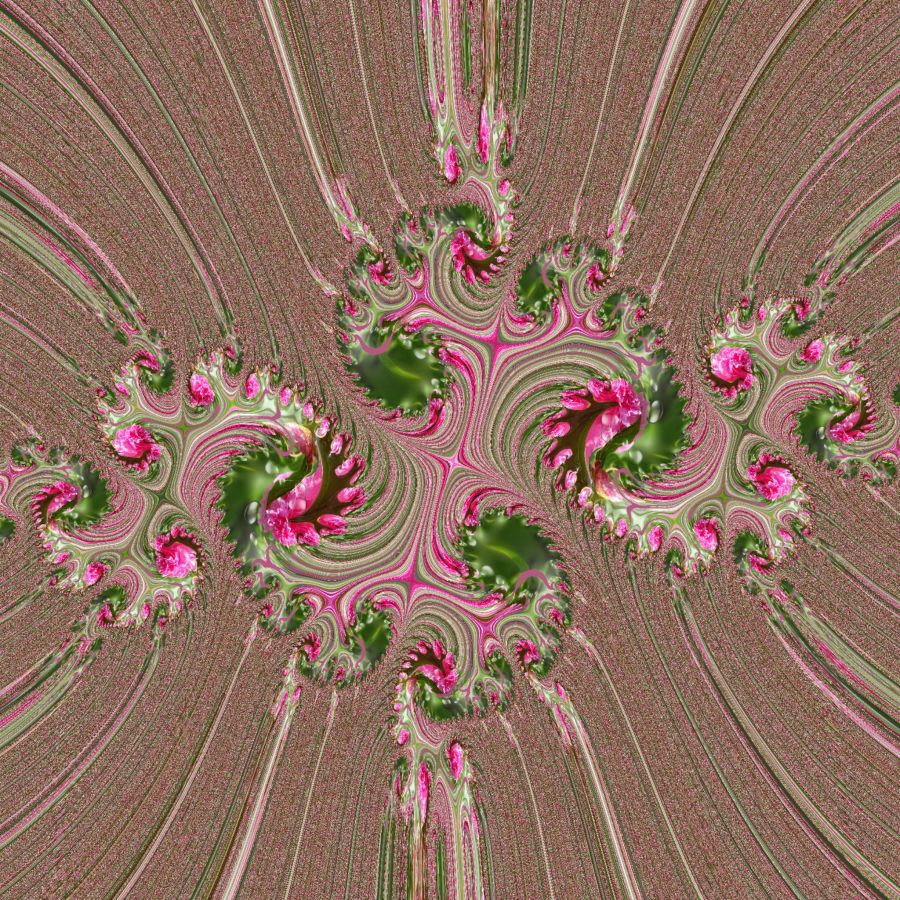
And I’ll close with one more manipulation where you can clearly see the peony flowers but yet get lost in the array of twists and turns.
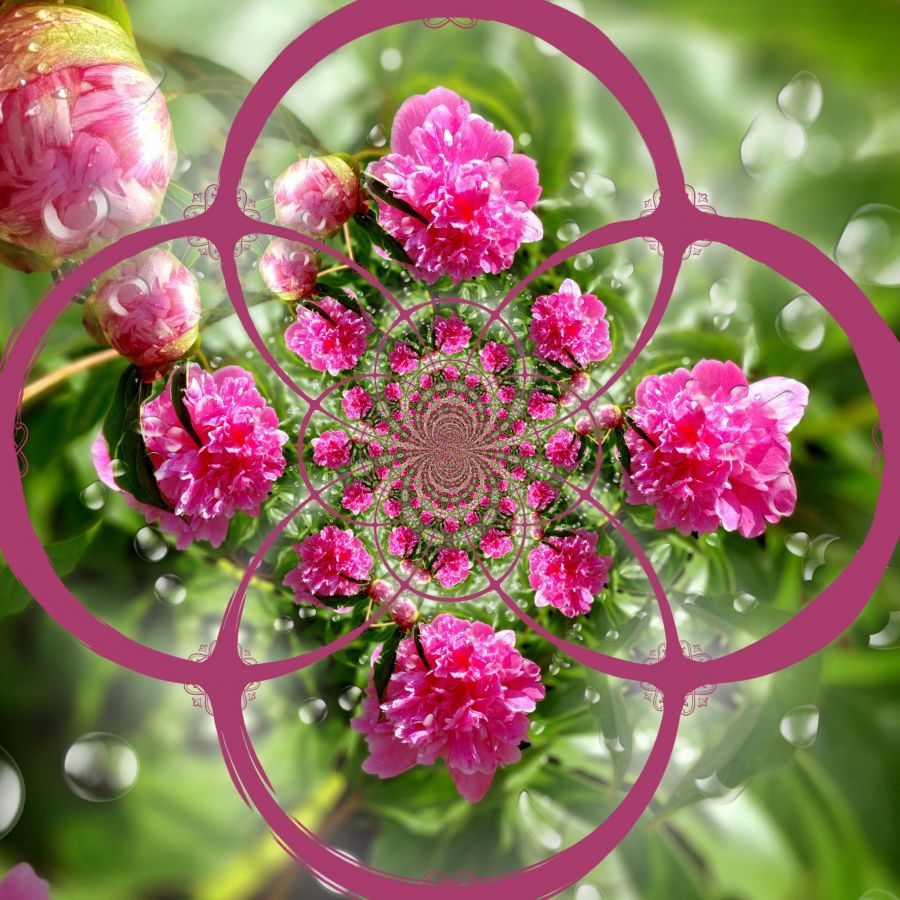
And though they are not lilies, I think the Scripture about the beauty of lilies being even more grand than King Solomon’s royal attire.
Luke 12:27 BSB
[27] Consider how the lilies grow: They do not labor or spin. Yet I tell you, not even Solomon in all his glory was adorned like one of these.

https://bible.com/bible/3034/luk.12.27.BSB
Simple Peony Haiku...

Peony flowers:
Pink, full, and blooming heavy.
Though their time is short.

A picture captures,
Their lives for us to savor.
Worth a thousand words.
Share this post on:

My Own Creative Muse
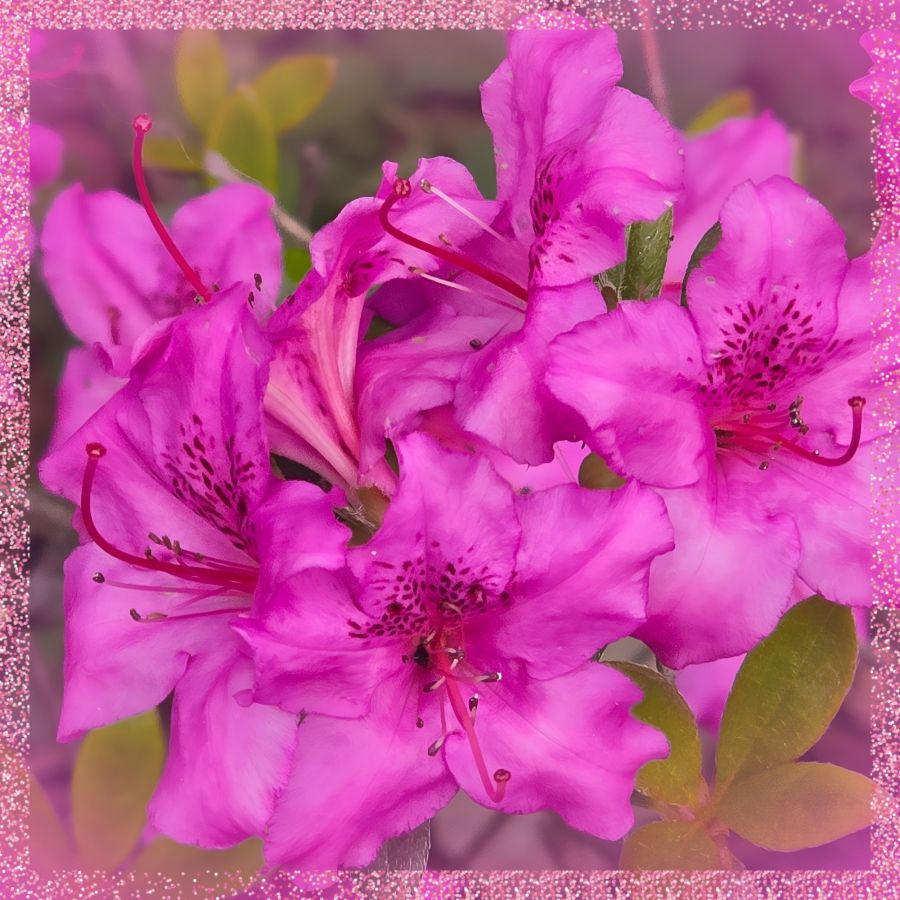
Like the character Cameo in yesterday’s story, I feel like I have the voice of a “muse” in my mind that drives me to create. Unlike Cameo, I haven’t turned away from that voice completely, though I’ve gone through dry spells. Maybe that’s why the story came to me and made me examine the relationship between our thought lives and our real lives. And if you ever battle with the still, small voice like Elijah, maybe Cameo’s journey will be enjoyable for you as well.
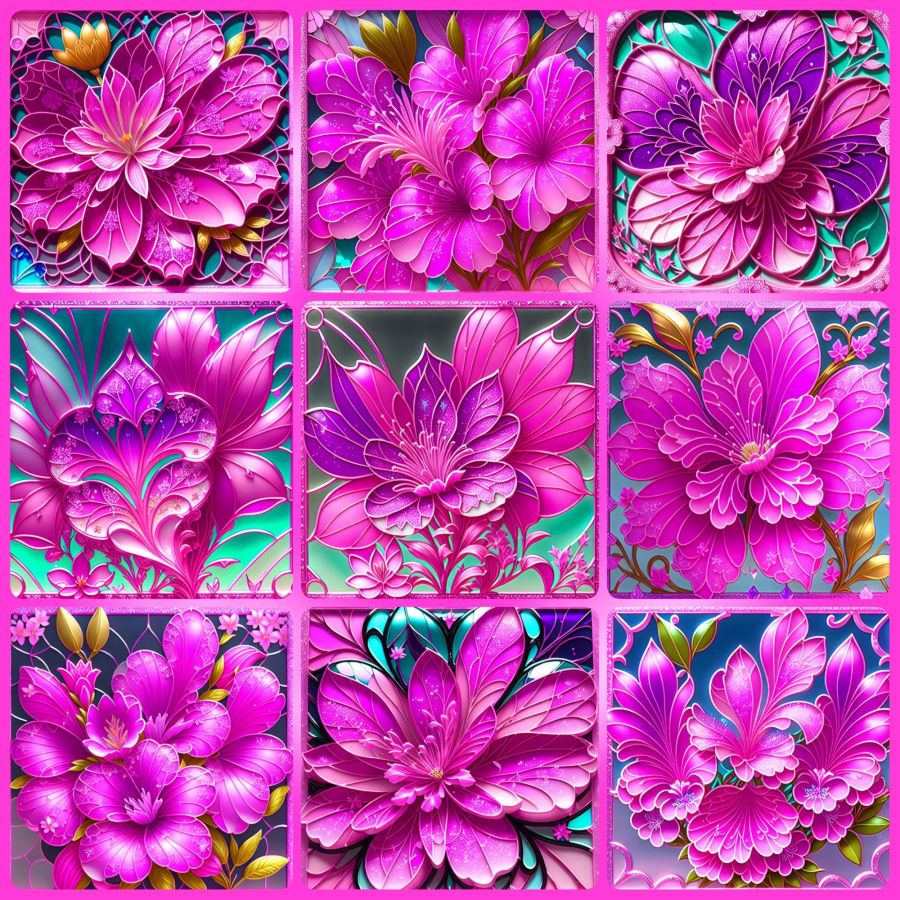
Though it’s not time to share more of her story yet, I want to share just a little from recent creative endeavors. The above photo is a close-up from the first good blooms on an azalea plant hubby got for me a few years ago. He did the research to find out what would make it grow, and it paid off well. I’m thrilled with the plant and with the pictures. I added a sparkly frame on this one because I knew how it would affect the images I got from Wombo Dream AI. Get ready for a barrage of pink and full instructions for any why might want to try designing images in Wombo.
So my first stop was to their browser page because they recently updated it with a new “edit” button. You can upload an image, and then tell it how you want it edited. Maybe you want the flowers in purple or the sky in green. Put your thoughts in the prompt box, and let it go to work. I told it I wanted the image in stained glass. The outputs were the same in the app as in the browser, so here are some from the app before I added the frame…
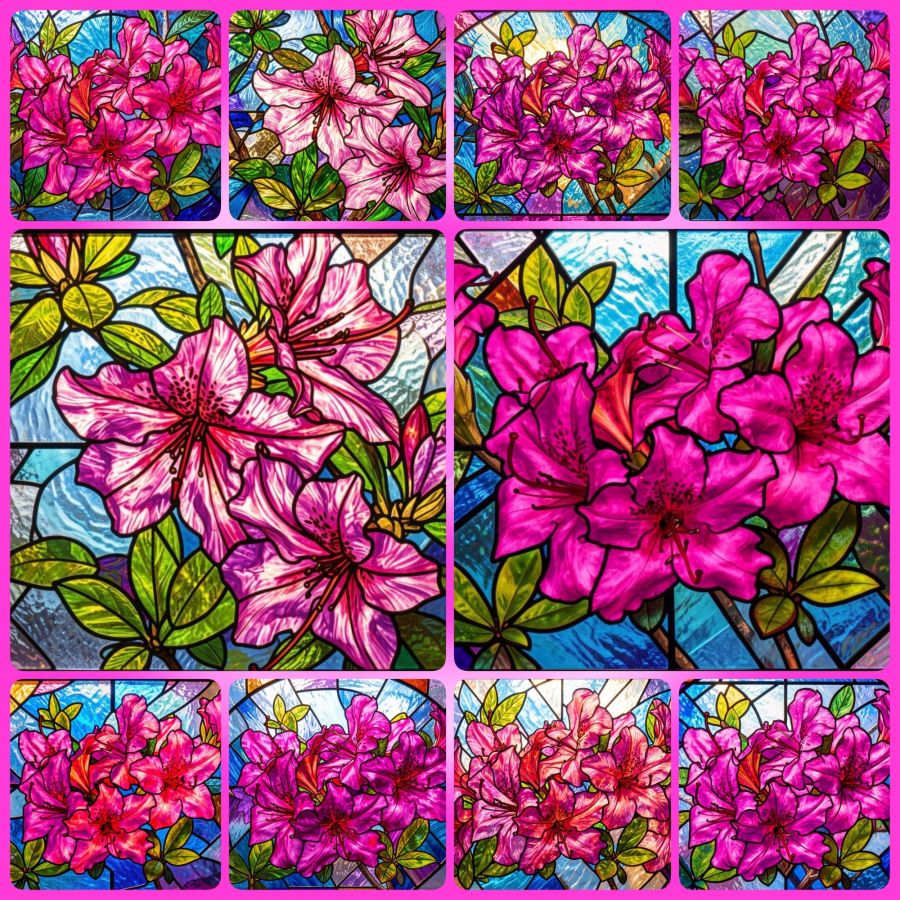
You can visit the website without downloading the app, so you can make your own fun edits at https://dream.ai/ and click on the “Start Creating” button. On the creation page, you can use my prompt (below) if you like, or create your own. When you add a prompt, you’ll notice a button that says enhance. That button will add some fancy extra prompts that are well trained into the AI. Once you have the prompt you want, it’s time to select a filter. Anything that doesn’t say “Premium” is okay to use. The latest filters are V4, and the V3 filters also work well. Once your filter is selected, you can choose generate to make your picture. It will download with a watermark if you don’t have premium, but it’s not bad and may be able to be cropped out in another program if it really bothers you. Here’s the prompt…
Turn these beautiful magenta azaleas into a stained glass window.
This is just the beginning of what you can do. You’ll notice you have image sizes to choose from in case you want to make a phone wallpaper size or a Facebook header size. And then you can look toward the bottom for the browse button where you can upload your own image. Or mine if you’ve downloaded it. That’s why I make most of my images Creative Commons. At some point, the page may ask you to create an account in order to download your images. I’m not sure if the gallery to store your images comes with every account, or only on the app, but having lost a number of gallery photos when they crashed last year, I recommend actually saving your favorites to a permanent location.
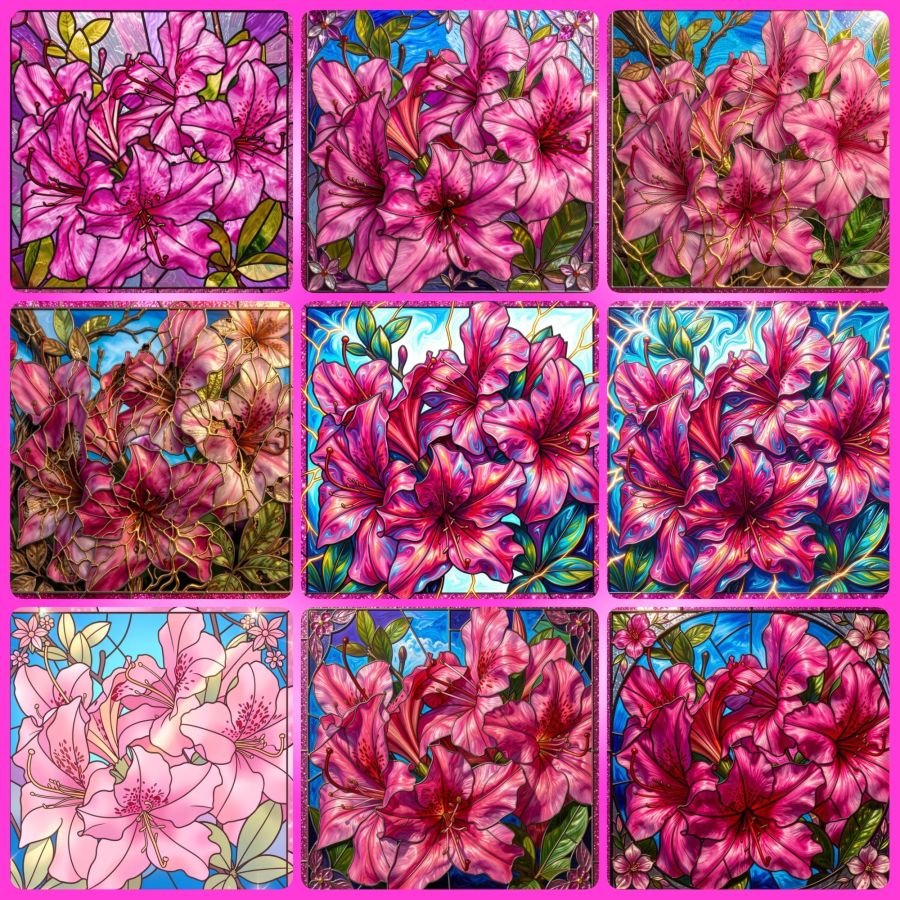
Now, because I’m a fan of abstract creations, there is a V2 filter I go to often. I’ll share the collage and prompt for that, and I hope to hear from readers that you’ve tried this for yourself and had as much fun with it as I do. The prompt (for use with the image at the top and with their enhanced additions) is…
Turn this into a beautiful stained glass window with the original magenta pink azalea and pink glitter frame colors intact. Intricate lead lines separating vibrant glass pieces, sunlight streaming through to cast colorful reflections, delicate floral motifs surrounding the azalea, subtle gradients blending pinks and purples, the window set against a softly illuminated stone wall, enhanced by shimmering highlights on the glitter frame that catch the light at different angles.
And here are the images…
Share this post on:

🎵Photo Walking
What’s the most fun way to exercise?
Daily Prompt by Day One
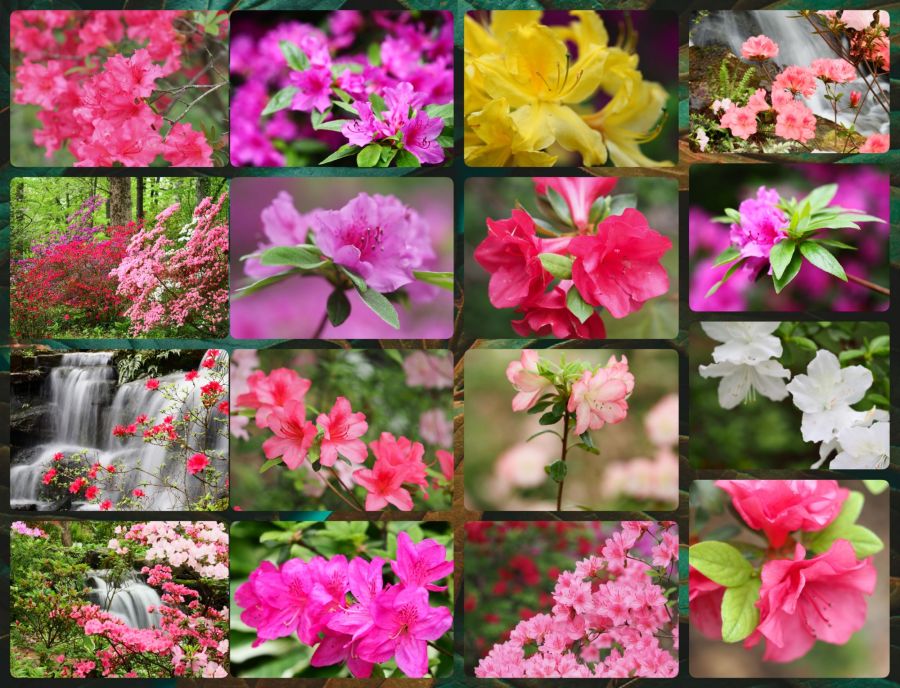
If I can get myself out the door with a camera around my neck, I tend to enjoy the steps I get a little more. A trip–back in 2022–to Azalea Path in Indiana is my favorite of all time. I’ve been there more than once, but that year, we just seemed to arrive during the best color display I’ve seen there. Here’s a collage of some of the captures from that day, all straight out of the camera (SOOC). It was cloudy, so I used a higher color setting, but I was very happy with a few of the shots out of 1200+ I captured. I especially love the ones with waterfalls.
© 2022-2026 (All Rights Reserved)
And even though these are not lilies, this reminder from the words of YahShua HaMashiach (Jesus Christ The Messiah) are a fitting comfort that goes well with such an array of colors.
Luke 12:27-28 BSB
[27] Consider how the lilies grow: They do not labor or spin. Yet I tell you, not even Solomon in all his glory was adorned like one of these. [28] If that is how God clothes the grass of the field, which is here today and tomorrow is thrown into the furnace, how much more will He clothe you, O you of little faith!

https://bible.com/bible/3034/luk.12.27-28.BSB
And since I used that verse, well, I might as well share the beautiful song with the same words, right?
Share this post on:

Wombo Dream Butterfly Memories

When I first started using the Wombo Dream AI app, it was creative but lacking in crisp and defined images. The colors were pretty, but many of the images weren’t worth saving. That was around Christmas of 2022, and they were improving daily. I left a 4-star review and explained that horses having 3 legs and 2 tails wasn’t exactly 5 stars, but to keep improving. They replied with happy words for my review.
The images above were made on January 14th, 2024, so this is their 2-year anniversary. They came up in my memories in Amazon photos, and I decided they’d be the perfect share. There were a whole lot more, but I grabbed some of my favorites and let the AI in the Photo Studio Pro app for Android arrange them in a collage. I love that it did all the fitting, and all I had to do was change the background to create a frame I liked and hit save. I could stare at colors like this all day.
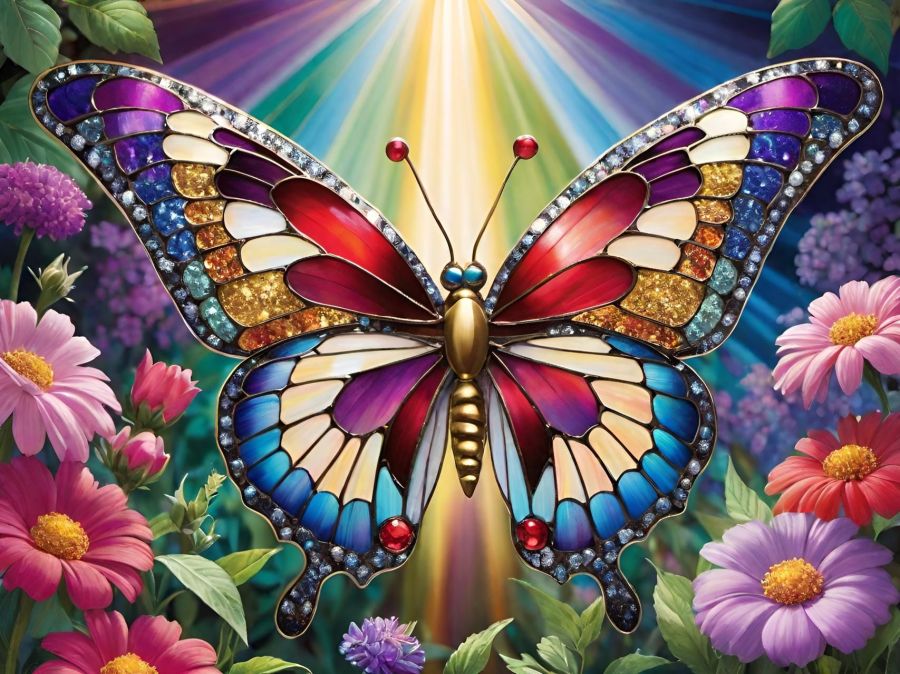
I saved a lot of my prompts before they started having problems near the end of 2024 when all the old prompts were erased. I think this may be a collection of some of the prompts I used: ”detailed butterfly with stained glass wings, in a garden of pastel flowers, colorful rays of light in the background, red, blue, purple, green, glittery, gold, silver, sparkles, colorful, sparkling, jeweled, jewel tones, bright, hot pink, glowing, garden, glitter, beautifully lit.” The next image is what I get now with these prompts and using the Dreamland V3 filter. You can see the details are better, so if they ever get everything fixed again, it will certainly be a wonderful app for playing with color and making butterfly memories.
Share this post on:

My Latest Flickr Photos


Others’ Posts I’ve Liked


