Prompt: I Wrote a Children’s Book 🧸📖
What’s something you’ve done that your past self would be proud of?
My seven-year-old self would be thrilled that I took the lyrics to the first song she ever wrote and turned it into a children’s book. I have the story board, but I’m still working on a character I’m happy with.
Since it’s Shabbat, I’ll keep this short, but I’ll include some sample book covers made in AI. Anyone who wants to comment and tell me what to keep, change, or get rid of, is welcome to share. Readers are my current and future audience, so I’m interested in knowing your thoughts. 💬 💭
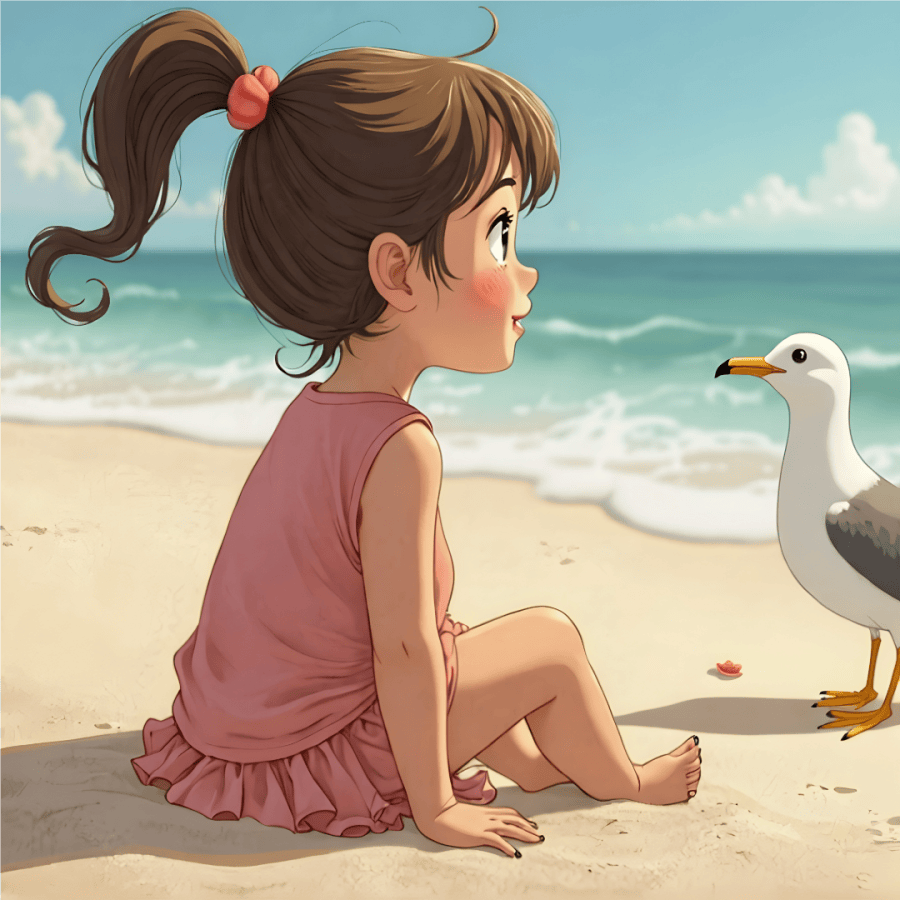
I think this little girl is my favorite of all the designs so far. I love the big eyes and how both she and the seagull seem impressed with each other.
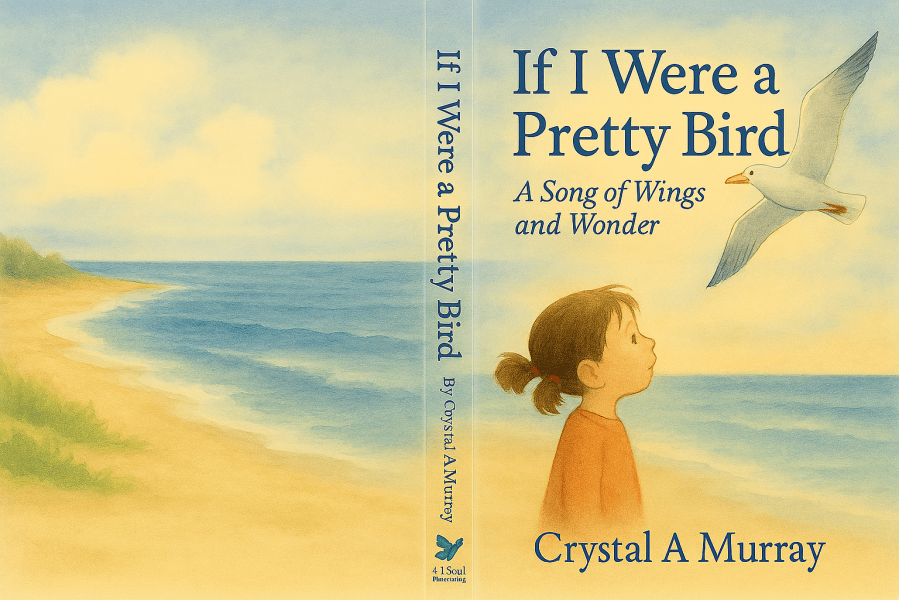
When I asked for a cover, I got a different girl, and the AI assigned the “Song of Wings and Wonders” as a subtitle. I kept everything whether I will use it or not, so I can create a character with a little of all of them.
©2025 All Rights Reserved
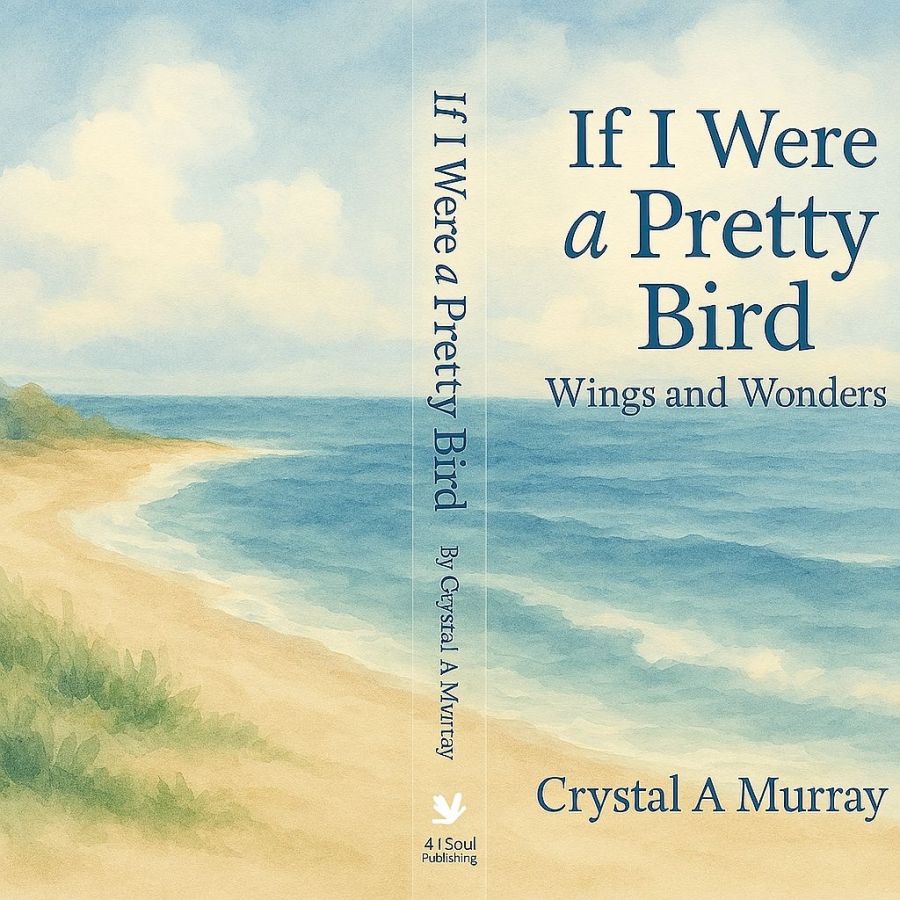
I like the girl on this 3D book cover as well, though I think she’s older than seven. And I wanted the beach to go across the entire cover under all the text for a smooth flow.
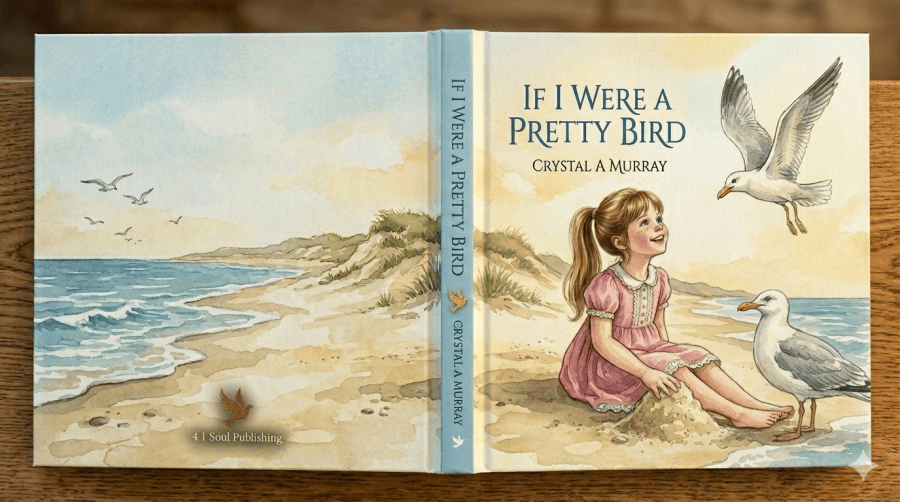
And here’s one with the beach across the cover, but the girl is gone. 🙃 This one has a butterfly logo for my publishing company, so I like that. Of course, AI has changed tremendously since I started working on these, so I could probably be more apt to get exactly what I want now.
And I’ll end with the dual cover of my first book and the companion book I’m writing for boys by request of my husband. As a matter of fact, Hubby even came up with the title. 🤩
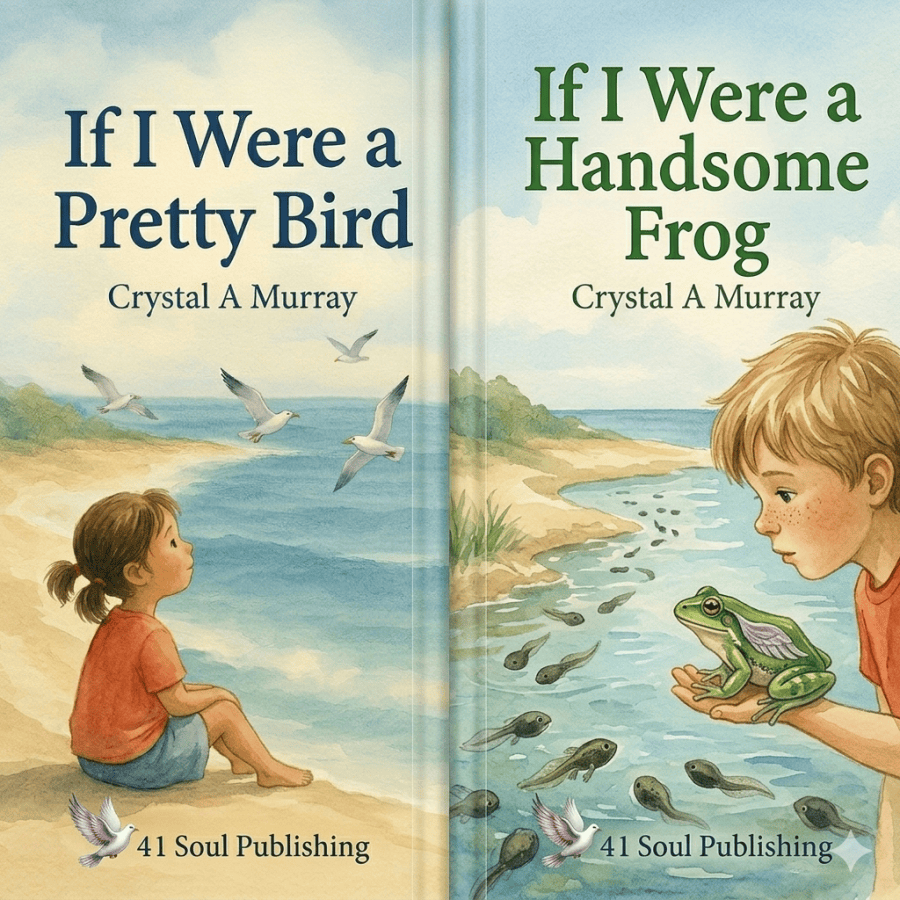
by Crystal A Murray ©2025 All Rights Reserved
So, I’ll close this for now. I know my younger self will truly be happy when I actually get them published.
Shabbat Shalom 🕊️
Share this post on:

🎵Milestones
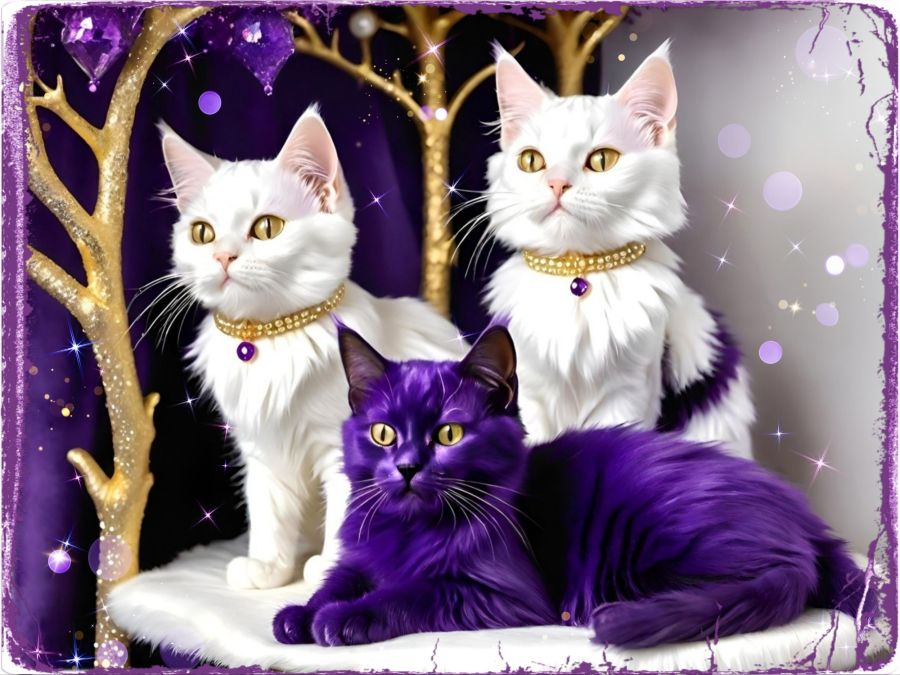
I’m keeping this really short because I wore myself out today going through many of the milestones I’ve kept in boxes because they are so precious to me. And I’m thankful for the memories, but there comes a time when you’ve got to whittle the physical parts of the memories down a bit. I’ve still got all the good stuff in my heart where it matters most.
And speaking of milestones, my little sister is celebrating a big one, so I played around with some AI music and created a short chorus for her. I made it to just “My Little Sister” so my readers can download it for their little sister’s birthdays as well if they like. Here are the lyrics…
Happy birthday to you sister,
The best little sister I adore.
I celebrate with you, little sister.
Have a great birthday...
And many, many more!
And here is the sound track…
And because I love the Holy Word of God so much, I even found a birthday Bible study to share with her and you all. Just go to Bible.com to find it with this link:http://bible.com/r/ADb which should take you to a study called A Birthday Card from Your Creator (A 7-Day Devotional).
Psalms 139:14 CSB
[14] I will praise you because I have been remarkably and wondrously made.  , Your works are wondrous, and I know this very well.

https://bible.com/bible/1713/psa.139.14.CSB
Share this post on:

My Own Creative Muse
Like the character Cameo in yesterday’s story, I feel like I have the voice of a “muse” in my mind that drives me to create. Unlike Cameo, I haven’t turned away from that voice completely, though I’ve gone through dry spells. Maybe that’s why the story came to me and made me examine the relationship between our thought lives and our real lives. And if you ever battle with the still, small voice like Elijah, maybe Cameo’s journey will be enjoyable for you as well.
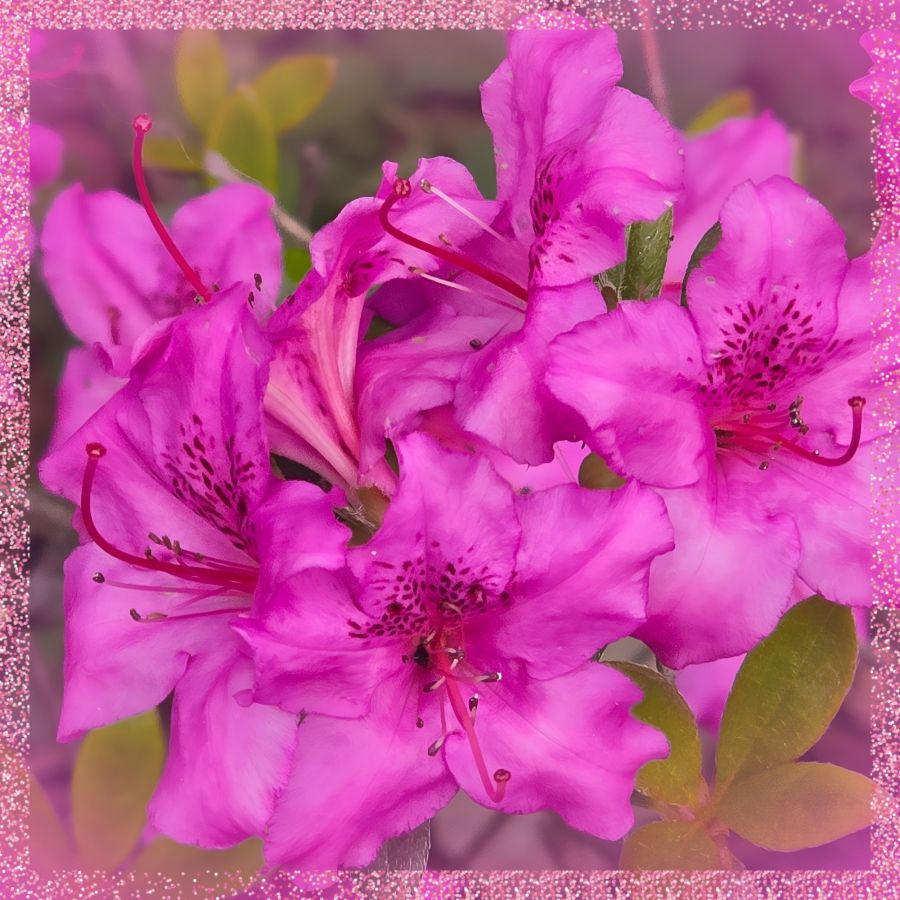
Though it’s not time to share more of her story yet, I want to share just a little from recent creative endeavors. The above photo is a close-up from the first good blooms on an azalea plant hubby got for me a few years ago. He did the research to find out what would make it grow, and it paid off well. I’m thrilled with the plant and with the pictures. I added a sparkly frame on this one because I knew how it would affect the images I got from Wombo Dream AI. Get ready for a barrage of pink and full instructions for any why might want to try designing images in Wombo.
So my first stop was to their browser page because they recently updated it with a new “edit” button. You can upload an image, and then tell it how you want it edited. Maybe you want the flowers in purple or the sky in green. Put your thoughts in the prompt box, and let it go to work. I told it I wanted the image in stained glass. The outputs were the same in the app as in the browser, so here are some from the app before I added the frame…
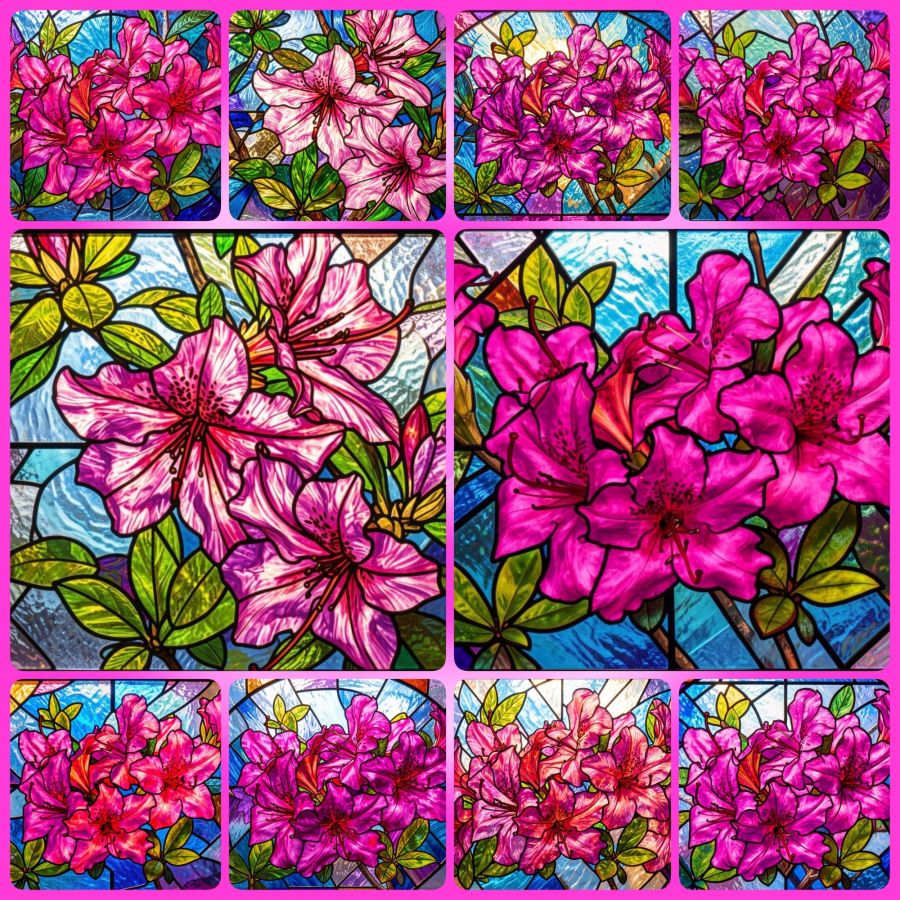
You can visit the website without downloading the app, so you can make your own fun edits at https://dream.ai/ and click on the “Start Creating” button. On the creation page, you can use my prompt (below) if you like, or create your own. When you add a prompt, you’ll notice a button that says enhance. That button will add some fancy extra prompts that are well trained into the AI. Once you have the prompt you want, it’s time to select a filter. Anything that doesn’t say “Premium” is okay to use. The latest filters are V4, and the V3 filters also work well. Once your filter is selected, you can choose generate to make your picture. It will download with a watermark if you don’t have premium, but it’s not bad and may be able to be cropped out in another program if it really bothers you. Here’s the prompt…
Turn these beautiful magenta azaleas into a stained glass window.
This is just the beginning of what you can do. You’ll notice you have image sizes to choose from in case you want to make a phone wallpaper size or a Facebook header size. And then you can look toward the bottom for the browse button where you can upload your own image. Or mine if you’ve downloaded it. That’s why I make most of my images Creative Commons. At some point, the page may ask you to create an account in order to download your images. I’m not sure if the gallery to store your images comes with every account, or only on the app, but having lost a number of gallery photos when they crashed last year, I recommend actually saving your favorites to a permanent location.
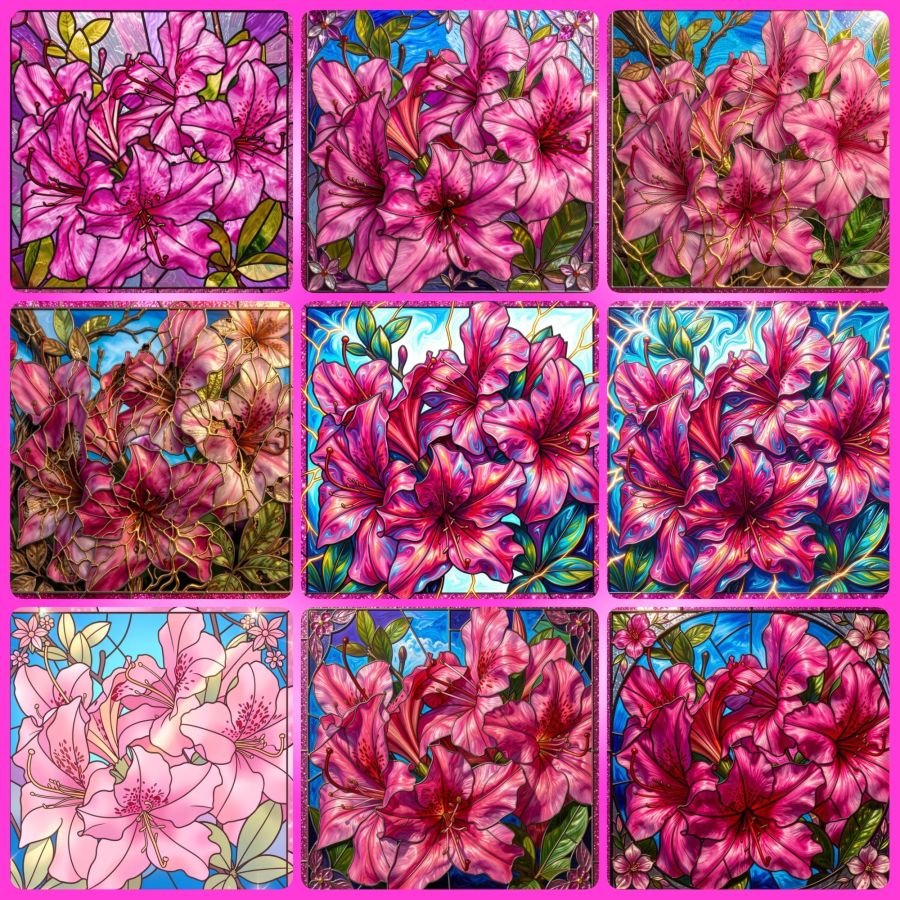
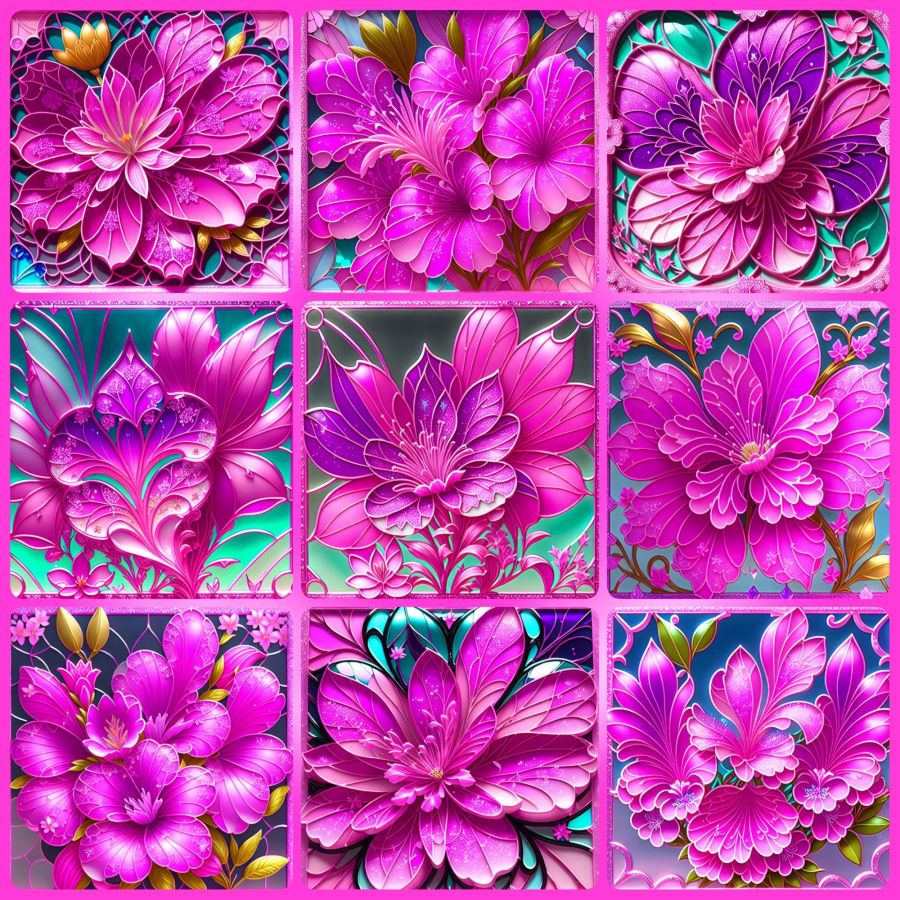
Now, because I’m a fan of abstract creations, there is a V2 filter I go to often. I’ll share the collage and prompt for that, and I hope to hear from readers that you’ve tried this for yourself and had as much fun with it as I do. The prompt (for use with the image at the top and with their enhanced additions) is…
Turn this into a beautiful stained glass window with the original magenta pink azalea and pink glitter frame colors intact. Intricate lead lines separating vibrant glass pieces, sunlight streaming through to cast colorful reflections, delicate floral motifs surrounding the azalea, subtle gradients blending pinks and purples, the window set against a softly illuminated stone wall, enhanced by shimmering highlights on the glitter frame that catch the light at different angles.
And here are the images…
Share this post on:

Wombo Dream Butterfly Memories

When I first started using the Wombo Dream AI app, it was creative but lacking in crisp and defined images. The colors were pretty, but many of the images weren’t worth saving. That was around Christmas of 2022, and they were improving daily. I left a 4-star review and explained that horses having 3 legs and 2 tails wasn’t exactly 5 stars, but to keep improving. They replied with happy words for my review.
The images above were made on January 14th, 2024, so this is their 2-year anniversary. They came up in my memories in Amazon photos, and I decided they’d be the perfect share. There were a whole lot more, but I grabbed some of my favorites and let the AI in the Photo Studio Pro app for Android arrange them in a collage. I love that it did all the fitting, and all I had to do was change the background to create a frame I liked and hit save. I could stare at colors like this all day.
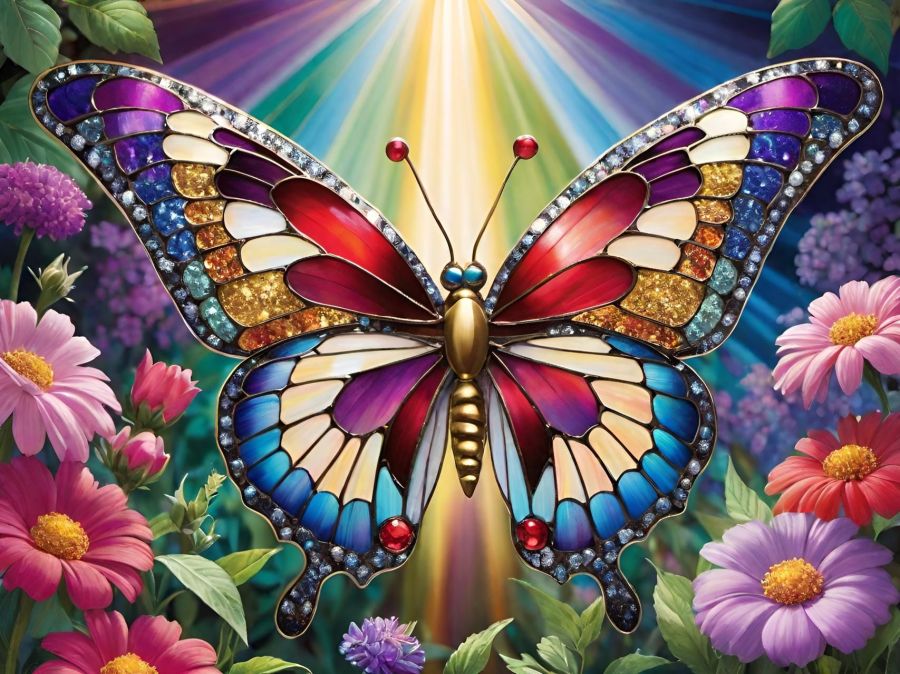
I saved a lot of my prompts before they started having problems near the end of 2024 when all the old prompts were erased. I think this may be a collection of some of the prompts I used: ”detailed butterfly with stained glass wings, in a garden of pastel flowers, colorful rays of light in the background, red, blue, purple, green, glittery, gold, silver, sparkles, colorful, sparkling, jeweled, jewel tones, bright, hot pink, glowing, garden, glitter, beautifully lit.” The next image is what I get now with these prompts and using the Dreamland V3 filter. You can see the details are better, so if they ever get everything fixed again, it will certainly be a wonderful app for playing with color and making butterfly memories.
Share this post on:

My Latest Flickr Photos


Others’ Posts I’ve Liked


