Blog Break: Sharing Some Pictures
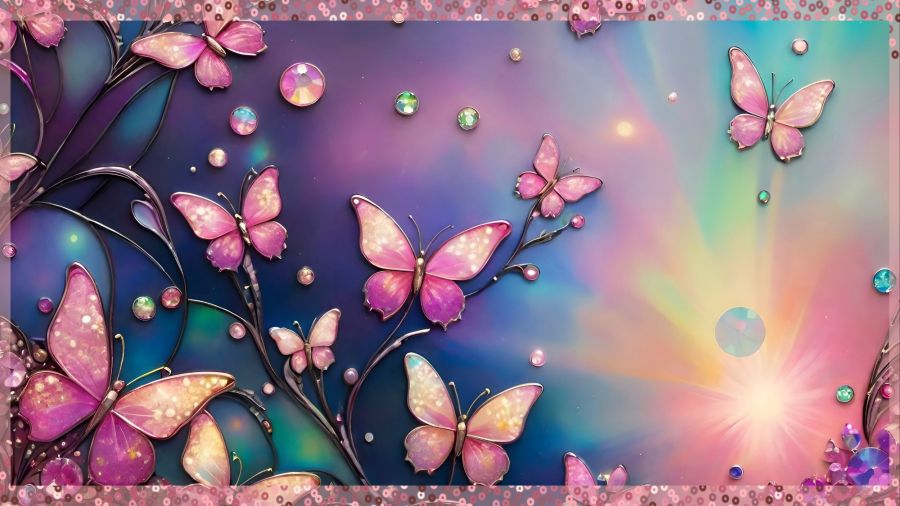
by Crystal A Murray (CC BY-NC-SA 4.0)
A very long day that ended with a visit to a medical provider for a UTI and antibiotics means I must simply share some nice photos and then go to sleep quickly. I’m thankful I got my first dose by a shot to start healing faster. And I’ll know tomorrow how much the muscle will hurt since they pack the medicine in that way (have not experienced this before), but the advice was to drink lots of water and move a lot. I spent time walking on the treadmill as soon as I got home, and it eased the pain tremendously already.
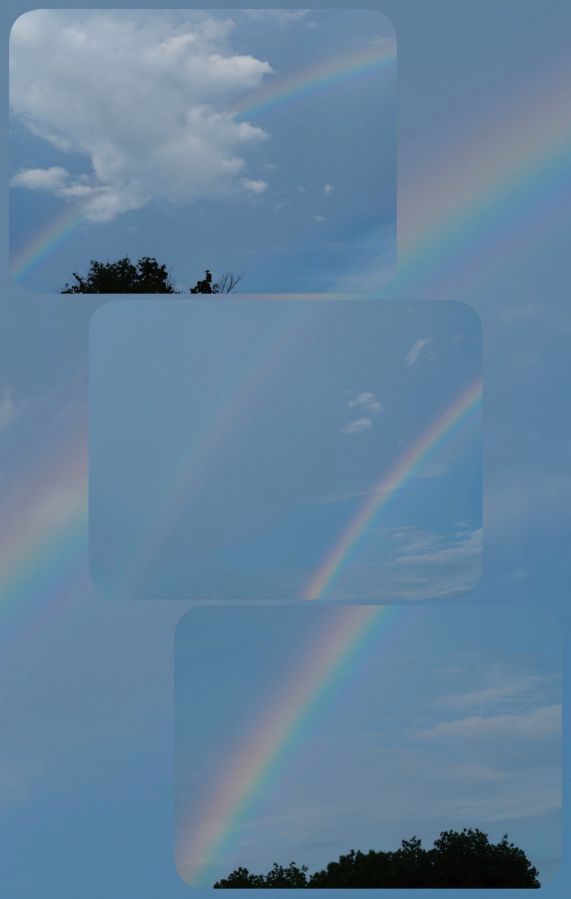
Now, enjoy some beautiful rainbow images I captured with my Olympus camera some years ago. I had 4 all together, so I made a collage of 3 with the 4th as a background.
Share this post on:

Creative Ways to Deal
(CC BY-NC-SA 4.0)
This is blog post number two because after I had blog post number 1 completed, my check of links revealed that it wasn’t the best idea to share. I was going to tell you all where to get my free phone wallpapers from Zedge, but the link to the regular website is so different from what I see within the app, it became clear I could not share it. Third party ads with misleading statements about activating your account could’ve made it look like that’s what you needed to do in order to grab my creations, and I just couldn’t serve that info with a clear conscience. I did find an alternative I’ll begin working on to share here later, though.
The other issue was that I had put some sample images in a collage, so people would know what they could expect. As it turns out, even though AI images cannot be copyrighted at this time, the terms of service (TOS) for using Zedge pAInt to design includes not being allowed to use those images on a blog or external website, even if it’s not monetized and is only being used to send people to them. 🙃
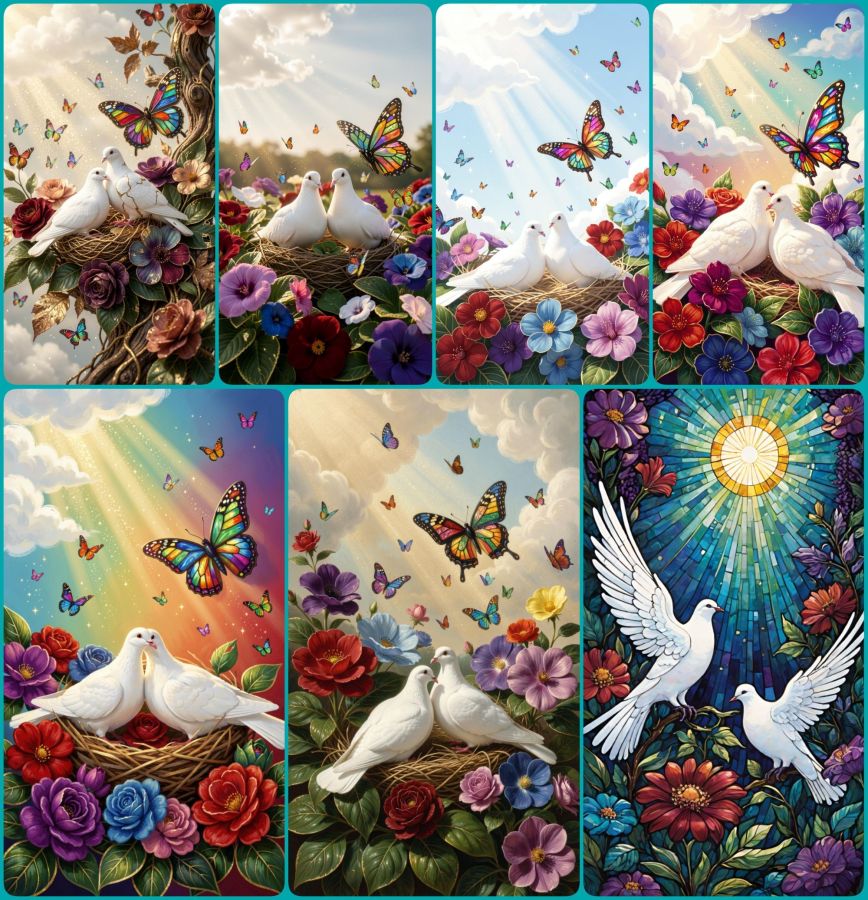
So, today’s blog post is a lesson for me, and it can also be for you all to learn from my “almost” mistakes, so none of my readers will risk their own violation of a site’s terms. The big lesson being, even if you know the basic rules, ALWAYS read the TOS for the specific user practices they demand. In the meantime, enjoy the collage of peaceful doves, flowers, and butterflies made in Wombo where they have much more user friendly terms.
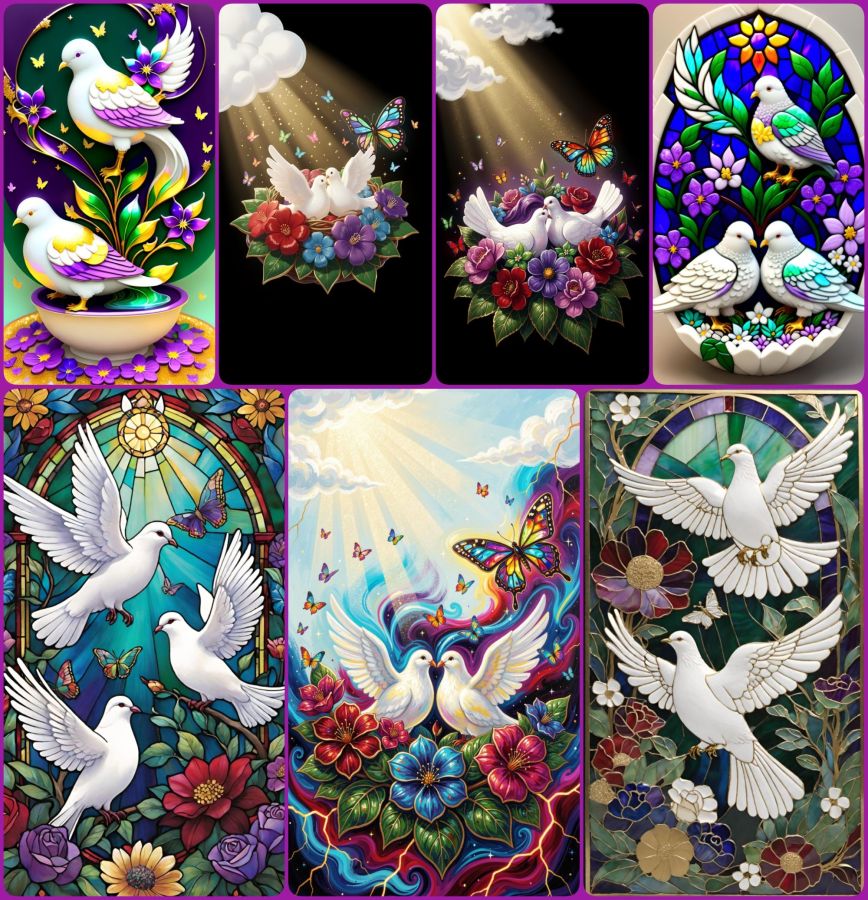
And here is one more collage of dove images using the following prompt:
2 white peace doves nestling on colorful flowers with deep royal reds, purples, blues, and greens all with gilded edges. A layer of deep green leaves with gilded edges and veins sits beneath the flowers. Soft glittery rays of sunshine stream from fluffy white clouds in the corner and bathe the doves and flowers. One large butterfly made of stained glass hovers near the doves, and many tiny colorful butterflies flit and sparkle throughout the scene.
(CC BY-NC-SA 4.0)
Use that prompt in your favorite AI image generator and then let me know where I can see what you’ve created. In the meantime, have a really creative day!
P.S. The “How to Deal” in the title was about dealing with extreme nerve pain in my back and leg (detailed in the first post), and how that led me to being creative as a way of dealing with what I could not do. Plus I got notes on my phone from apps saying, “Hey, look what we can do now!” It was a good day to be creative, but since it ended up taking me all night to do so, and since I actually wrote 2 posts, I’m officially skipping what would have been published as the date of May 24th and bringing you this for May 25th. Maybe that will set me on a better path forward. Now it’s time for some sleep for me. 😴
Psalm 4:8 BSB
[8] I will lie down and sleep in peace, for You alone, O Lord, make me dwell in safety.

https://bible.com/bible/3034/psa.4.8.BSB
Share this post on:

Real Blog Break This Time

I’m having trouble getting things to connect here even after restarting my tablet, which apparently included a UI update I didn’t even know was pending. So, I’m writing a short paragraph, and I’ll try to add a picture, but I don’t want to invest a lot of time into something that may not actually post or that I cannot preview since that’s what I cannot bring up on my screen. Oh well, another chapter for my cyber journey of learning how the world works (or doesn’t) in Cyberspace.
Share this post on:

Creativity Day
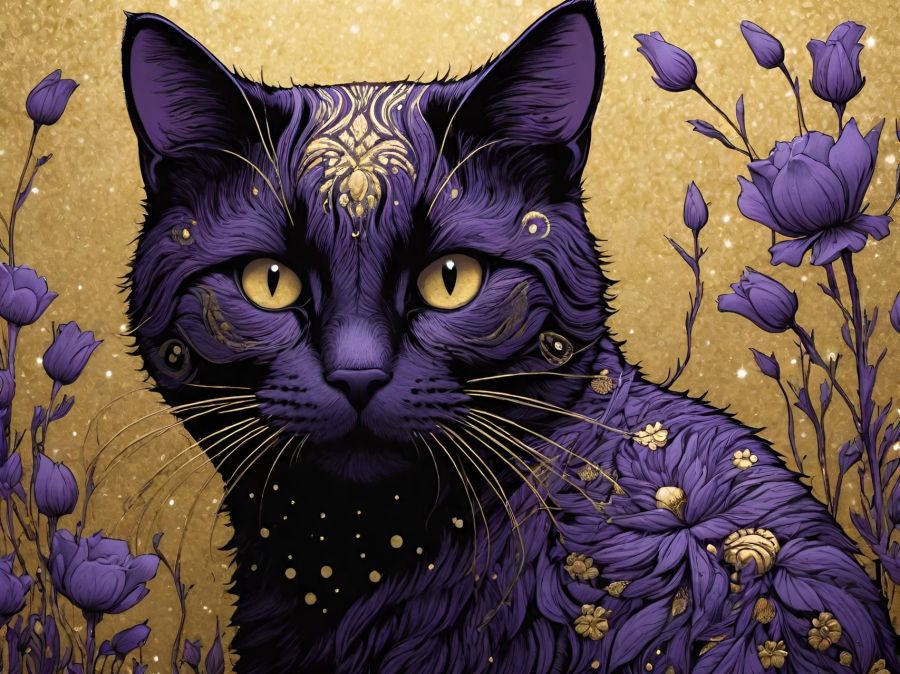
I had a bit of a stressful day today, and I have a really busy day planned for tomorrow, so I decided that tonight was a great night to just do some picture playing while my phones charged before sleep. No deep words of wisdom other than to remind you (and myself) that God’s Word promises us that He will work everything for the good for those who love Him and are the called according to His purposes. To be able to work everything to the good means He is with us in those everything moments. So this is me trying to release any and all fears, anxieties, and issues with my battles with low self-esteem (though I know God sees me better than I see myself, so that helps), into His hands. I’m sure my readers have had their hard days and battles as well, so as I pray for those who visit my writings, I’m also grateful for those who take me to the throne when I’m not as strong as I’d like to be. Thank you with my whole heart. 🙏
Romans 8:28 BSB
[28] And we know that God works all things together for the good of those who love Him, who are called according to His purpose.

https://bible.com/bible/3034/rom.8.28.BSB
Philippians 4:6 BSB
[6] Be anxious for nothing, but in everything, by prayer and petition, with thanksgiving, present your requests to God.

https://bible.com/bible/3034/php.4.6.BSB
Proverbs 19:21 BSB
[21] Many plans are in a man’s heart, but the purpose of the Lord will prevail.

https://bible.com/bible/3034/pro.19.21.BSB
And now, more pictures…


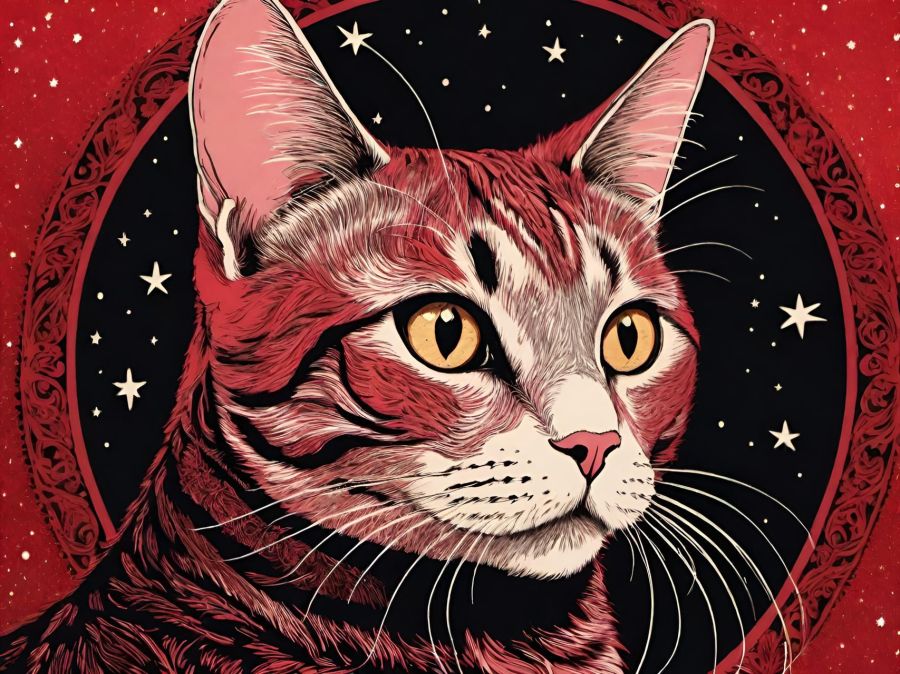
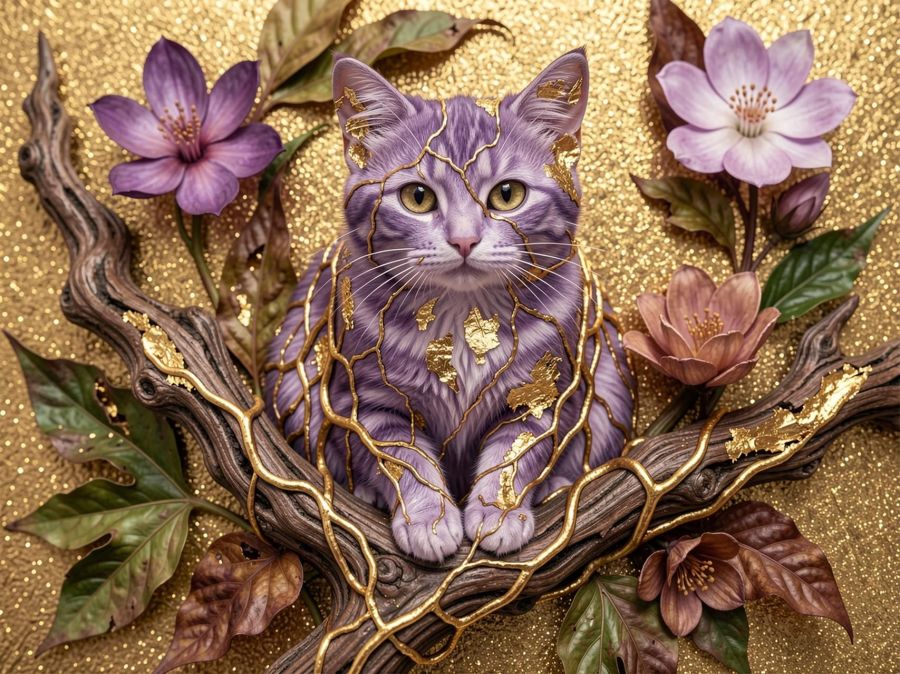

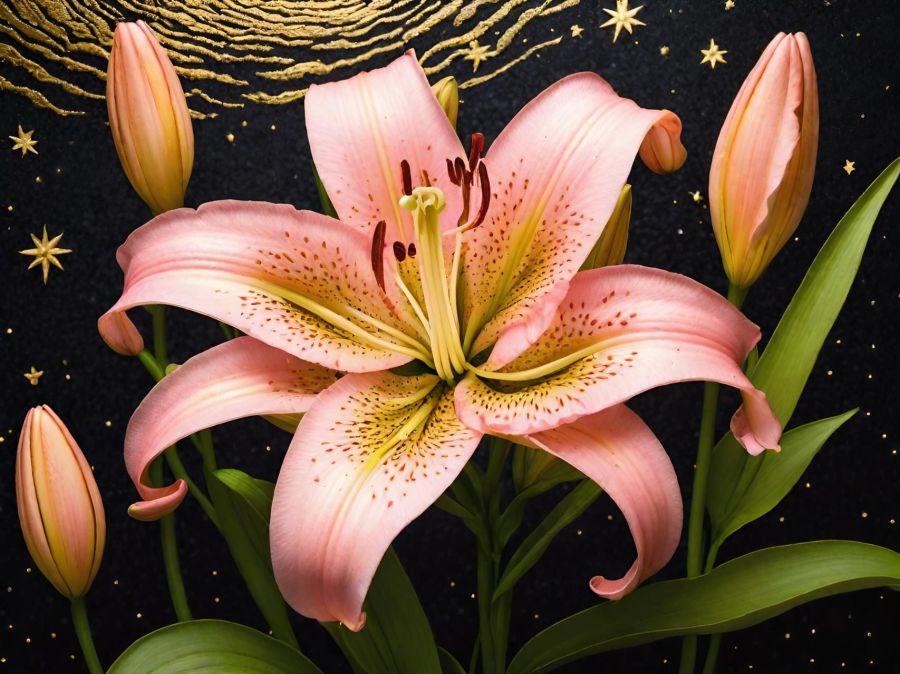

Good night and Shalom! 🕊️
Share this post on:

Wombo Dream Butterfly Memories

When I first started using the Wombo Dream AI app, it was creative but lacking in crisp and defined images. The colors were pretty, but many of the images weren’t worth saving. That was around Christmas of 2022, and they were improving daily. I left a 4-star review and explained that horses having 3 legs and 2 tails wasn’t exactly 5 stars, but to keep improving. They replied with happy words for my review.
The images above were made on January 14th, 2024, so this is their 2-year anniversary. They came up in my memories in Amazon photos, and I decided they’d be the perfect share. There were a whole lot more, but I grabbed some of my favorites and let the AI in the Photo Studio Pro app for Android arrange them in a collage. I love that it did all the fitting, and all I had to do was change the background to create a frame I liked and hit save. I could stare at colors like this all day.
I saved a lot of my prompts before they started having problems near the end of 2024 when all the old prompts were erased. I think this may be a collection of some of the prompts I used: ”detailed butterfly with stained glass wings, in a garden of pastel flowers, colorful rays of light in the background, red, blue, purple, green, glittery, gold, silver, sparkles, colorful, sparkling, jeweled, jewel tones, bright, hot pink, glowing, garden, glitter, beautifully lit.” The next image is what I get now with these prompts and using the Dreamland V3 filter. You can see the details are better, so if they ever get everything fixed again, it will certainly be a wonderful app for playing with color and making butterfly memories.

Share this post on:

My Latest Flickr Photos


Others’ Posts I’ve Liked


