Keeping it Light and Melodic
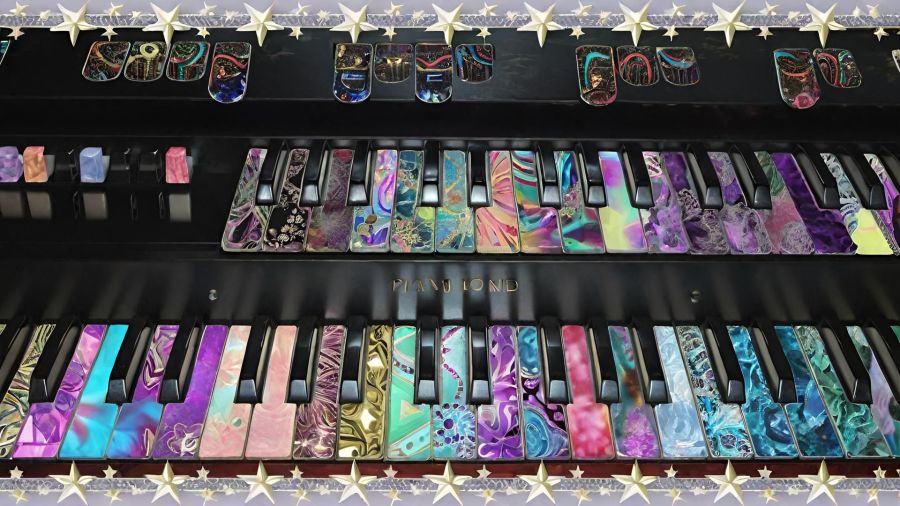
I kinda wore myself out in the last couple of days. Good wearing out, but still a bit tired, so I thought I’d keep the subject light and share one of my favorite digital editing projects.
This was actually a picture of a real keyboard from years ago. My sister-in-law, Denise, had recently shown me how to lasso a section of a picture and then fill in the selection with another picture. For this, I selected each key and filled it in with different kaleidoscope designs I had created. And, yes, it took me a very long time to finish this one.
Later, when I discovered Wombo Dream AI and learned I could upload my own picture as a template, I chose this one and let it create some really cool images from it. I’ll go back and do more with the new V4 filters one day, but for now, I’ll share a few of the colorful designs, and then I’ll hit the hay for some deep rest.
I love the lights under the bottom keyboard here.
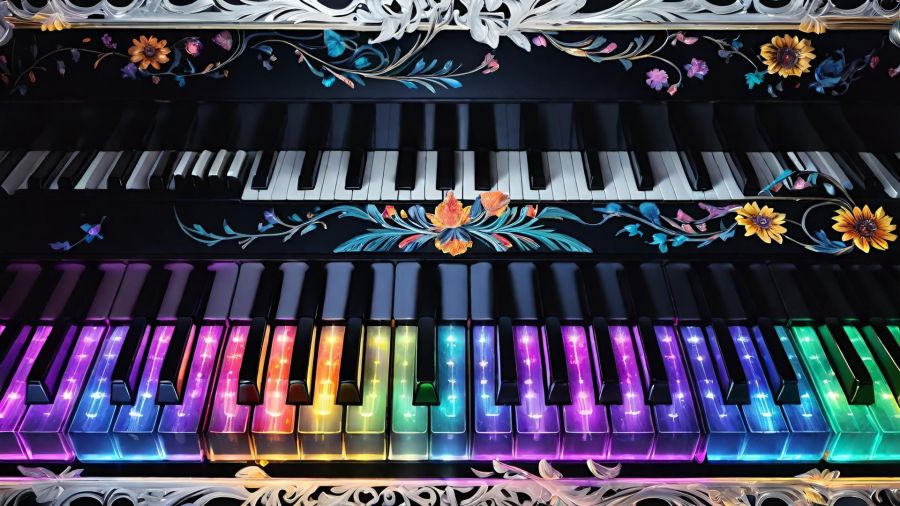
This one added some slightly fall-colored flora.
This one used either a prompt of “paper cut” or their papercut filter, or a little of both. I love the swirls on the keys with this one.
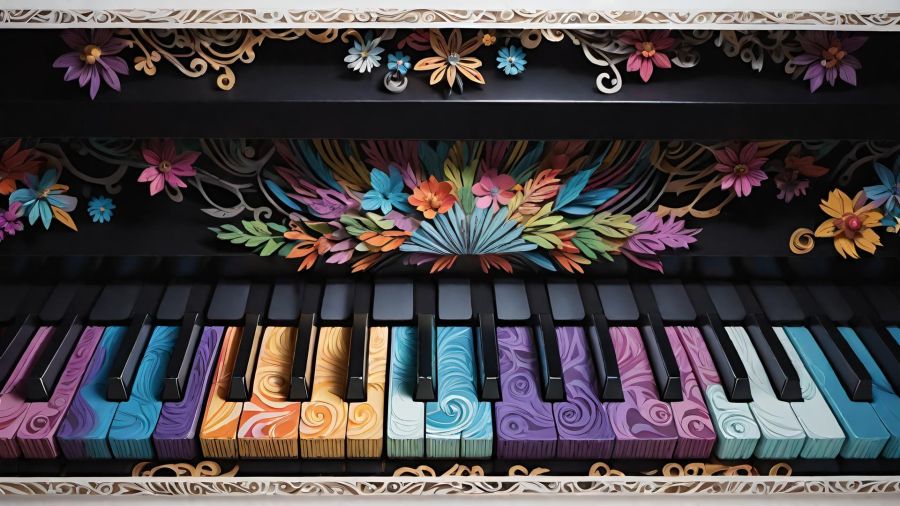
(CC BY-NC-SA 4.0)
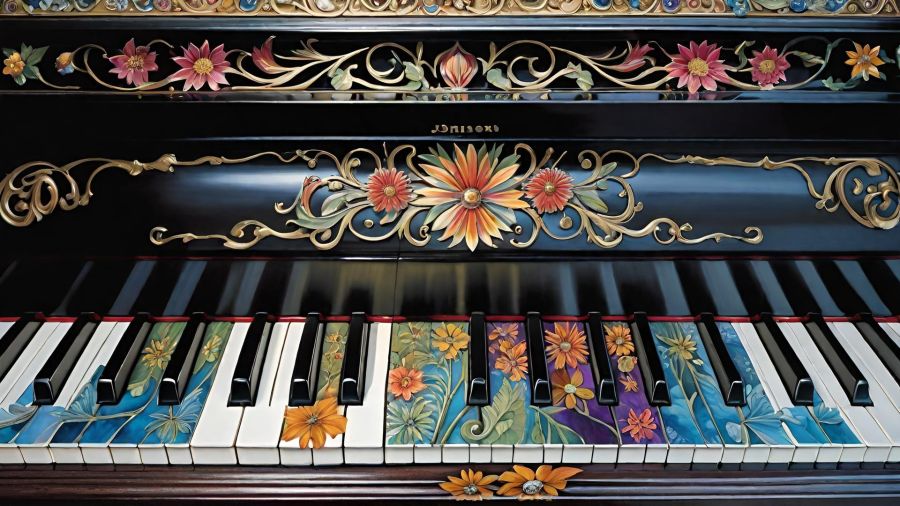
This one is bold and colorful, and just look at the dimension and shadows on those flowers.
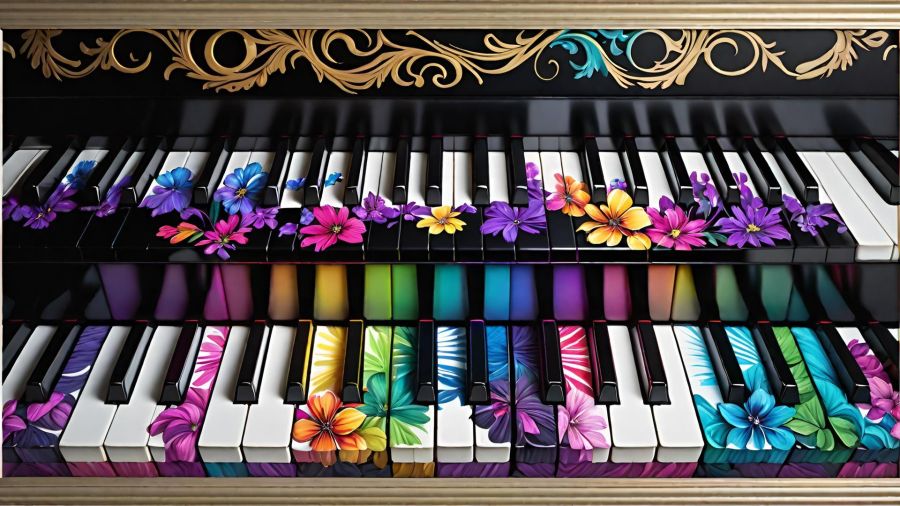
(CC BY-NC-SA 4.0)
I’m not sure which filter I used for this one, but I really like it.
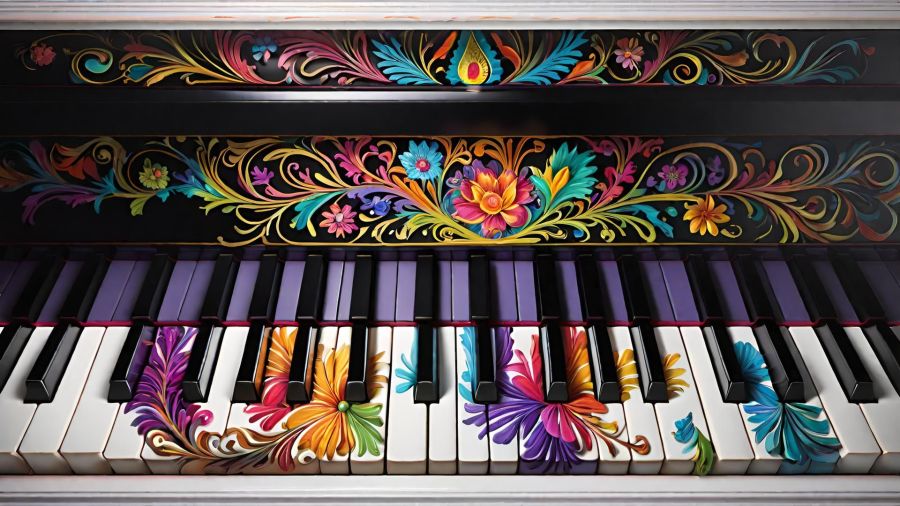
And this final design has the bold colors on the keys but those pretty little details I’m purple and pink on the top.
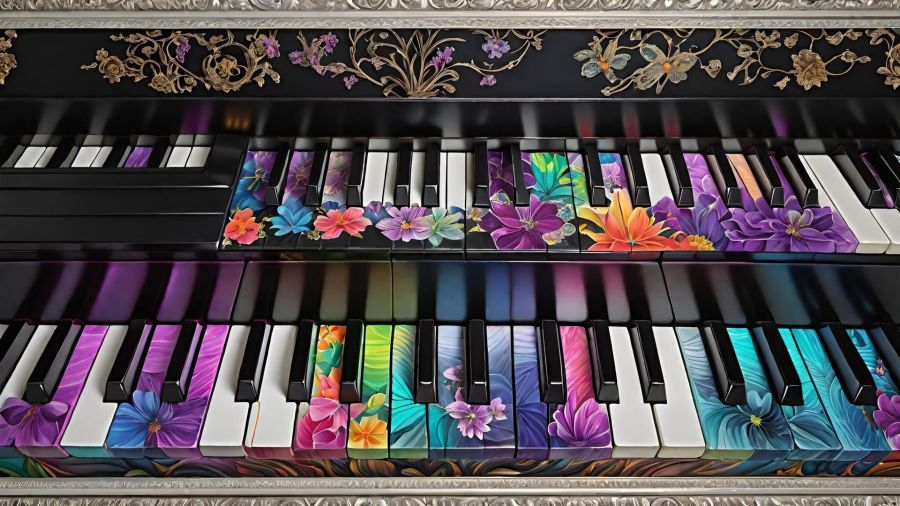
(CC BY-NC-SA 4.0)
So which keyboard design do you like the best? My original hours-long creation, or one of the quick and amazing Wombo designs? Leave me some comments to read when I return, please. And, just so y’all know, I require an email address to leave comments, but I’m the only one who sees it. And it’s actually only to prevent spammers and bots, so you can feel safe dropping a line or two. 🖍️
Goodnight and blessings to you all. 😴🕊️
Share this post on:

No comments yet.
My Latest Flickr Photos


Others’ Posts I’ve Liked


Start a conversation by adding your comments.