A Way (to Play) with Words
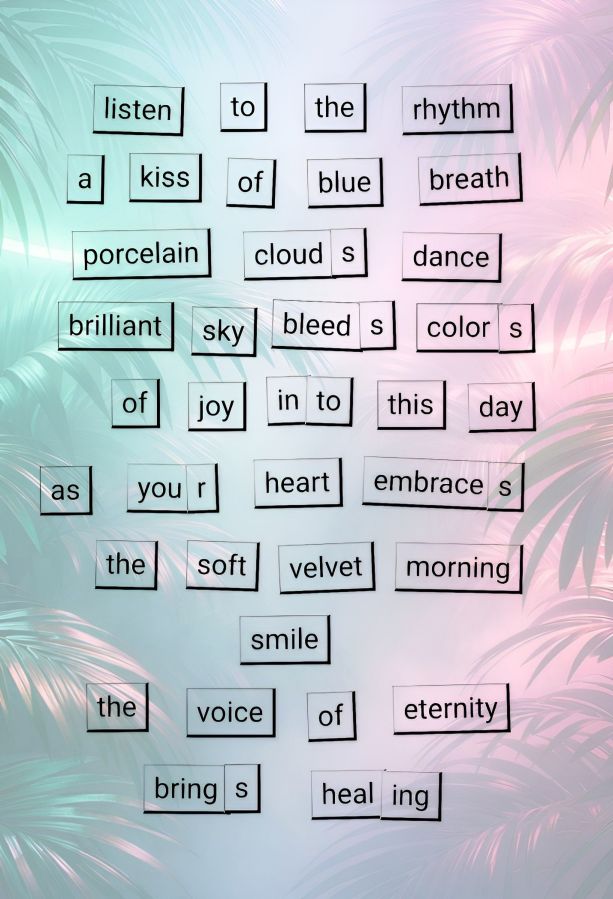
Since I’m in a poetry vein for April, I thought I’d create a decorated word tile poem from Magnetic Poetry® and show you how I do it.
First, go visit the Magnetic Poetry® Online website at https://magneticpoetry.com/pages/play-online
Once there, you’ll click one of the boxes to choose the set of tiles you want to work with. They are just like the ones you can get for home except that you won’t drop one and lose it until you find it under the refrigerator years later. 😂 You can choose from “Original Kit,” “Poet Kit,” “Mustache Poet,” or “Nature Poet” on the front page. Once you select your kit and go to the play page, they’ve also added “Love” and “Geek” to the selections.
On that page, you’ll have a myriad of words to play with. In addition to regular words, you’ll also notice the s, ing, r, es, and other endings you may need to create the right tense of your poetic lines. You’ll notice my “you + r” to make “your” in the above image, and the combining of in and to for “into” in one line. It’s a little bit of work lining them up (in real life kits as well), but it’s part of the creative fun. Also, the pile of word tiles you see is not all that’s available. You’ll see a button to add more words at the bottom, and it will give you a whole different batch from the same kit.
After you’ve played and created some fun lines, you can save and share it if you’re willing to give them your name and email address. If you plan to order any poetry tiles for home, you’ll likely give that to them anyway unless you choose to order from another source like Amazon. If you want to do what I did, just screenshot the whole page. But, before you do that, I recommend you move the piles of unused tiles as far away as possible, so you’ll have plenty of room for cropping your final image.
Once I’ve got my screenshot, I open the image in the Photo Studio Pro app. I can’t tell you how other programs/apps work yet because that’s all I’ve played with so far. In the app, I crop out all the extraneous page info and save just the white background with black-on-white words. It’s not bad just like that, but I like pretty papers and stuff, so my next step is to use the app’s blend menu to create a background. They have a lot of gorgeous designs to choose from, or you can choose your own images or browse an online page from Pixabay public domain images. You can even have their AI design a background for you. And then, you’ll just use the slider to make the image as dark or light as you want with your words.
Here is a collage of my screenshot, then cropped, then blended image…
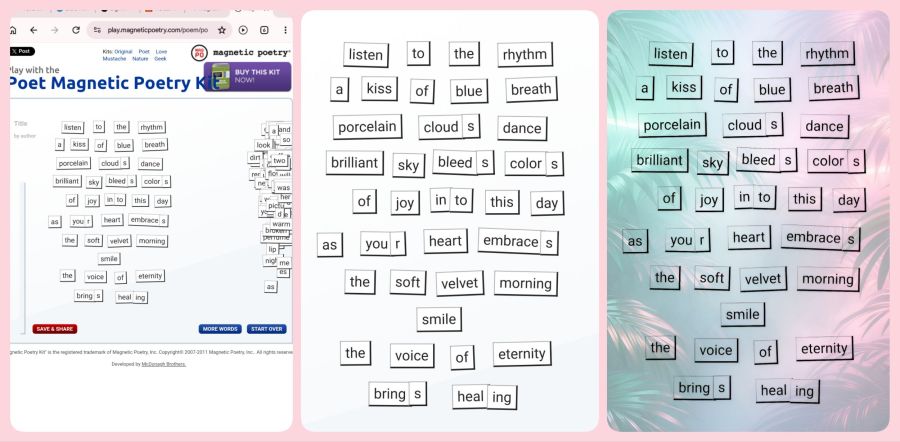
I saved my original cropped image as a “project” in the app, so I can go back and play with different backgrounds if I want. And there you have it; a way to play with words. I’d love to see your creations if this technique works for you. Maybe I can create a group on Flickr (my favorite photo site) just for people doing the online poetry tiles. Now, go play with words.
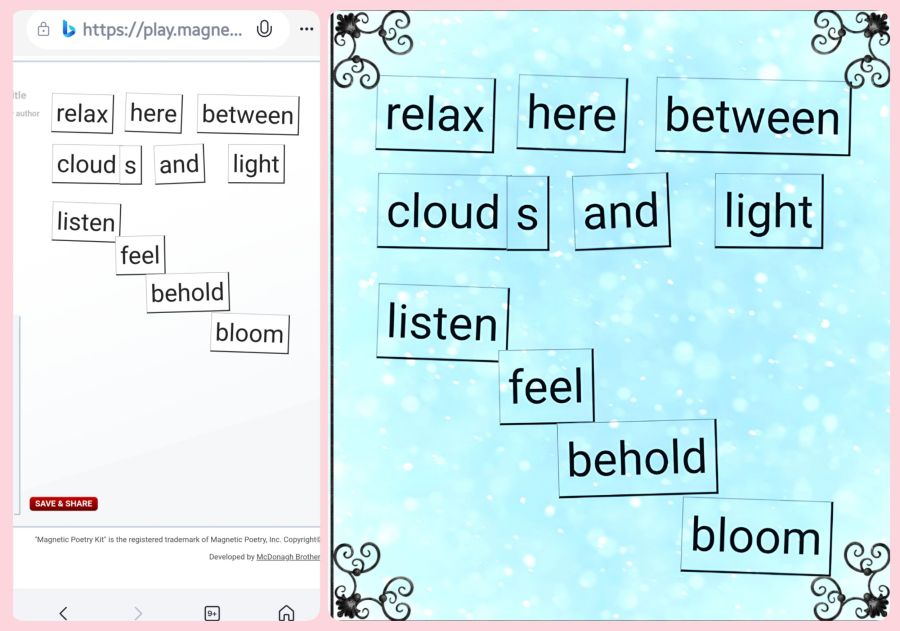
Here’s one more quick set of small ones I made recently…
Share this post on:

My Latest Flickr Photos


Others’ Posts I’ve Liked


