🎬 Recipe for Pink Symmetry in One Lab App
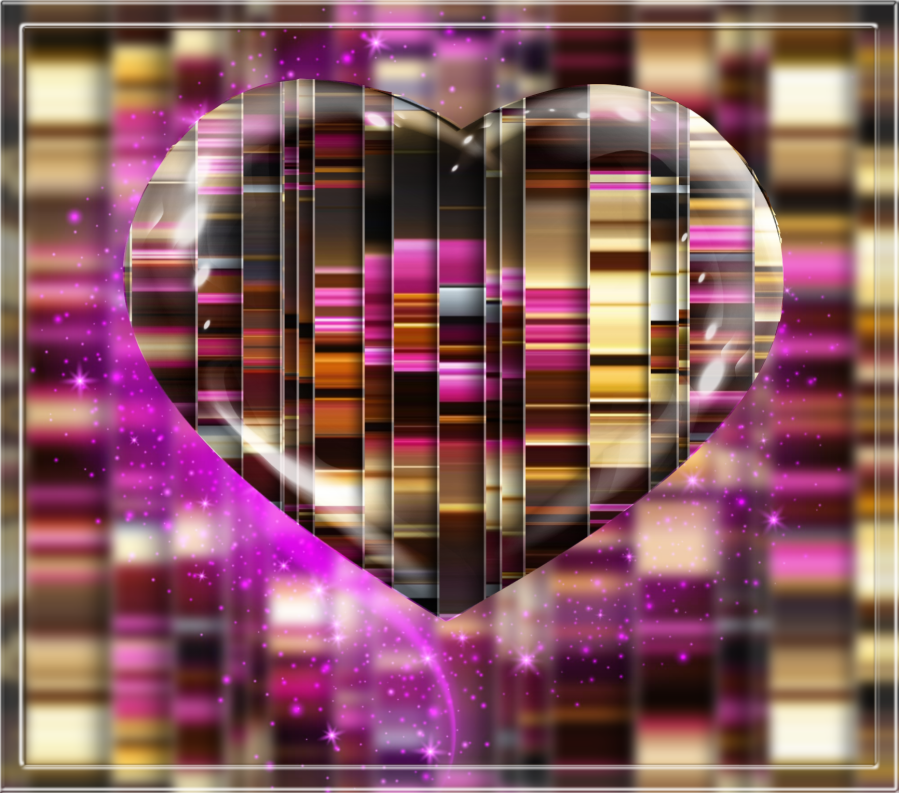
(CC BY-NC-SA 4.0) with help from One Lab and Photo Studio Pro apps
This really cool image was made by using a filter called “Column Streak” in the One Lab app at Google Play Store. The filter can be found under the Discovery banner on your front menu. Of course, if you want to add the glass heart PIP or the glass frame, those are found in the Photo Studio Pro app for Android which is currently still free if you have Google Play Pass. Otherwise, you need the totally free one with ads.
Ingredients:
- A source image with contrasting colors and lines
- One Lab app
- Browse the filters in the Discovery tool
- Play with advanced options like thickness, color changes, and shadows
- Pause as you play to click the bookmark icon because you’ll need the images you create for later
Instructions:
- There’s a save button for the final image you like, but …
- Before you save, move the image around in the filter to cause the colors and lines to change positions.
- As you change the positions, click the bookmark symbol about 7-10 times.
- As soon as you bookmark a second image, you’ll see a new movie-clapper icon appear. You can make a video with as few as two image screens.
- Once you’ve built up a collection of bookmarks, click the movie icon and select which bookmarked images you want to use for the video. You can adjust the size of the movie, the duration, the bit rate, and whether you want it to loop or reverse. The one below has nine bookmarks, 30 fps (frames per second) and lasts for one minute.
- After you create your video, save the bookmark(s) you like best to your photo gallery. You can play more with it in different programs later.
I find videos like this very relaxing, so if you make some, please be sure to let me know where I can see them. ☺️ Enjoy!
And with that I bid you all a HAPPY THANKSGIVING! 🙏🏼🦃🍽️
Share this post on:

My Latest Flickr Photos


Others’ Posts I’ve Liked


